so,i have a old hp 14 i found. i want to install linux in there,but i want to figure out what is the lightest. i have seen lxde,lxqt,xfce,kde,etc. so what distro should i install,lubuntu,xubuntu,kubuntu or what
Welcome to the forum! 
I hope you realize that this here is the official Manjaro support forum, not a generic GNU/Linux forum. Therefore we will not comment on any of those other distributions you’ve just listed, other than say that they are all Debian-based, while Manjaro is Arch-based and uses the Arch Linux Package Management system.
In addition to this, Manjaro is also a curated rolling-release distribution, while the ones you’ve listed are all point-release distributions. For the end-user, this is a very different thing, because rolling-release distributions never have to be reinstalled, provided that one keeps the system up-to-date and doesn’t manage to wreck one’s installation all by oneself through bad system administration.
That all said, Manjaro offers three official flavors in terms of desktop environments, none of which can genuinely be considered lightweight…:
- KDE Plasma
- GNOME
- Xfce
Of those three, Xfce might possibly the lightest, albeit that its memory footprint won’t be far behind on that of KDE Plasma.
In addition to the official editions, Manjaro also offers three community editions…:
- Cinnamon
- i3 (a tiling window manager for the X11 graphics stack)
- Sway (a tiling window manager for the Wayland graphics stack)
Lastly, Manjaro community members have also created several spins. These are alternative versions with custom package choices and/or graphical environments…:
- DeLinuxCo spins - https://delinux.co
- SbK spins - Releases
- Mabox - https://maboxlinux.org
Additional (and recommended) reading… 
It would be very nice if you put some capital letters and spaces in your sentences. 
https://wiki.manjaro.org/index.php/Forum_Rules#How_to_Post
And maaaaybe you want to tell us the specs of that laptop?
Cause there are also other options. For example Mabox linux is a manjaro based distro with very low memory requirements. (ca. 300-400 mb memory on boot)
The biggest consideration these days is the browser footprint. I have only 8G in this machine and am having to restart the browser every few days or so due to how much RAM it hogs and its regular invasion of swap space. (Machine itself hasn’t been rebooted in over a month at this point).
Also, please consider @Teo’s above comment. 
@Newbie1 if you do choose Manjaro as the distro, XFCE would be the lightest DE option that is officially supported, as mentioned above.
But I would say give everything a try if you are confident in such stuff, my old laptop surprised me when I tried KDE Plasma. It handles it very well.
That is if you desire to have heavy customization freedom, if its just a media/web browsing PC then XFCE is more than enough.
Areyou trying to have that machine as experimental trying new things system, or proper reliable system?
I might check out mabox. i still want to try out lubuntu,though.
As long as you realize that we’re not going to be offering you any support with that. 
Oh and by the way, I do not know how old exactly that laptop is that you’ve acquired, but if you’re going to be using any Manjaro flavor on it, then it should have a 64-bit processor — we’re no longer offering 32-bit versions of our distribution — and it should at a bare minimum have 4 GiB of RAM, plus at least 16 GiB of swap.
The i3 and Sway versions probably have the smallest memory footprint, but they are tiling window managers — not full desktop environments — and they do have a steep learning curve, because they’re primarily keyboard-driven, rather than mouse-driven.
So it is experimental kinda system…
You can also try some distros directly from Live USB drive… Without installing
Good Luck!
I wonder if Peppermint will be an option for that machine? I tried it years ago (Peppermint 7) and really liked the look and feel of it, but of course your mileage may vary.
The important point i what @Aragorn mentioned: does the CPU support 64-Bit? This is why I have no use for my old Athlon any more. It’s 32-Bit only, so I can only use Old distros on that, or those which still support 32-Bit architecture, which are becoming scarce.
Look at Ventoy and put several live isos there, then experiment.
Well, if the cpu indeed is 32bit, that means 20+ years old, he can pretty much forget any contemporary os besides Alpine. In that era the computers had 1-2 Gb RAM too.
He will probably be stuck on things like TinyCore, DSL, Puppy or my favourite - the old, 50 MB big version of SliTaz.
Slackware and Puppy still support 32-bit. Possibly Debian (proper) as well, but it would then have to be a Debian installation with a very lightweight GUI.
Or maybe Damn Small Linux.  This was recently revived and I was involved with testing, to a small degree, when it was released a couple of years back.
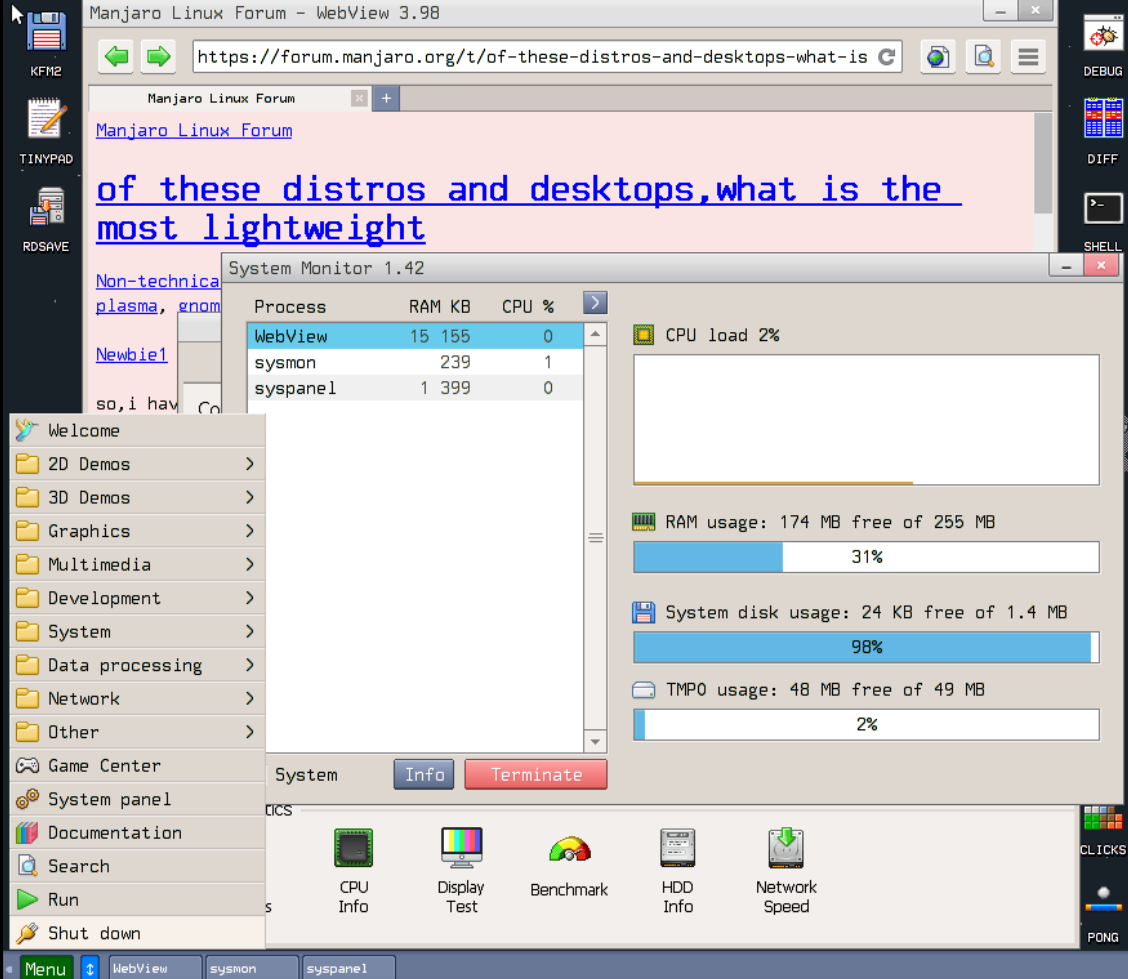
With respect Desktop Environments, you will likely find LXQt will satisfy your stated needs. However, while heeding comments from @Aragorn and others – regarding Manjaro being a curated and a so-called “rolling-release” distribution – I’d suggest using Arch (proper), instead.
Once the Arch OS is installed, install LXQt according to directions given in the LXQt (Arch Wiki).
Or, if you prefer something visual:
SbK has LxQt, Openbox and Server versions. the Server version optionally has an IceWM desktop.