I’ve noticed that media control keys (Play/Pause, Previous, Next) on my external keyboard don’t work in any of the programs I’ve tried (VLC, mpv, Audacious, Strawberry, Firefox). Other special keys, such as brightness and volume controls, work without issues. The Play/Pause button on my laptop’s built-in keyboard also doesn’t work.
After some troubleshooting, I found the following:
$ xev | grep keycoderegisters media keys correctly:
    state 0x0, keycode 36 (keysym 0xff0d, Return), same_screen YES,
    request MappingKeyboard, first_keycode 8, count 248
    state 0x0, keycode 172 (keysym 0x1008ff14, XF86AudioPlay), same_screen YES,
    state 0x0, keycode 173 (keysym 0x1008ff16, XF86AudioPrev), same_screen YES,
    state 0x0, keycode 171 (keysym 0x1008ff17, XF86AudioNext), same_screen YES,
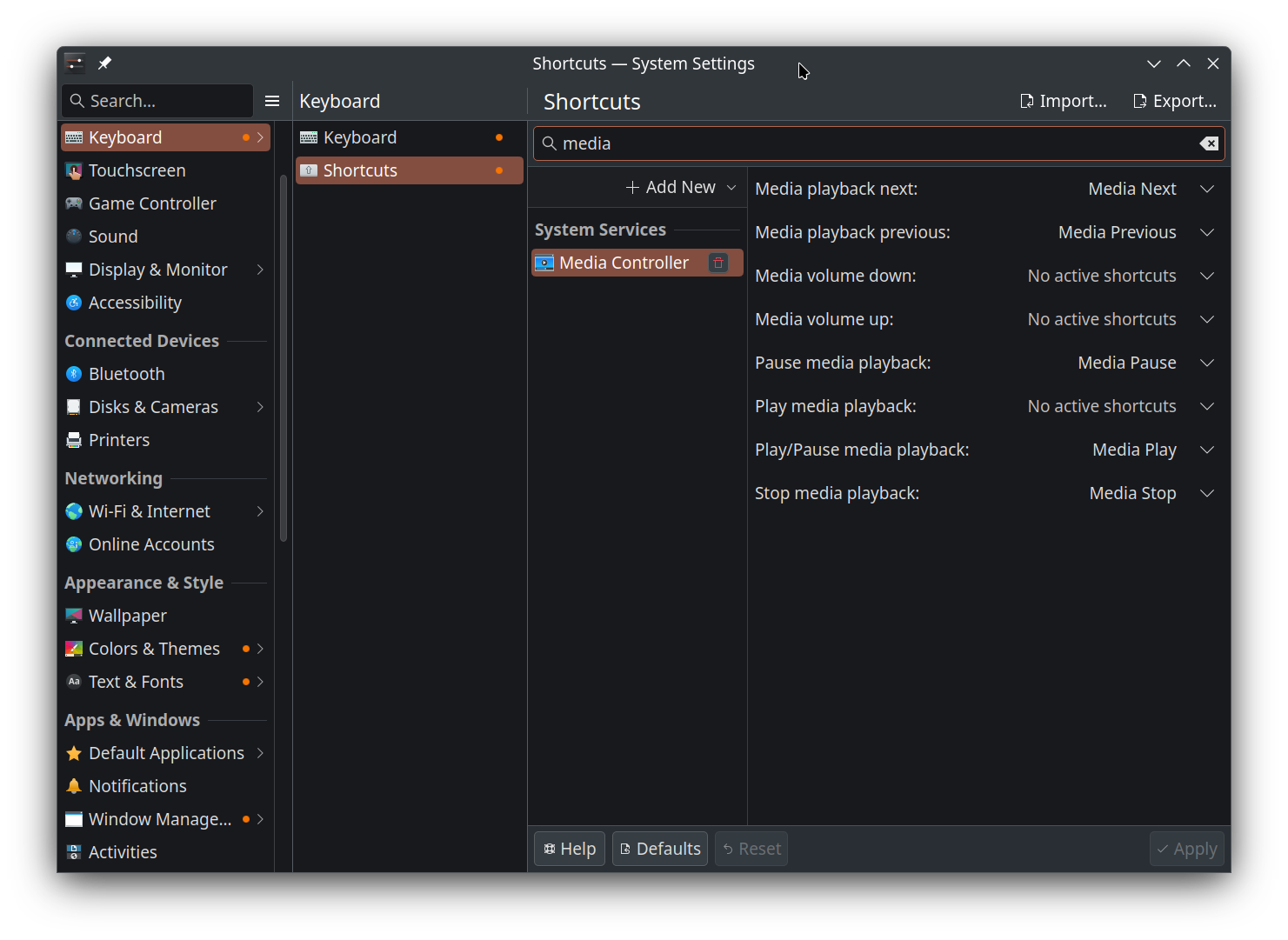
- Shortcuts are assigned correctly in system settings, and reassigning them doesn’t help.
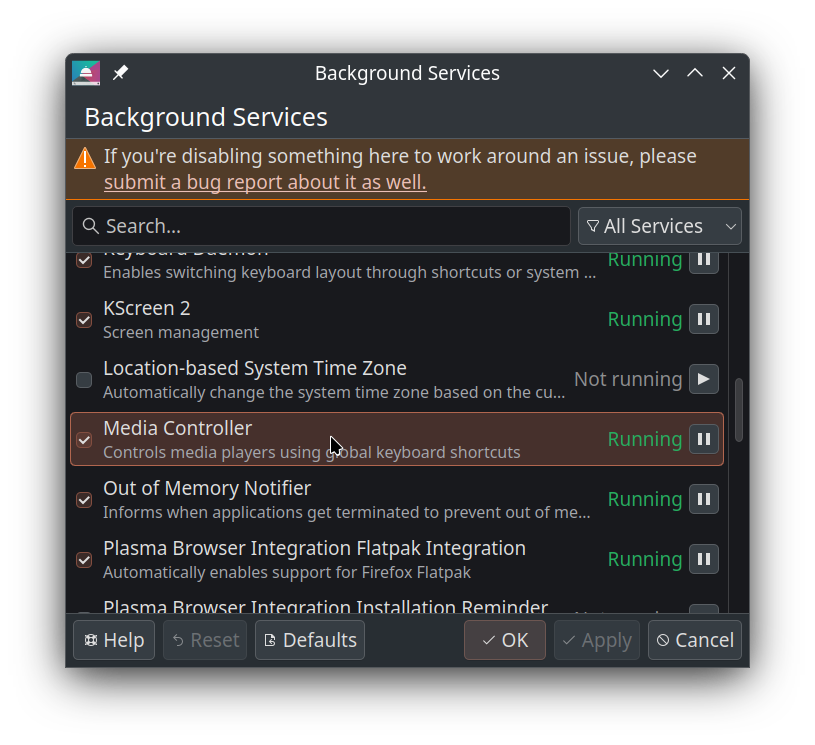
- The “Media Controller” background service is enabled.
- Downgrading
libinput(1.29.1-1 => 1.28.1-1) made no difference. - Media control works fine via commands like
playerctl play-pause,playerctl previous, andplayerctl next
I’ve also come across some older posts describing similar issues ( Keyboard media keys no longer working for spotify from AUR , Media keys on lenovo keyboard SK-8823 stopped working ) but none seem to match my situation exactly.
Any help would be greatly appreciated!
Some relevant system info from inxi:
Summary
Distro: Manjaro Stable 2025-09-26
Desktop: KDE Plasma 6.3.6
Kernel: 6.12.48-1-MANJARO
Display server: x11 21.1.18
 . No idea what was the issue, initially I thought it was due to recent update, but I already had a reboot since then. Maybe something breaks after waking the system from sleep…
