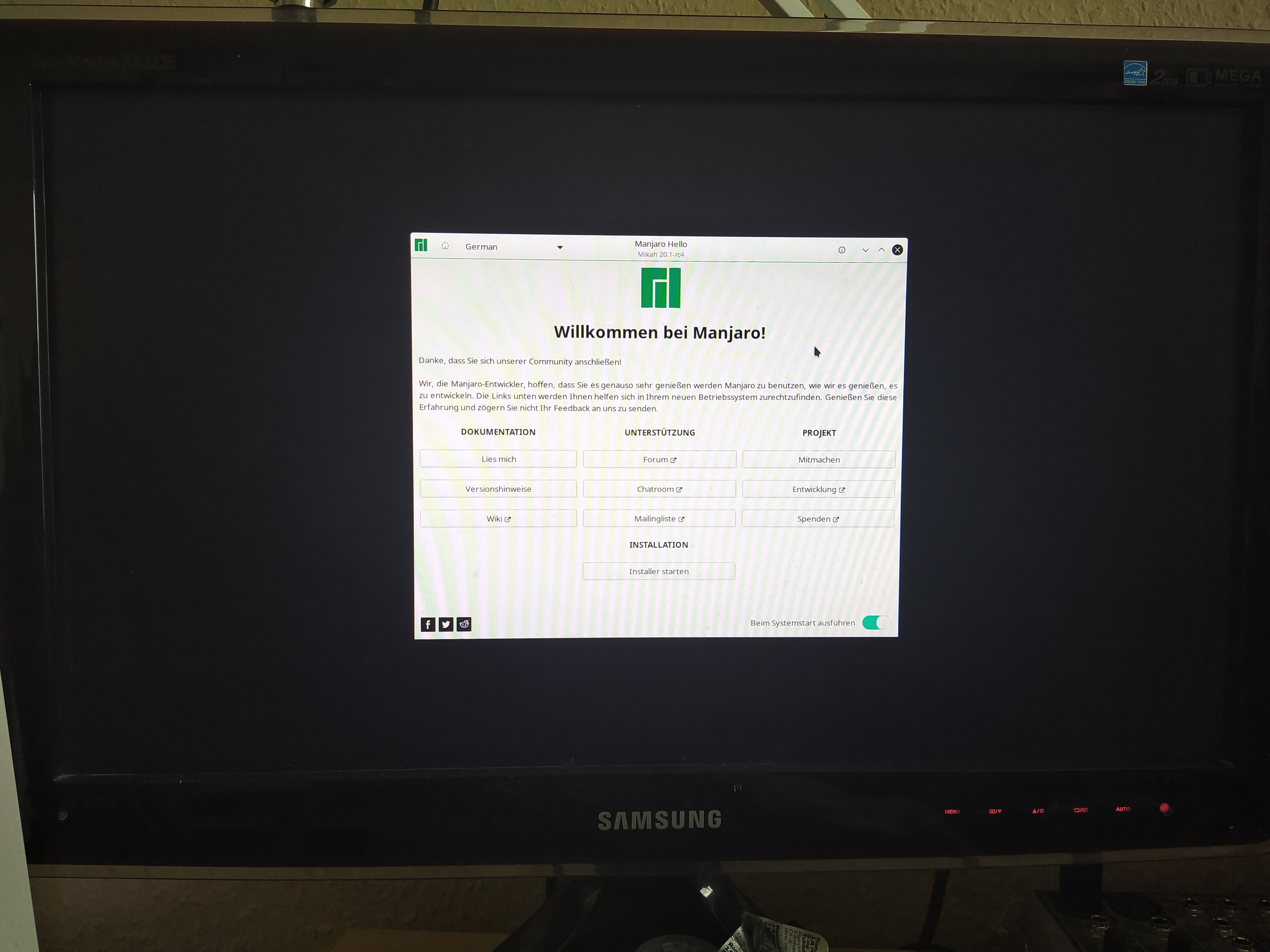
Hello, i wanted to use one of my hard drives to play around with the latest manjaro kde as a dual boot next to my already existing Win 10. Now i made a bootable usb drive and all, but when im trying to install it it wont boot from the usb stick and tells me somthing about a grub error. What did i do wrong here? Win 10 is just working fine.
which iso are you using ?
How did you prepare the USB stick? Recommendable is Etcher. Check the checksum after burning.
Also, Windows need to be shutdown, not staying in any type of hibernate mode, switch off Fastboot in Windows and Secure boot in firmware.
I used the lastest version available from the manjaro website “manjaro-kde-20.0.3-200606-linux56.iso”
use ventoy for initialize USB
Ventoy is an open source tool to create bootable USB drive for ISO files. With ventoy, you don't need to format the disk again and again, you just need to copy the iso file to the USB drive and boot it.
We have the much newer 20.1-rc4 ISO, which is based on yesterdays stable update. You may try again, but start Calamares in debug mode:
sudo -E calamares -d
Then use pastebin or similar service to post the full log and link it here. We can then try to find a solution for your problem.
https://osdn.net/projects/manjaro/storage/kde/20.1-rc4/manjaro-kde-20.1-rc4-200816-linux58.iso https://osdn.net/projects/manjaro/storage/kde/20.1-rc4/manjaro-kde-20.1-rc4-200816-linux58.iso.sig
Thank you all very much all your anwsers combined worked for me, ist started booting from the usb stick to install manjaro. Sadly i ran into the next problem.
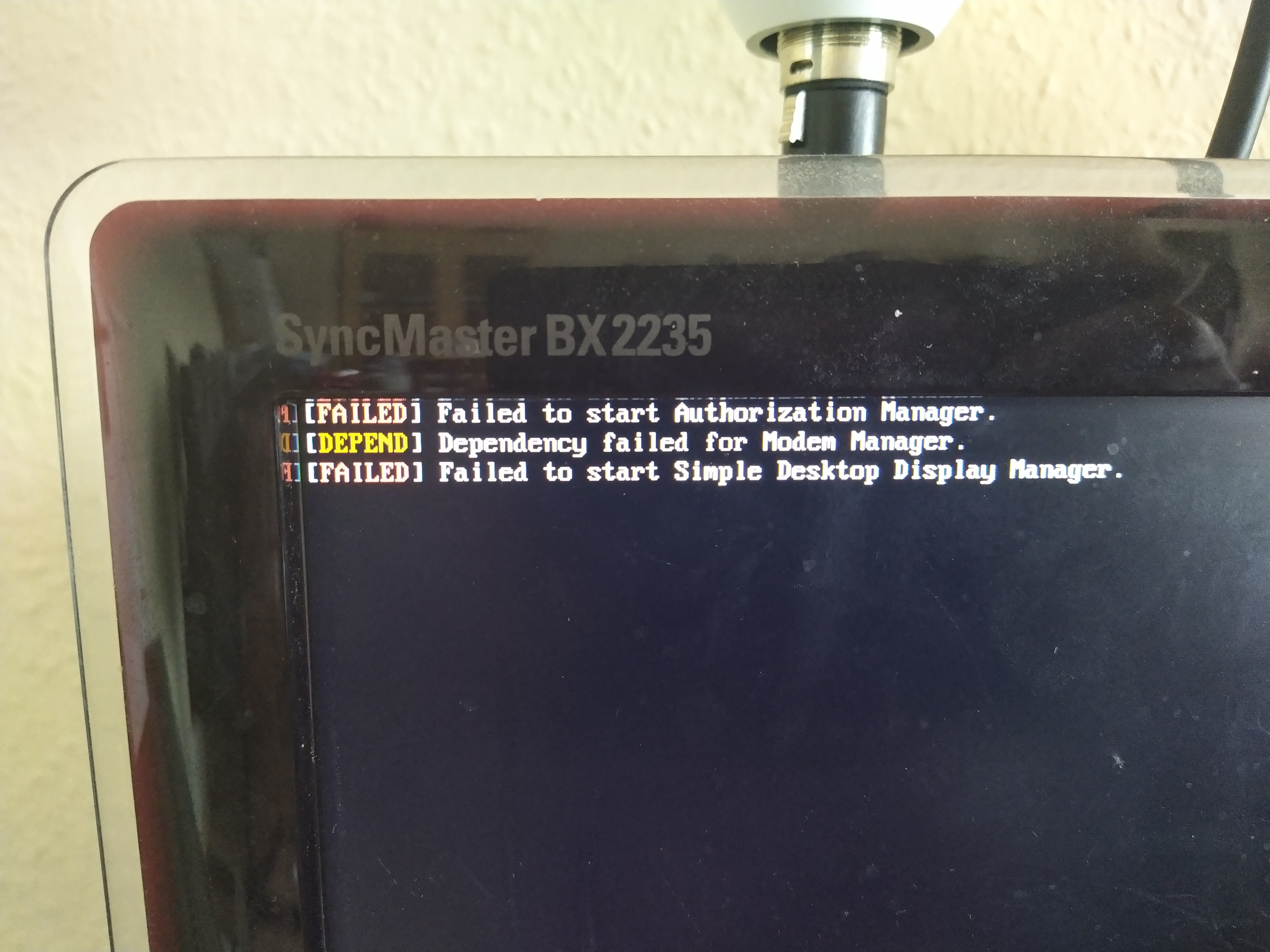
I also tried installing it and worked, but when i boot the installed manjaro it looks like this -> 15978425144502091312302245142410|666x500
ok now, i know what caused these errors. it was my second graphics card, when it is disabled manjaro now works just fine. so i would say thread ist closed
please give us more info’s
Start a live-usb-session an give us output from terminal:
inxi -Fxxxzra --no-host
boot on USB iso manjaro
open a terminal
a browser on this topic
and reports
inxi -Fxza --no-host
sudo parted -l
sudo efibootmgr -v
test -d /sys/firmware/efi && echo efi || echo bios
Trust Level 2) members and above.
in the live-usb-session you can chroot-manjaro with: (install Manjaro repair/mount over live-session)
sudo manjaro-chroot -a
example in the first post / picture
The numbering on selecting the detected system is bogus. The id are counted from 0 but the systems are numbered starting with 1. [Screenshot_20200818_032623]