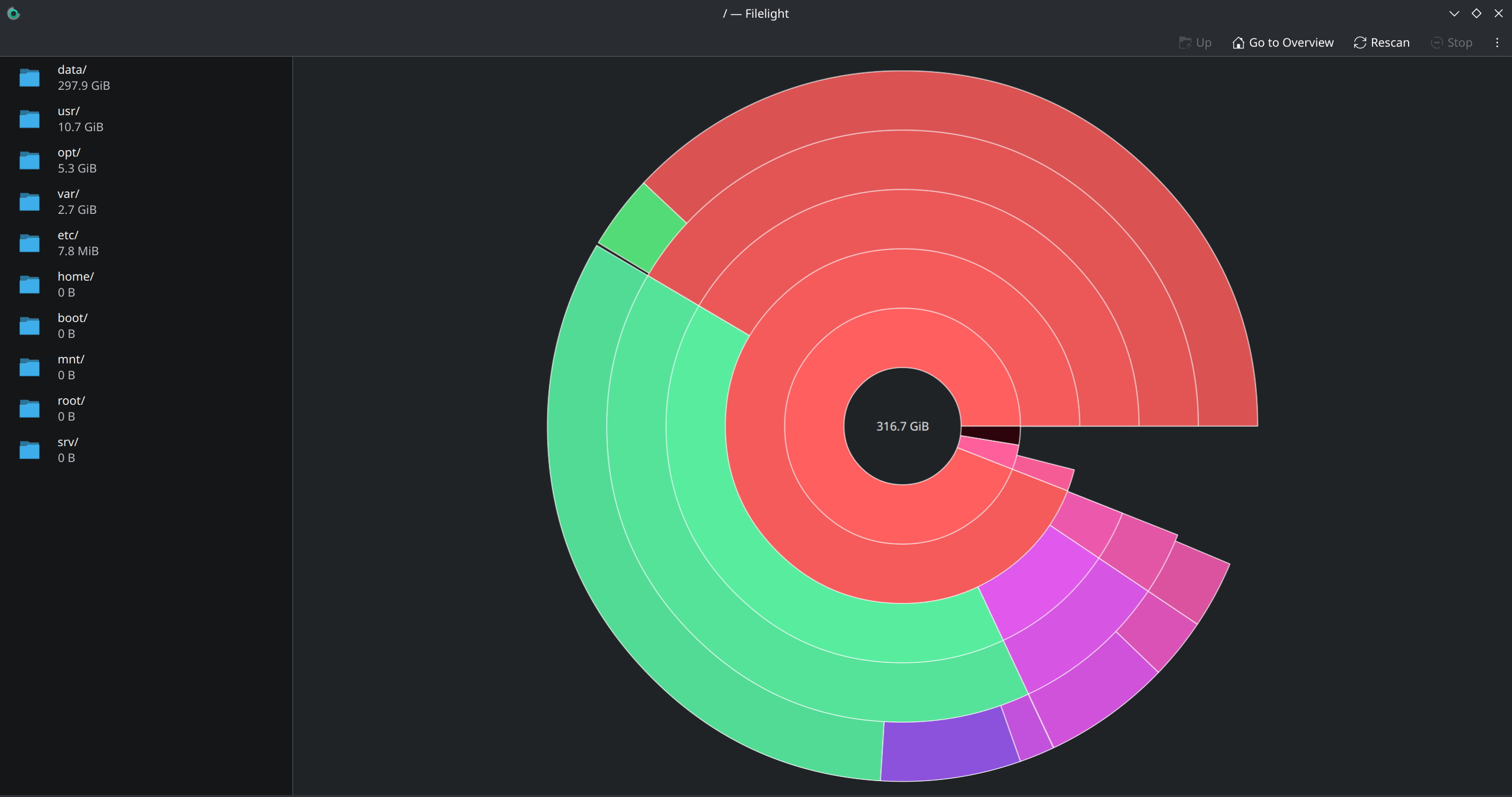
I used docker to setup immich for an external library. It used up great amount of disk space up to almost 370GB. I noticed that the /var/lib/docker/overlay2 directory was storing the data so I deleted it with rm -r. Then I deleted the btrfs snapshots but the used space is still 370GB.
I also did a complete btrfs balance with not results.
Any ideas?
> sudo btrfs subvolume list /
[sudo] password for chris:
ID 256 gen 57666 top level 5 path @
ID 257 gen 57667 top level 5 path @home
ID 258 gen 57667 top level 5 path @log
ID 259 gen 57661 top level 5 path @pkg
ID 260 gen 57613 top level 256 path var/lib/portables
ID 261 gen 57613 top level 256 path var/lib/machines
> sudo btrfs filesystem show /
Label: none  uuid: 2e7117ac-9e70-45df-8c39-5638a5bef669
        Total devices 1 FS bytes used 366.85GiB
        devid    1 size 1.82TiB used 375.06GiB path /dev/nvme0n1p2
> sudo btrfs filesystem du -s /home
     Total   Exclusive  Set shared  Filename
  50.50GiB    50.35GiB    66.98MiB  /home
> df -h
Filesystem                                      Size  Used Avail Use% Mounted on
dev                                              16G     0   16G   0% /dev
run                                              16G  2.1M   16G   1% /run
efivarfs                                        128K   26K   98K  21% /sys/firmware/efi/efivars
/dev/nvme0n1p2                                  1.9T  370G  1.5T  20% /
tmpfs                                            16G  1.7M   16G   1% /dev/shm
tmpfs                                            16G  9.7M   16G   1% /tmp
/dev/nvme0n1p2                                  1.9T  370G  1.5T  20% /home
/dev/nvme0n1p2                                  1.9T  370G  1.5T  20% /var/cache/pacman/pkg
/dev/nvme0n1p2                                  1.9T  370G  1.5T  20% /var/log
/dev/nvme0n1p1                                 1022M  274M  749M  27% /boot
tmpfs                                           3.1G  140K  3.1G   1% /run/user/1000
tmpfs                                           1.0M     0  1.0M   0% /run/credentials/systemd-journald.service
Please do not post images of text. A nice gui program to graphically show the space is baobab. Or for kde - filelight. On the command line, check also what du has to say. If you have sparse files like qcow2 virtual disks it may differ from df.
On the contrary, a balance keeps Btrfs busy copying the data back and forth that Btrfs still considers valid (i.e., your entire 370 GB, depending on what filters you selected when balancing
Once you’ve replaced your screenshot with text, I’ll give you some more tips
You need to realize that the tools you used with ext4 are of little use with btrfs. Only by adapting your methodology can you find the problem.
The problem is one of the following:
There is at least one snapshot in which the data is still valid. (This is why btrfs can’t free the space. You should let btrfs list the snapshots itself.)
You’re using the wrong programs to get an idea of the space usage (There are special programs that check each snapshot for its exclusive size. You should do this.)
You didn’t wait long enough after deleting before verifying your success (Deleting snapshots is a time-consuming process, whereas creating snapshots is instant.)
For btrfs, df can give misleading results. You can use btrfs filesystem usage -h / to see what is un-allocated, and you can use commands like btrfs balance start -dusage=50 / to allow btrfs more efficiently manage the space.