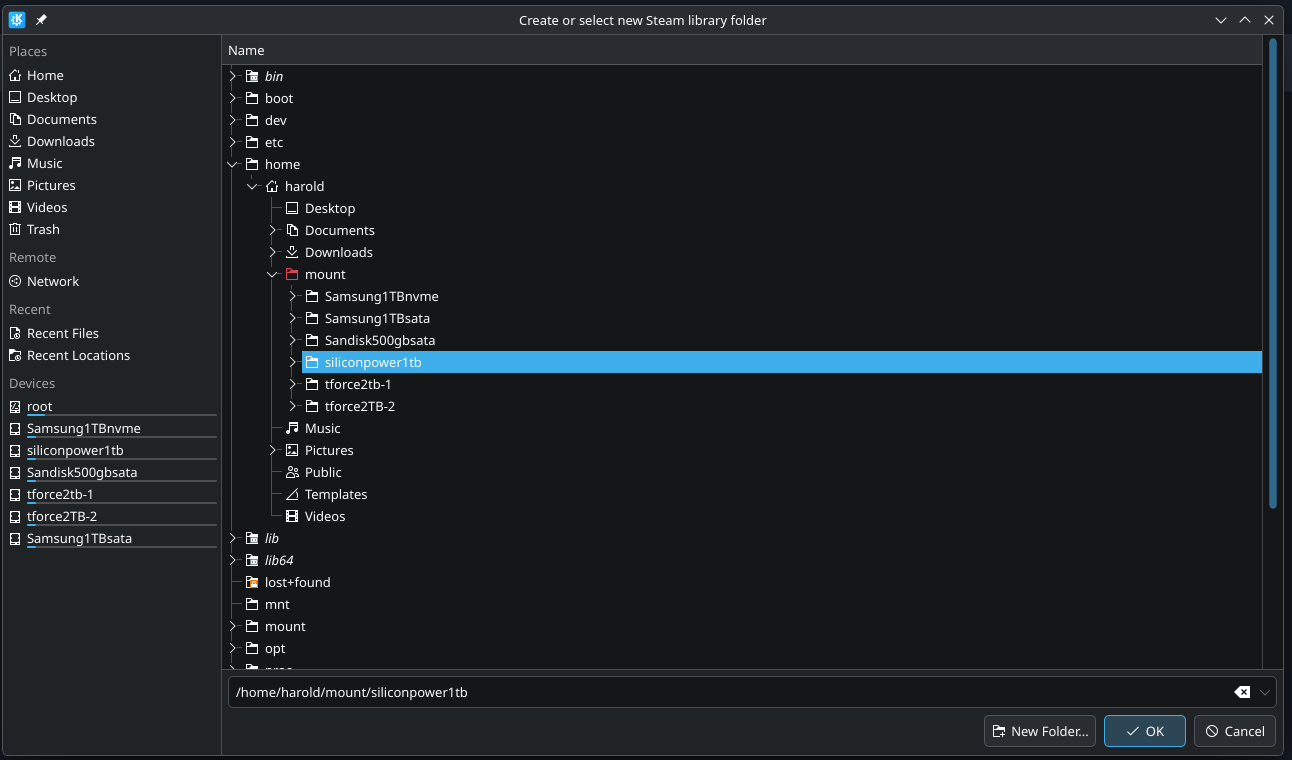
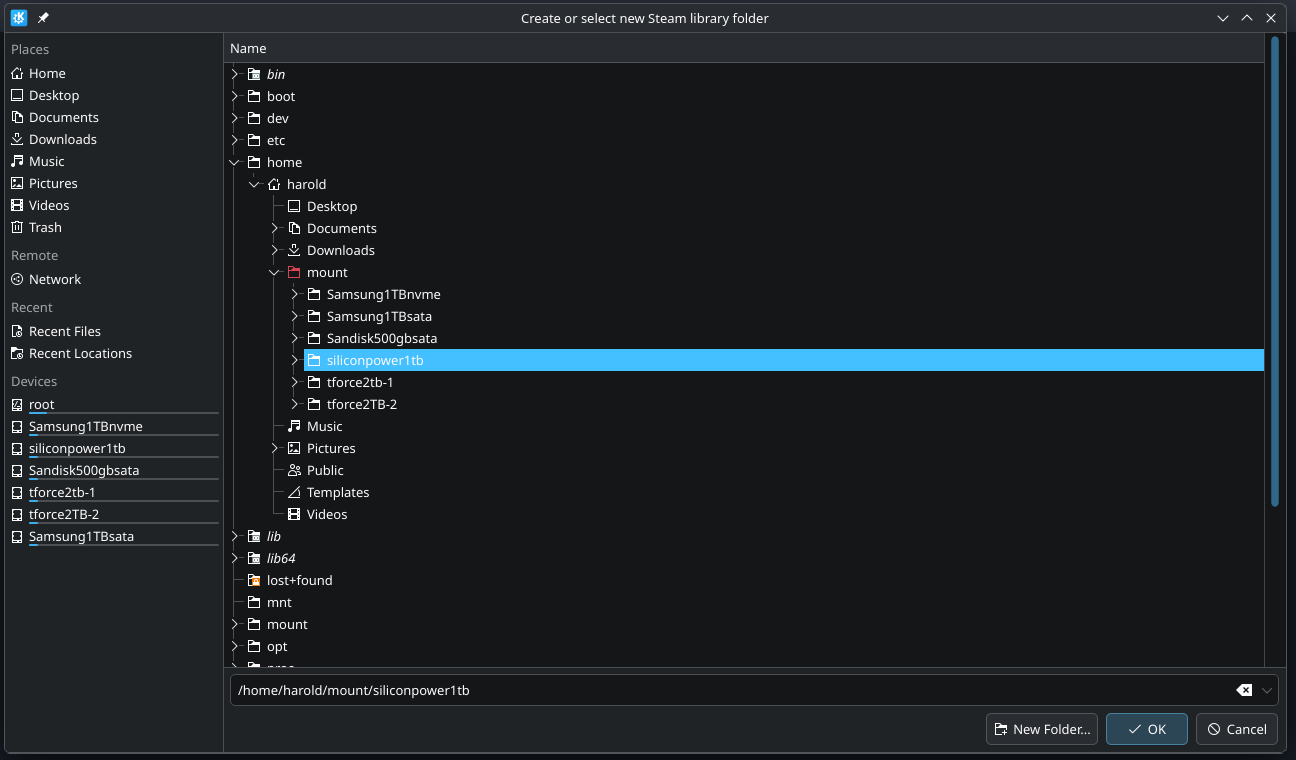
first I edited my fstab to reflect what I wanted to do. In the above article, the poster suggested using a folder in my home folder to mount the drives.
So I created a “mount” folder and respective folders under that to mount the drives.
so here are the results…..and thank you for providing the commands to do this with….
ls -l ~/mount
total 24
drwxrwxrwx 3 harold harold 4096 Jan 16 08:56 Samsung1TBnvme
drwxrwxrwx 3 harold harold 4096 Jan 16 09:00 Samsung1TBsata
drwxrwxrwx 3 harold harold 4096 Jan 16 08:57 Sandisk500gbsata
drwxrwxrwx 3 harold harold 4096 Jan 16 08:55 siliconpower1tb
drwxrwxrwx 3 harold harold 4096 Jan 16 09:23 tforce2tb-1
drwxrwxrwx 3 harold harold 4096 Jan 16 09:24 tforce2TB-2
mount | grep /home
/dev/nvme2n1p1 on /home/harold/mount/Samsung1TBnvme type ext4 (rw,relatime,stripe=4)
/dev/nvme0n1p1 on /home/harold/mount/siliconpower1tb type ext4 (rw,relatime)
/dev/sdd1 on /home/harold/mount/Samsung1TBsata type ext4 (rw,relatime)
/dev/sdc1 on /home/harold/mount/tforce2TB-2 type ext4 (rw,relatime)
/dev/sda1 on /home/harold/mount/Sandisk500gbsata type ext4 (rw,relatime)
/dev/sdb1 on /home/harold/mount/tforce2tb-1 type ext4 (rw,relatime)
is this helpful?
they are not mounted under RUN. they were initially, before partitioning and formatting to ext4 and using fstab to mount them in my home directory.
It confirms what I thought you did - and it appears correct.
You mention you have partitioned and formatted the use ext4, correct?
While your mount point permissions is - a little over the top - but OK - I am thinking, have you actually tried to create a file inside one of the partitions?
I suspect that since you have explicitly prepared the devices, you may have overlooked the partition itself - which will default to be owned by root:root and thus not directly writable - this will make steam refuse to use.
ls -la ~/mount/siliconpower1tb
I am thinking you will get
drwxr-xr-x  2 root   root         4096  2 dec 08:34  .
drwxrxxrxx  2 harold harold       4096  2 dec 08:34  ..
You will be able to work around that by changing owner recursively
They should never be given 777 permissions, because that’s insecure. 755 — i.e. writable by you and readable to everyone else — should be good enough.
You should not tell Steam to use the drives, but instead, tell it to use the folders that those drives are mounted on. Steam doesn’t need to know that they are separate drives.
That’s not important if they are filesystems that support POSIX permissions. They are formatted as ext4, which is a POSIX filesystem.
ls -la ~/mount/siliconpower1tb
total 36
drwxrwxrwx 3 harold harold 4096 Jan 18 07:35 .
drwxr-xr-x 8 harold harold 4096 Jan 16 13:02 ..
-rwxr-xr-x 1 harold harold 9925 Dec 17 2023 ‘aeryns server mod list.txt’
drwxrwxrwx 2 harold harold 16384 Jan 16 08:55 lost+found
as you can see i copied a file to it, and it is actually there.
There is no reason why steam wouldn’t use the paths - paths are accessible and writable - so I don’t see why it should be an issue.
I only have one thing - I am curious about - when you do a simple list of block devices - the value in in RM column - if it is 1 (one) the device is seen as removable - just note if this make any difference for steam - if the column is one or zero.
 $ lsblk
NAME        MAJ:MIN RM   SIZE RO TYPE MOUNTPOINTS
sda           8:0    0 476,9G  0 disk
└─sda1        8:1    0 465,8G  0 part /a/private
sdb           8:16   0 465,8G  0 disk
├─sdb1        8:17   0 244,1G  0 part /a/virtualbox
└─sdb2        8:18   0 221,6G  0 part /miso
sdc           8:32   0   1,8T  0 disk
└─sdc1        8:33   0   1,8T  0 part /a/projects
sdd           8:48   0   1,8T  0 disk
└─sdd1        8:49   0   1,8T  0 part
sde           8:64   0   1,8T  0 disk
└─sde1        8:65   0   1,8T  0 part
sdf           8:80   1     0B  0 disk
sdg           8:96   1     0B  0 disk
sdh           8:112  1     0B  0 disk
nvme0n1     259:0    0 953,9G  0 disk
├─nvme0n1p1 259:1    0     2G  0 part /efi
├─nvme0n1p2 259:2    0 882,9G  0 part /
└─nvme0n1p3 259:3    0  68,9G  0 part [SWAP]
You cannot trust the value implicitly - in my example
sdc           8:32   0   1,8T  0 disk
└─sdc1        8:33   0   1,8T  0 part /a/projects
sdd           8:48   0   1,8T  0 disk
└─sdd1        8:49   0   1,8T  0 part
sde           8:64   0   1,8T  0 disk
└─sde1        8:65   0   1,8T  0 part
Technically these are removable - they are connected using USB but the disk report themselves as fixed.
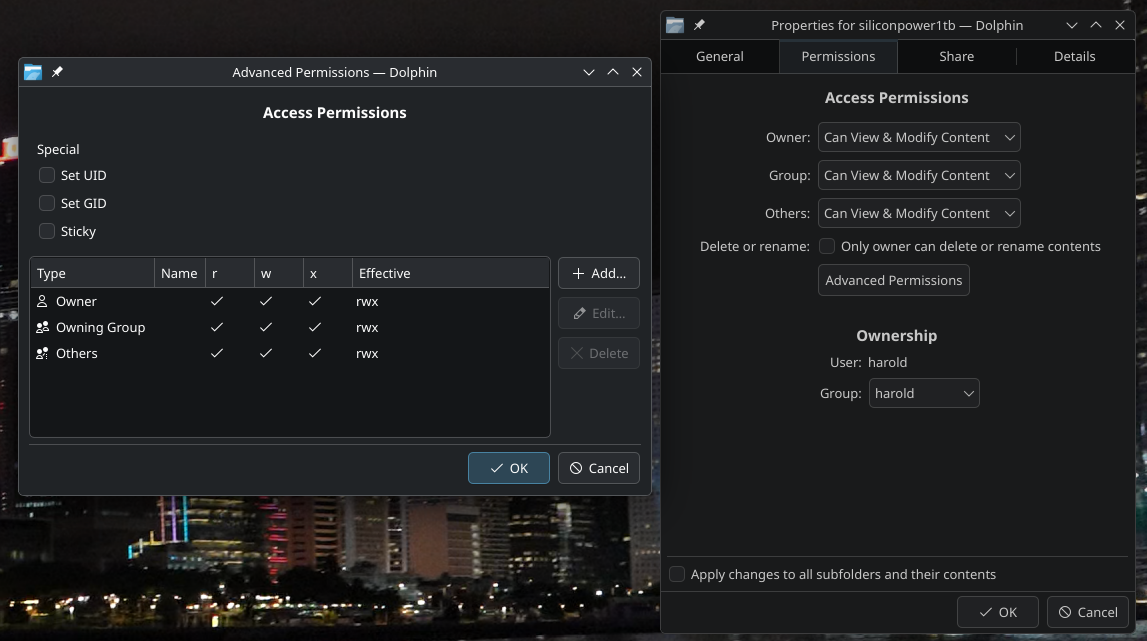
here are the permissions….don’t know if this is helpfull or not.
i am sticking with the same drive….so as to not lead to any confusion….mostly on my part, lol.
I immediately thought that you had Steam installed as a Flatpak package.
This is a very old feature of Flatpak packages — permissions for directories need to be set manually.
And it’s one of the reasons why I try to avoid them, aside from others:
Huge consumption of disk space
Troubles with integration of system themes and keyboard layouts