With the 99-fbturbo file moved, v3d returns as the driver.
chromium is fine but kwin compositor not working.
I have had too many issues with plasma that I do not like. After a while I am going to make a Mate image.
Don’t say that… I just switched 
Ok, now I will try vc4-kms-v3d, cma-384 again… with the 99-fbturbo file moved.
kms still will not boot. fkms will boot but I still have the wonky X11.
So it seems I am kind of stuck with Plasma on wayland, for stability… never thought I would say that. Unless I want to try reverting back to Xfce4.
As for more kodi testing, I should probably make an SD image.
I removed the xf86-video-fbturbo-git package, it does not work with my system.
Which confuses me… how does fbturbo factor into hw acceleration, for video codex or otherwise? Is the llvmpipe needed for Kodi to run, to be able to activate the hw video acceleration?
fbturbo is with the default with RPi and arch kernels. The upstream kernel does not yet have V3D support.
It used to run great for me… before I switched to Plasma.
I have always liked mate. 25 Years ago I used gnome through gnome 2 and when they switched to gnome 3 I bailed; too much resource usage and too much clutter with the desktop for me. I do simple. Then some one forked the gnome 2 branch and started mate. I have used mate for years since. That is my 2 boy’s favorite DE also. No one in my family does microsoft or has Windows installed on any computer.
I think I just found another, “if it is hard, I am probably doing it wrong”. I have been booting on a 480 GB SSD. So I use LVM to make the best use of it, at least in how I like to manage space. Having multiple volumes would be great for different installs… but /boot is a problem. I should leave /boot on SD. Then I can have multiple /boot to go along with multiple LVM partitions. Seems obvious now.
Edit: I could even keep a copy of the SD /boot files in the partition’s /boot directory. If I lost the boot SD, I could mount the partition, while booted on another and remake the SD from those files.
Edit 2: Now, can I be organized and diligent enough to make it work? Probably not.
Edit 3: Hmm, I could then enable network booting as an option.
To fix the lack of ctrl-alt-f[1-8] with my mechanical keyboard:
$ sudo nano /etc/modprobe.d/hid_apple.conf
options hid_apple fnmode=0
And then remake the initramfs.
Edit: This seems to work for Wayland too. However, for Wayland it is F2 rather than F1 as it is for X11, to return to the GUI.
I removed the kodi-bin 18 package as well as the other orphans. Then I upgraded against unstable, which included the new mesa-git. Then logged into Plasma on Wayland and then switched to a tty terminal. I then started kodi but as with the other attempts, still no HW acceleration.
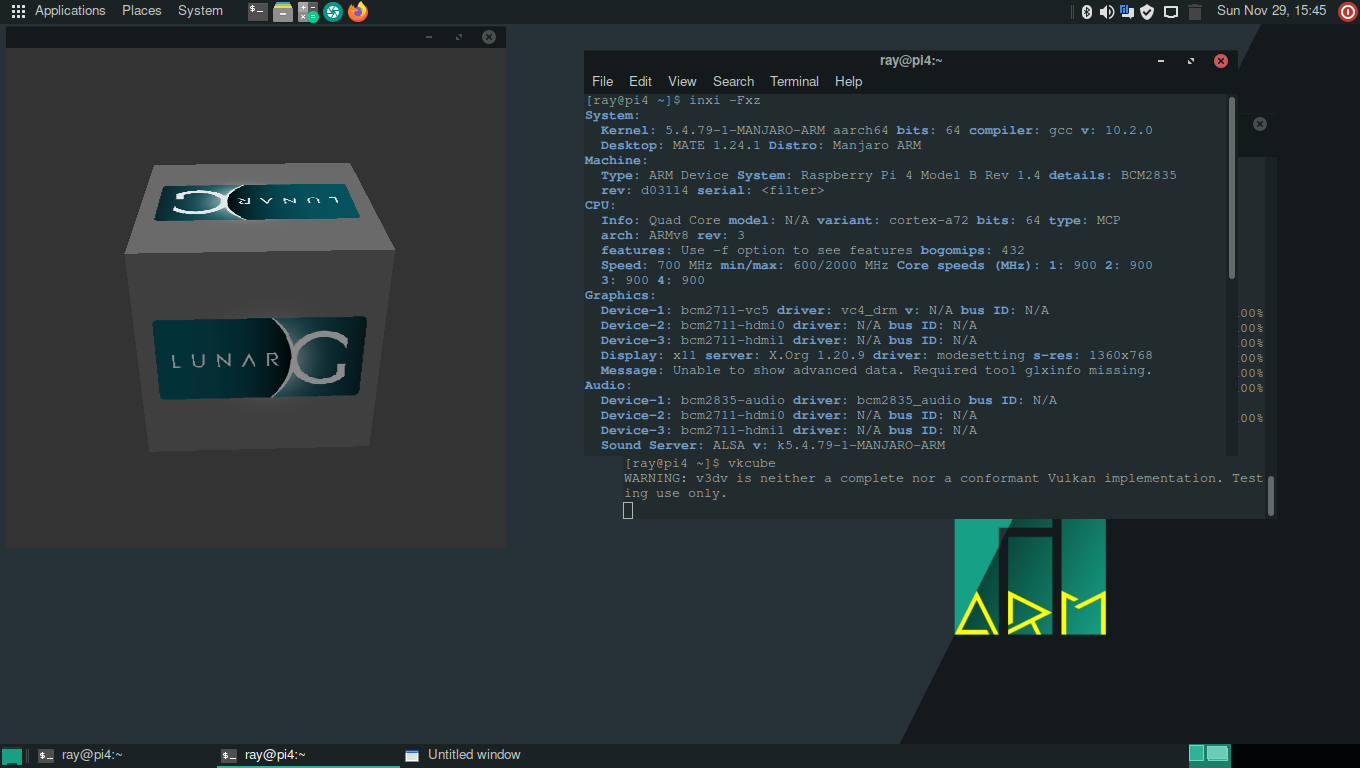
I have no clue as it worked here on my plasma install. I also got my mate image burned and vulkan and kodi works on it also. So it works here on plasma, xfce and mate.
Vulkan vkcube on mate:
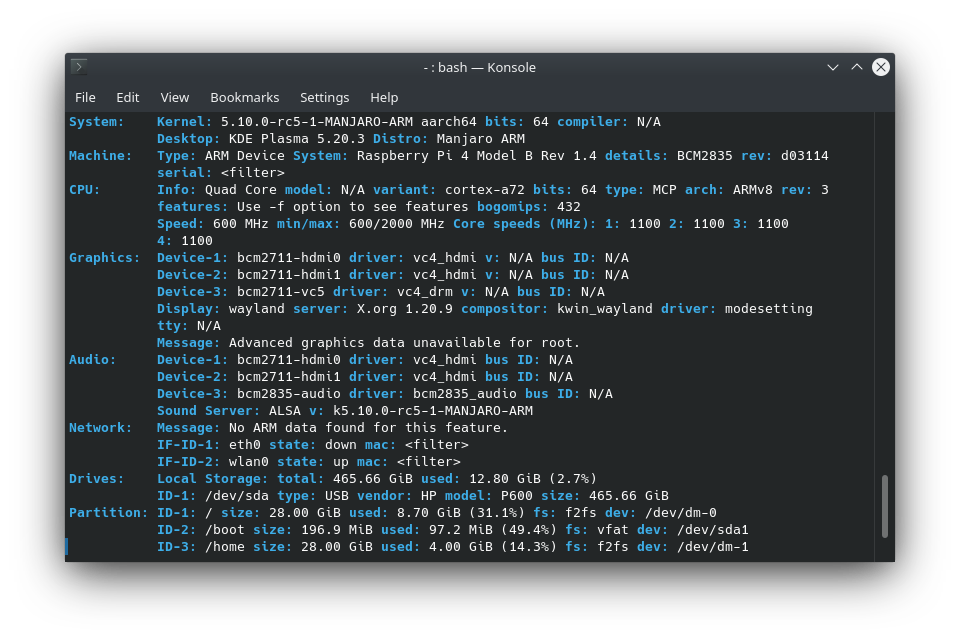
You are using the 5.4 kernel? I have 5.10
Using 5.10
What does pacman -Qm say?
$ pacman -Qm
kodi-dev-rbp4-git 19.0b1.56668.d9e7154f52-1
kodi-eventclients-rbp4-git 19.0b1.56668.d9e7154f52-1
kodi-rbp4-git 19.0b1.56668.d9e7154f52-1
kodi-tools-texturepacker-rbp4-git 19.0b1.56668.d9e7154f52-1Everything in the packages was pre-built, correct? So the order of installation should not matter?
Are you pressing the “o” key to get the info while the video is playing in kodi.