In regards to the following post, I tried Wayland again. Woud you please tell me how to get the mouse pointer to stop growing as it is moved around. Don’t have nVidia but the built in card that comes with HP desktop-- a something 630 I think. Using KDE. Thank you.
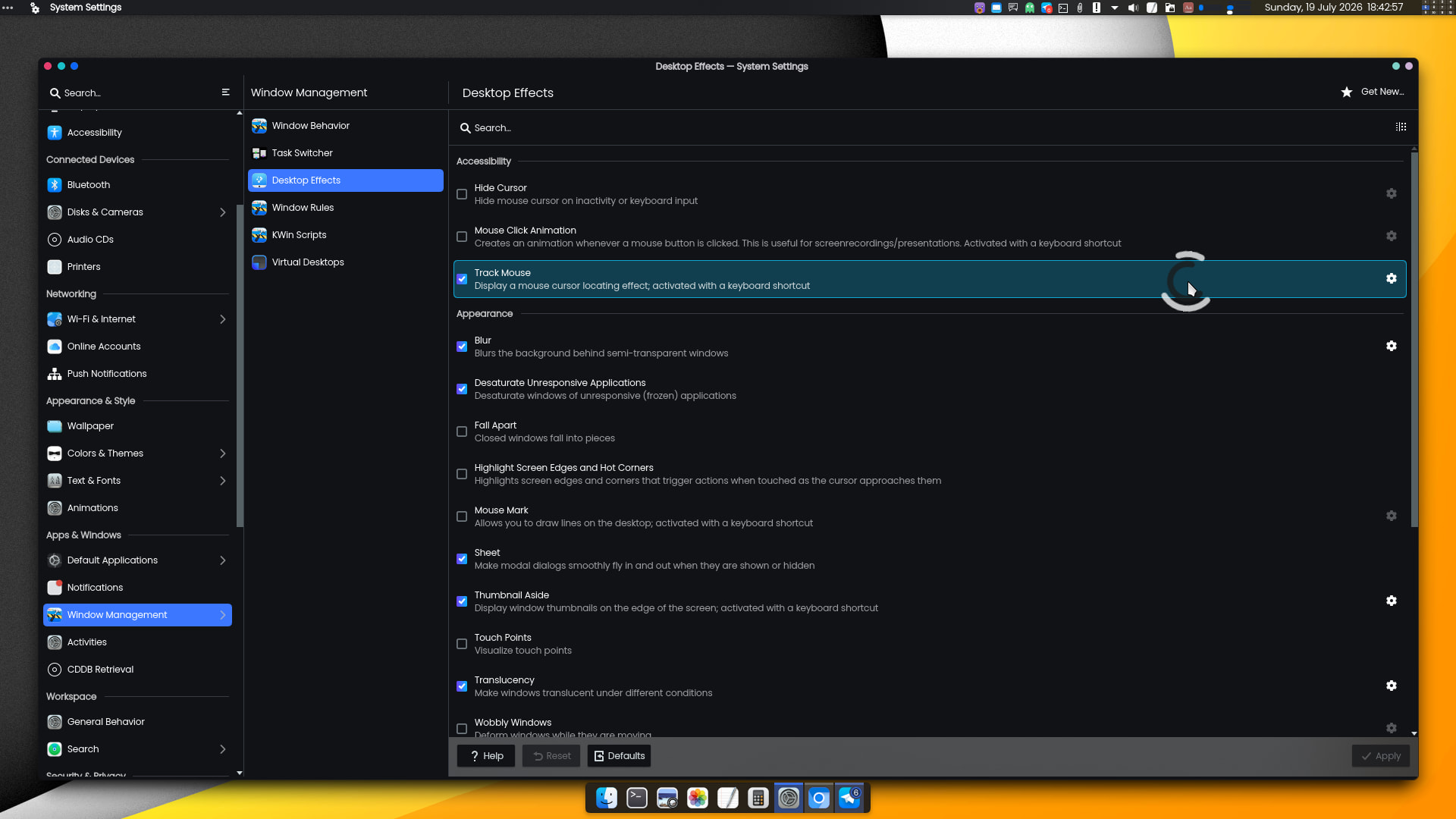
A much better approach is the “Track Mouse” effect. Just press CtrlMeta and your cursor will become animated with two counter-rotating semicircles in contrasting colors. Press the shortcut again to deactivate the effect.
They are two adjacent keys — or at least, on the left side of the keyboard (in my keyboard layout) — so it’s easy to just give them a quick tap with one’s thumb.
I know and I also know how it works, and I’ve even experimented with it, and yes it works as described on the tin.
That’s not my point. Shortcut keys are not my first thought. In fact they are rarely if ever a thought.
Back in the day I worked on WANG minis and Mainframes. the entire operating system was Shortcut key driven (well Function key), and I actually hated it. No typing commands.