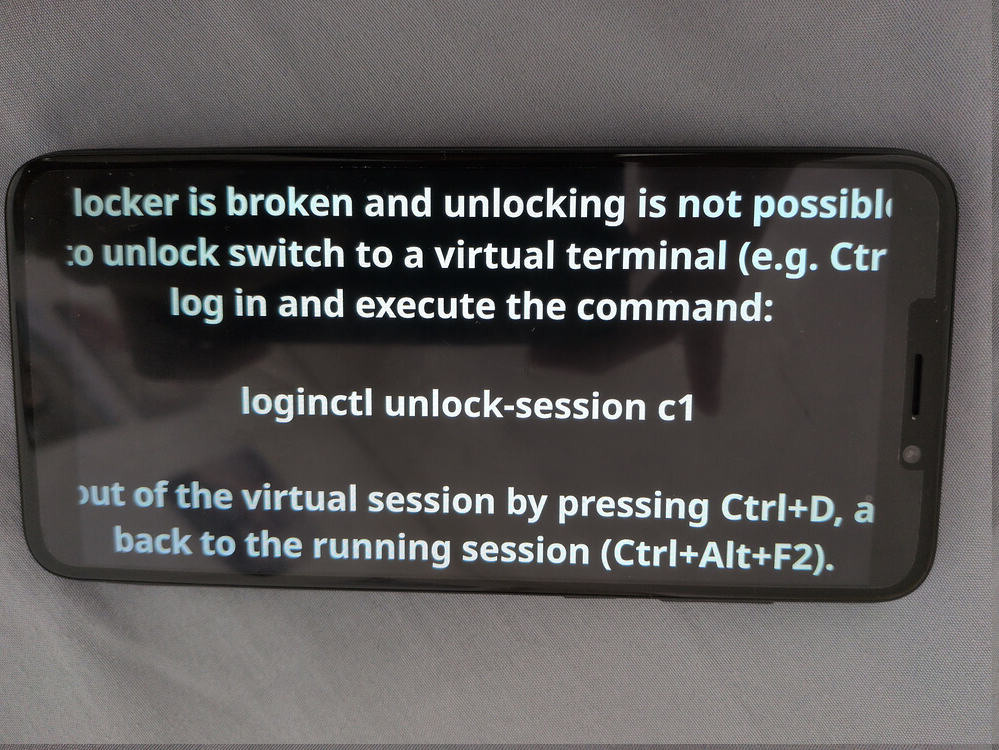
Keep seeing this page when i turn on my phone.
Also, the camera app megapixels does not work, keeps getting stuck on the loading page.
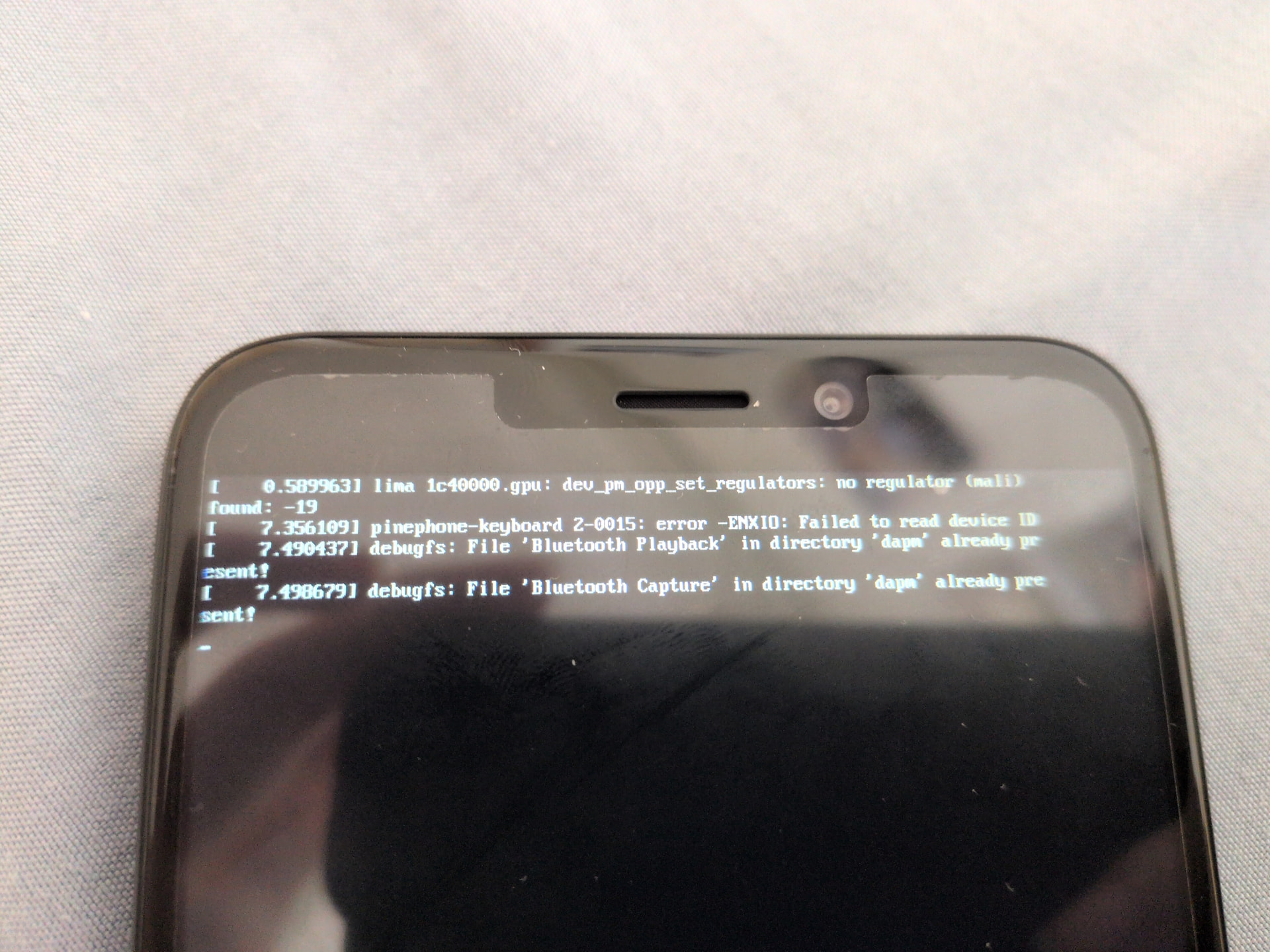
Edit by Mod:
Hello @Pphone and welcome to the Manjaro Community! 
I moved your thread into this category as it looks like you are using Plasma Mobile.
I’ve had exactly the same issue, if that’s any consolation. Sometimes it’s possible to unlock via KDE Connect.
Unfortunately I won’t be able to help as the battery in my PinePhone Pro expired some time back, but I do know of at least one person on here who uses one (not sure which software though) … @tracyanne …? 
As for the cameras, last time I was able to use the device, one had to mess with the settings each time to get anything reasonably recognizable. 
I’m using postmarketOS with the Phosh UI.
Yeah, I have the same problem with Megapixel. It sinply no longer provides a UI, I did install GNOME Camera, but it is very sub optimal, in that it will not rotate with the device, and retains it’s Portrait Aspect Ratio, which makes it almost impossible to correctly take Landscape Aspect Ratio photos.
You can take said photos, but you are viewing the image at the wrong angle. So framing is difficult.
I found this on the GitHub page for Megapixel
This is due to GLES2 support being dropped in GTK 4.17: Making sure you're not a bot!
Still thinking what we should do next..
It appears Megapixel requires GLES2, which was dropped from support by GTK 4.17.
There might be a solution. I’m checking it out now.
Yes there is a Solution. I’ll post it shortly.
From this page megapixels failed with "Unable to create a GL context" · Issue #699 · dreemurrs-embedded/Pine64-Arch · GitHub
Megapixels 2 has a Flatpak version, which is created specifically to solve this issue.
See this blogpost: Megapixels 2.0: Small fixes and GTK breakage
So far there’s been a workaround for this by putting Megapixels in a flatpak with a runtime that doesn’t have the latest version of GTK4 in it. This is obviously not a long term solution but at least there’s some workaround for now. Many thanks to Andrey Skvortsov for creating a flatpak package for Megapixels.
There’s a build available now on my flatpak repository, you should be able to get your favorite graphical packagemanager frontend to install it with this link: https://flatpak.brixit.nl/megapixels2.flatpakref
I downloaded megapixels2.flatpakref from the link https://flatpak.brixit.nl/megapixels2.flatpakref
logged in to my phone via ssh, and ran
flatpak install megapixels2.flatpakref
After multiple enter password prompts (I suppose I should have su ed to root), I now have the flatpak version of megapixels.
I in fact now have 2 copies of megapixels… the old one that does not work (I can’t remove it, due to dependencies), and the flatpak version, which works.
EDIT: I removed the button for the defunct megapixels, by renaming the .desktop file in /usr/share/applications.
sudo mv org.postmarketos.Megapixels.desktop .org.postmarketo
s.Megapixels
There is a solution a lock screen issue at
This may also be the solution you need.
Thanks so much! For taking the trouble to find a fix. Will give it a shot 
If this is a solution please indicate it by checking the solution checkbox at the bottom of the relevent post.