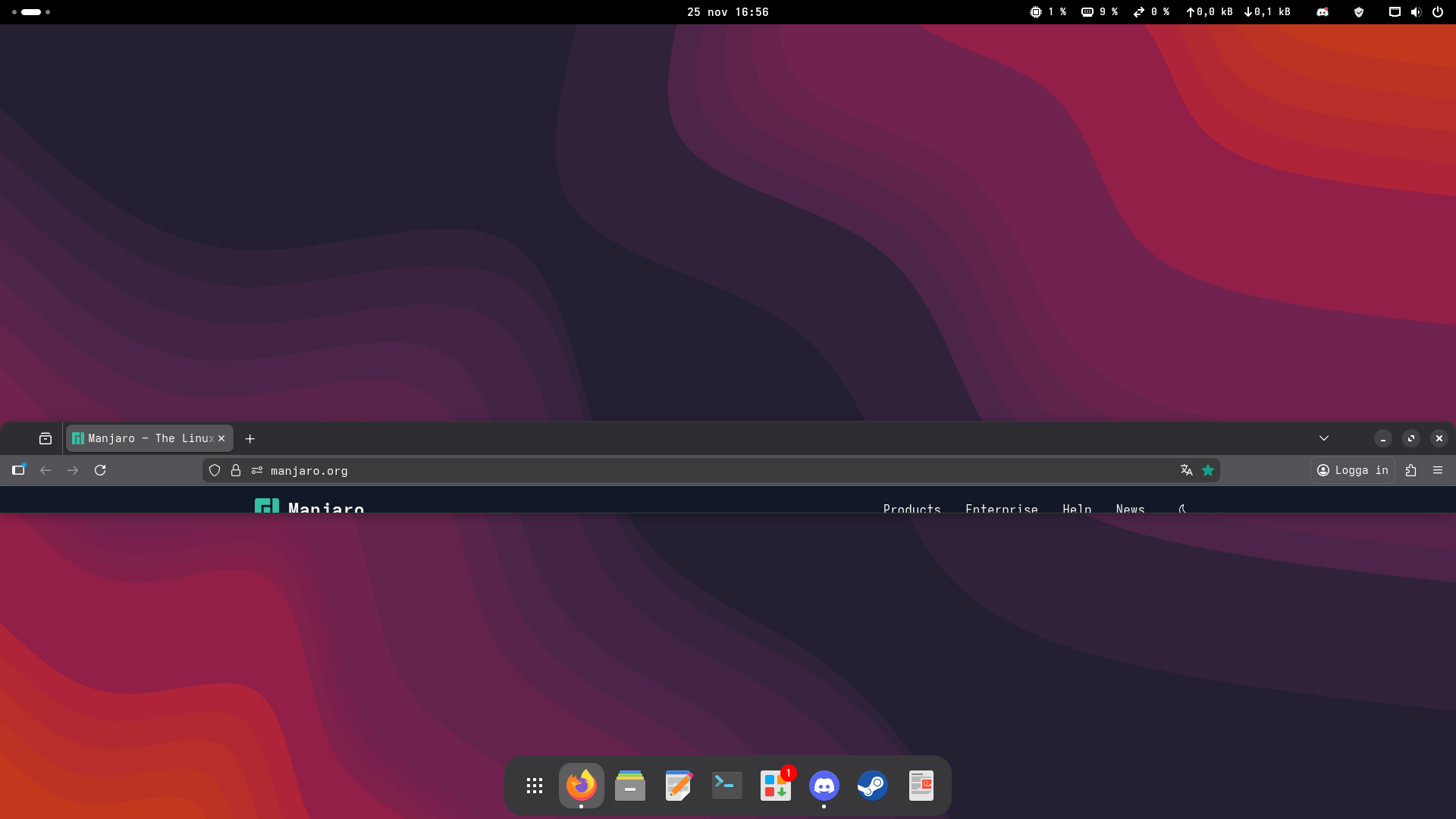
Each time i start firefox, it always squishes itself t othis size. i dont get why or how im supoosed to make it behave. I can always just make it the size i want afterwards, but it is a bit annoying. Do anyone have a solution??
Welcome to the forum @Fruktsallad,
Some standard steps to perform / try and see what the reason can be:
Disable all gnome extensions, log out, log in, report if this changes the behavior of firefox.
Disable Firefox extensions (if any)
Try resetting Firefox to its default settings. To do this, go to the “Help” menu, click on “More troubleshooting Information,” and then click on the “Refresh Firefox” button.
Provide the default info for support questions, eg an inxi output will show some basic info about your system.
3 Likes
At face value, this may not be a Manjaro issue.
The usual suggestions from Mozilla likely apply, such as this, for example:
Search the Mozilla site for anything similar and the cure may reveal itself.
Regards.
1 Like
Ah thanks, i looked through tweaks and had forge enabled, but i had everything with tiling turned of in the topright menu. when i turned of forge in tweaks the problem went away! 
I use Forge, Pop Shell and Tiling Assistant on three different machines with no issues. Are you sure Forge was the culprit? I don’t see the icon in the top panel there in your screenshot.
FYI, GNOME extensions haven’t been managed in Tweaks for quite some time now. I think you mean Extensions or Extension Manager. 
This topic was automatically closed 3 days after the last reply. New replies are no longer allowed.