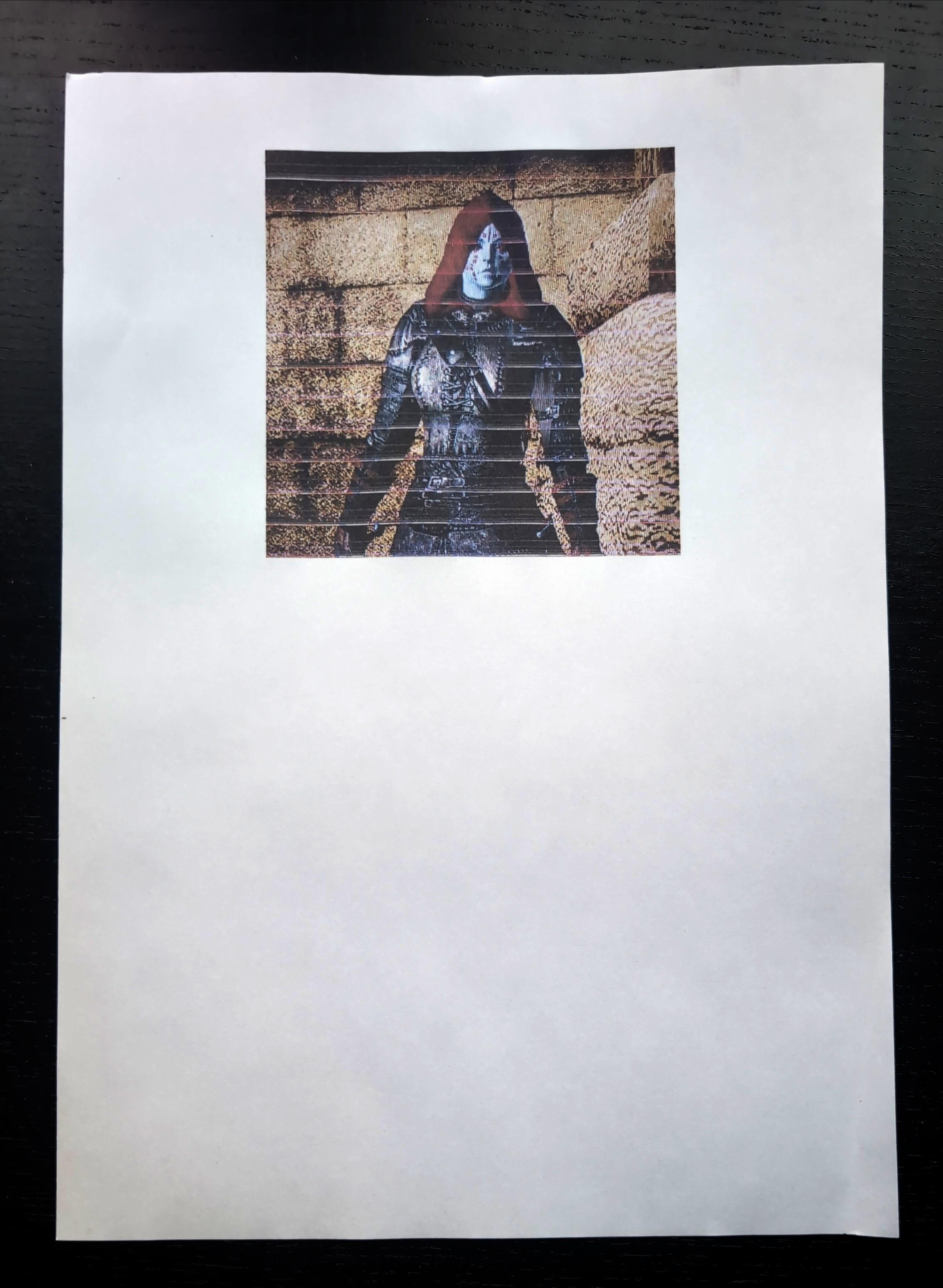
I’ve never really bothered to make my printer work with Linux for obvious reasons, until now.
So here is what I get right after turning on the printer.
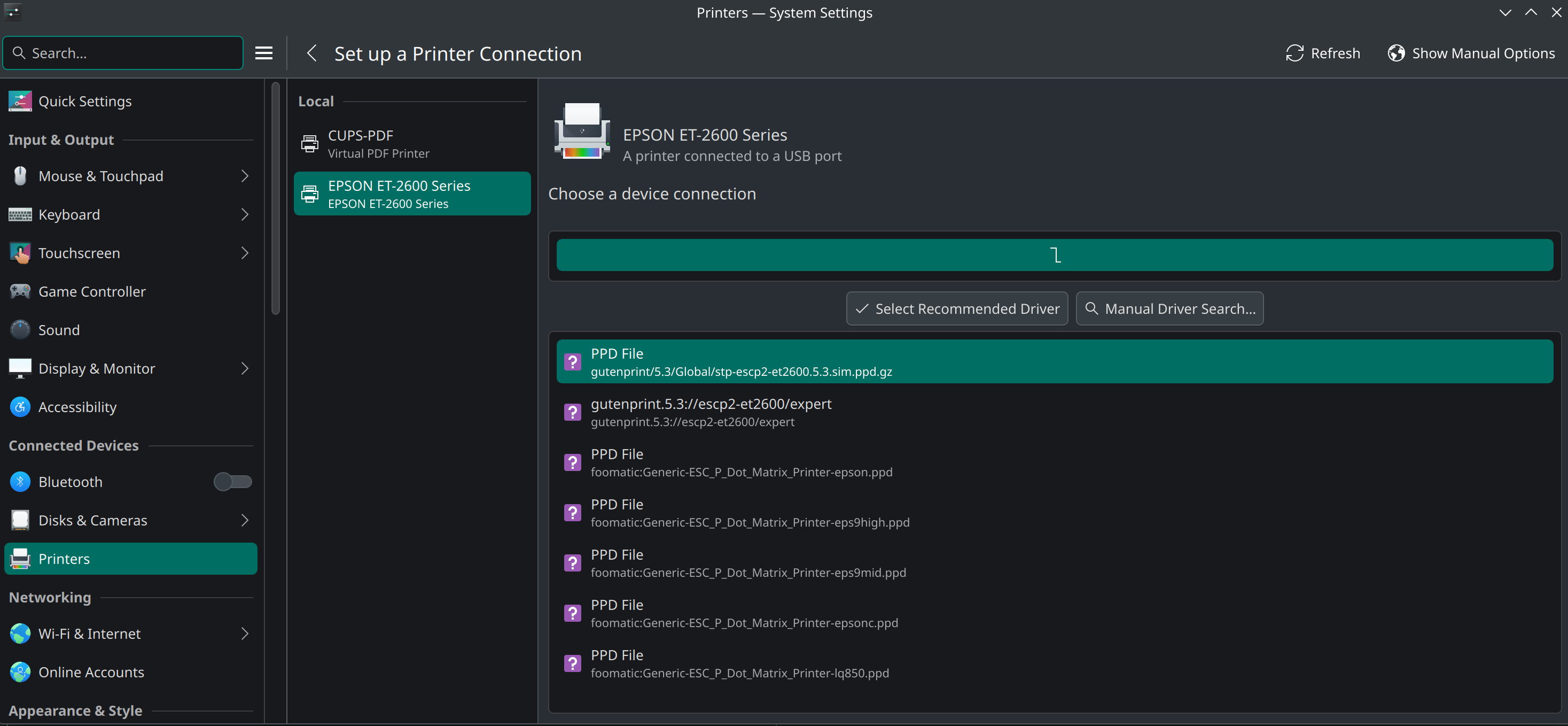
Any suggestions on what to do now?
I’ve never really bothered to make my printer work with Linux for obvious reasons, until now.
So here is what I get right after turning on the printer.
Any suggestions on what to do now?
It seems like either of the first two entries are the closest matches to your printer. “Select recommended driver” seems the next logical step.
Okay, then the next panel I click the Add button and this is the message
Failed to configure printer: Bad device Uri
Mod edit:- Avoid posting images when a brief description will suffice; example: Manually Type any error/warning messages. Image removed. Be kind to the Servers.
It seems getting technical in no time
The Location would be the machine’s hostname, see /etc/hostname. Then you need the Connection URI. If the printer is plugged in via usb it would be something starting with usb://... You can try lpinfo -v to search for this.
Thanks @jofi.
I tried lpinfo -v and here it is
lpinfo -v
network beh
network http
file cups-pdf:/
network https
network ipps
network ipp
network socket
network lpd
direct hp
network smb
direct usb://EPSON/ET-2600%20Series?serial=583250383134383504&interface=1
direct hpfax
I pasted the URI into the Connection field and…
Failed to connect to printer: Bad device Uri. "usb://EPSON/ET-2600%20Series?serial=583250383134383504&interface=1"
Mod edit:- Avoid posting images when a brief description will suffice; example: Manually Type any error/warning messages. Image removed. Be kind to the Servers.
If I leave the field Connection empty and add the printer anyway that is what I find
Local Raw Printer
Some links that may be helpful:
Otherwise you may need to negotiate this via CUPS management instead: http://localhost:631/admin
Epson has it’s own Linux drivers. Those tend to work best in my experience.
The AUR is the most easy way to install. You can also download them from Epson.
I have the same printer and used to use the relevant AUR package. As far as I remember it was pretty much an “install, reboot, profit” type of situation (but ofc, it’s AUR so do your due diligence). I don’t have it set up right now, nor have set it up in ages, so I really would need to search which AUR package is the correct one again. I suggest you first try to do that instead of me  .
.
An older .ppd file is needed for the Epson ET-2600 and as you will see listed on pkgs.org, your printer is supported by the epson-inkjet-printer-escpr package:
/usr/share/ppd/epson-inkjet-printer-escpr/Epson-ET-2600_Series-epson-escpr-en.ppd
As mentioned (above) it is available via the AUR:
pamac build epson-inkjet-printer-escpr
Thanks!
To be honest I really couldn’t find it so quick and I was eager to go home from a very long day in the office. Hence suggesting to take a look themselves, figured with these pointers @altman might get further.
Reading back I feel it may have come off bad. If so, appologies! That was not the intention  .
.
There’s an epson-inkjet-printer-escpr2 package as well (which doesn’t support ET-2600) – it took a few minutes to wade through support lists to reach that conclusion – and finally the older package was revealed within the maelstrom of Internet search results.
Usually a gentle nudge in the right direction is all that’s needed, though, some seem to be less capable of joining the dots.
Oops, sorry.
Thank you @Cambionn and @soundofthunder, fantastic!!
I don’t think I could find it that easily either.
With my level of experience it is not always easy.
I installed the driver (pamac build epson-inkjet-printer-escpr ), it now gets listed as recommended driver, I then select it and fill up the fields with the aforementioned data. The adding process goes through, the printer comes alive. I tried to print a test page and it does print something. I am not sure whether that is a test page because I then tried to print a PDF doc opened with Okular document viewer and it keep printing the same (what I thought be a) test page over for a number of times. That is all it can print. I tried to open the same doc with different mediums (chromium, firefox, onlyoffice) but all of them had some issue with printing.
No worries. I was simply tired, had a long day, and stayd 1,5 hour longer than planned at the office  . Let’s see of we can help further
  .
.
I do recall it printing a test page on first use, that may be correct. Could be multiple pages.
Few questions:
I’m working from memory now, but if we can’t solve it I may have time to setup my printer again this weekend. Then I may have some step-by-step info for you .
Well, it was a general comment and not directed at you, specifically. We often find it easier (as a rule) to not presume too much, and provide easy instructions for all to follow – sometimes that backfires, and we’re accused of being patronising – it’s difficult to please everyone.
Gibberish. Not a test page.
I tried with a random image. Same, and it seems the same array of characters/symbols.
No, it keeps printing the same thing. I also thought that at a point it would print my doc, but no.
Chromium says printer not available or not installed correctly.
Onlyoffice says printer not found.
Firefox prints the same gibberish.
Absolutely no offense taken. I perfectly understand. Luckily I have enough experience to gauge by and large how ignorant I might be. Believe it or not I am a farmer 
You guys have my gratitude for all the help you dispense. I am usually able to find most of the answer online but sometimes the issue is too time consuming to solve it on my own.
I would remove the printer again via system settings and then try to follow the instructions in the manual - well the driver package is installed already but the part “7.2 Registration of Printer” could be important.
Sorry, I said this weekend but I finally got to testing this today.
First off, I made a mistake. I have an ET-2650 and not an ET-2600. However, driver and set-up process should be the same. Also, I’m currently on my Arch Linux PC but it should be the same (outside of maybe some packages being pre-installed). If not let me know, I can boot up another Manjaro computer to try later.
Also note that the scanner doesn’t work on this driver. For that you need Epson Scan 2. To scan over Wi-Fi, you also need the optional dependency of the non-free plugin (despite it not being on the list in the comment on the AUR page, it doesn’t work without). Just install those two packages, it shouldn’t require extra configuration. If it doesn’t find your printer automatically, add it by manually entering the IP.
Anyhow: steps to install the printer driver:
systemctl status cups.service), start the cups service with sudo systemctl start cups.service. Might wanna enable it so it auto-starts after reboot (sudo systemctl enable cups.service).system-config-printer. It can setup the connection for you from the settings. Otherwise (or if that doesn’t work for you), do it in the terminal with the command listed in the manual linked by @jofi. Connection should be something like lpd://[IP-address]:515/PASSTHRU (where [IP-address] is the IPv4 of your printer in your local network). For the PPD file, just link to the one you just installed in the AUR package.It can be a bit slow, but it should now work (outside of that I need to clean my printer due to not printing for a while:
Thank you @jofi and again @Cambionn.
It seems working now. Why not before I have no idea. I had already rebooted last time after installing the AUR package. This time I just changed Make and Model from Raw Printer to the actual model and run the CUP service as per @Cambionn suggestion. It could have been this last step. Anyway, WORKING !! (for now). Amazing. Thanks again.
This topic was automatically closed 3 days after the last reply. New replies are no longer allowed.