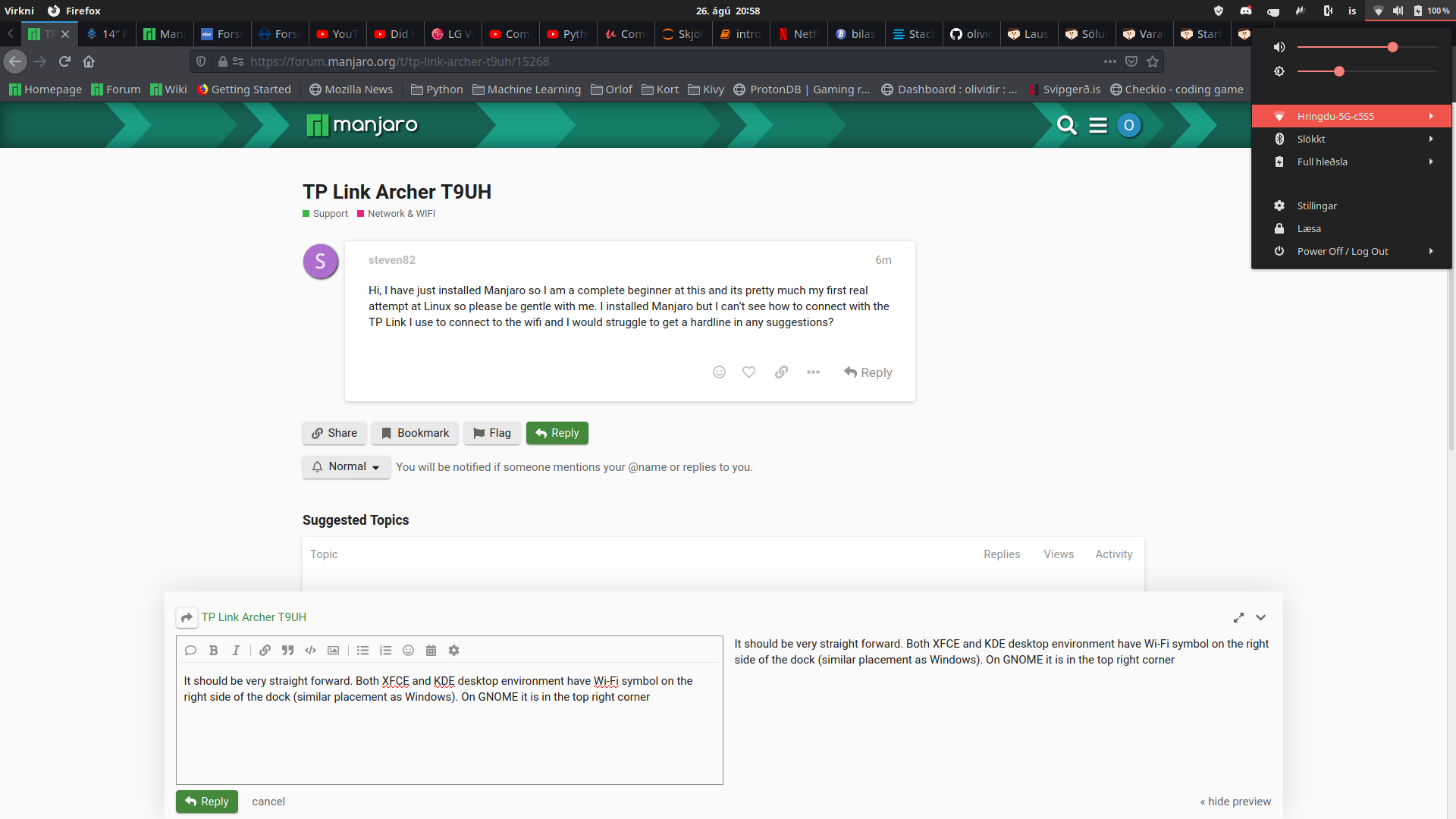
Hi, I have just installed Manjaro so I am a complete beginner at this and its pretty much my first real attempt at Linux so please be gentle with me. I installed Manjaro but I can’t see how to connect with the TP Link I use to connect to the wifi and I would struggle to get a hardline in any suggestions?
Thats my issue, it isn’t picking up any wifi signals, I dont think its even picking up my wireless adapter. I am guessing I have to install the drivers but I tried the hardware manager and it kept saying failed, I would assume I will have to find a way to get an ethernet cable to my pc so I can install the wireless drivers? Unless theres a way without doing that?
Drivers should be in the kernel. I am already out of my league regarding drivers for wireless adapters, sorry.
What adapter are you using?
Edit: I’m an idiot. I thought that was your router or something in the title, not the adapter.
The TP Link Archer T9UH
I have the same device: to make it work, I installed rtl88xxau-aircrack-dkms-git from AUR: you have to enable AUR in pamac, and then install such driver (is DKMS: so will be recompiled everytime that the Kernel is updated).
I dont seem to have pamac on my system, i can find run pamac but when i click on it, it wont open and I tried to pamac through the terminal and I just get a huge load of error lines.
So, please post them.
I cant seem to post it, no matter what i do, its 7 pages long though which seems crazy.
Copy the output to hastebin then post the link here.
I have the same problem, when I try to run it through terminal it says
“(process:21148): GLib-GIO-WARNING **: 22:52:18.188: /etc/xdg/kde-mimeapps.list contains a [Added Associations] group, but it is not permitted here. Only the non-desktop-specific mimeapps.list file may add or remove associations.
Failed to register: Se alcanzó el tiempo de expiración”
Sorry for my english…
Tried to post mi haste bin, but it seems that I cant, maybe because Im new
I am not sure how to install the drivers at all, I have tried but doesnt seem to have worked. Do you know of any step by step way to install this?