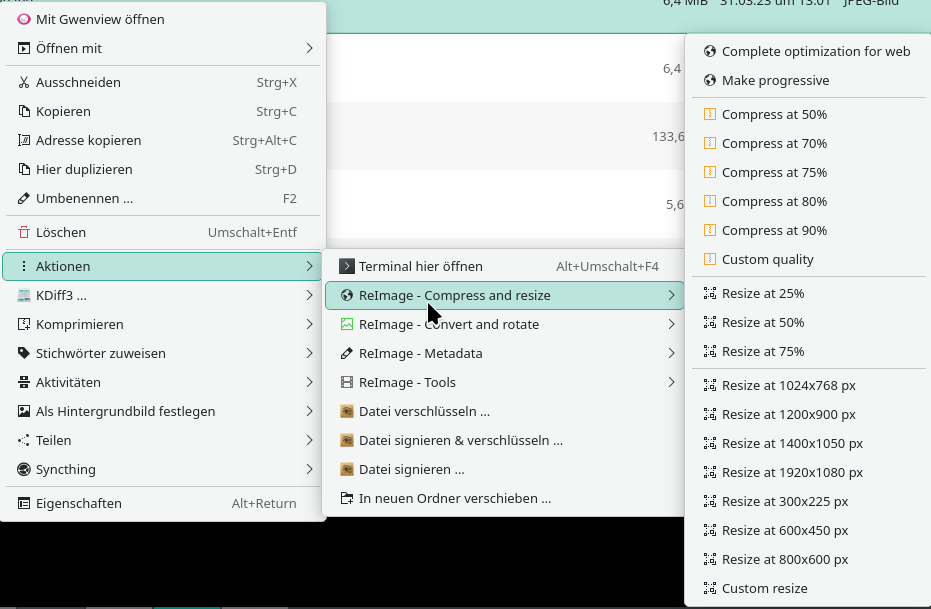
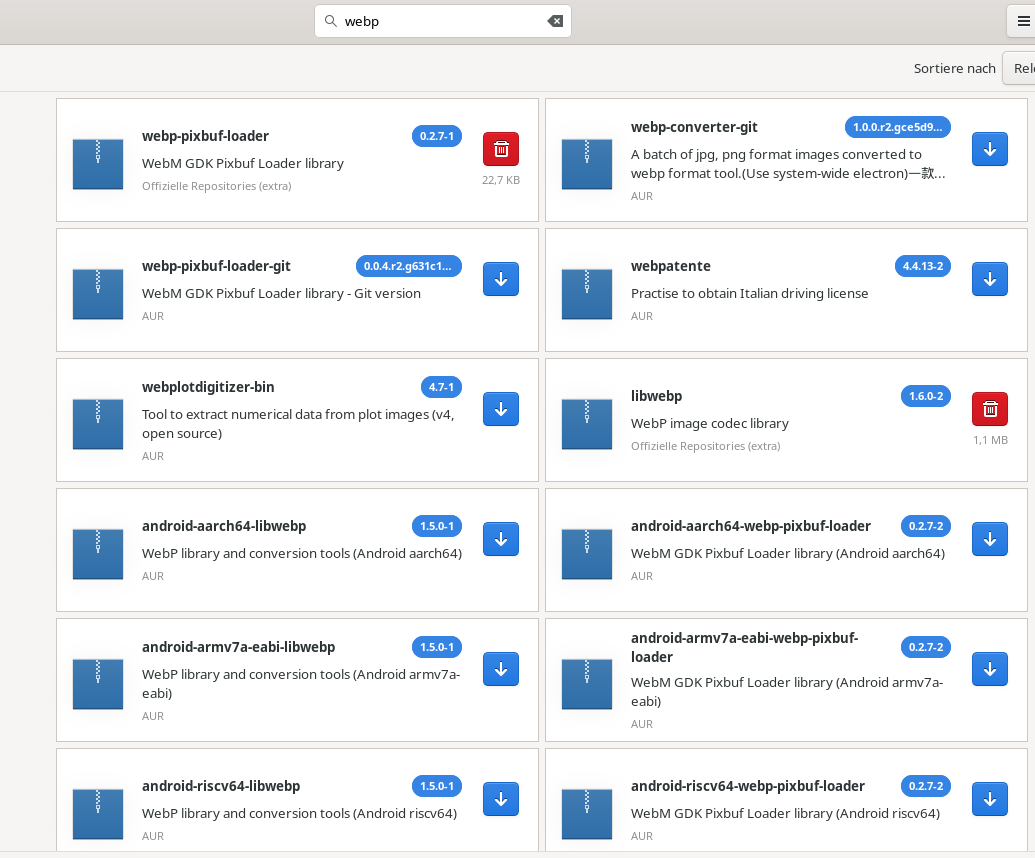
…and since you already have this installed maybe it is time to see the config/help/forum of Reimage to see how to add webp support. Maybe there is config file somewhere where you have to write the path to libwebp? But Reimage users and developers shoud know better.
Electron is a browser, a browser is an OS nowadays… it will take 2-3 or more hours to build from source, so try everything else first. Pretty sure you do not need this webp-converter-git anyway. Check the libwebp-utils first.
All being well, it will no longer need to build electron33 from source (which is what takes up all the time and resources) because the binary is already installed.
I just installed kf6-servicemenus-reimage from the AUR and successfully converted a .png file to .webp, and I also resized a .webp image successfully, so both the “Compress and Resize” & “Convert and Rotate” options seem to work with webp as they should.
My guess is that you have installed the wrong reimage package. There are 2 available from the AUR: kf6-servicemenus-reimage and kde-service-menu-reimage-mod:
pamac search -a reimage
kde-service-menu-reimage-mod  24.06.15-2                                  AUR
    Manipulate images e their metadata v. mod
coreimage-git  2.8.0.r3.c049d6c-1                                         AUR
    An image viewer from the CoreApps family.
coreimage  5.0.0-1                                                        AUR
    An image viewer from the C Suite
kf6-servicemenus-reimage  2.7.0-1 [Installed]                             AUR
    Manipulate images e their metadata