Hello all,
thank you for manjaro forums!
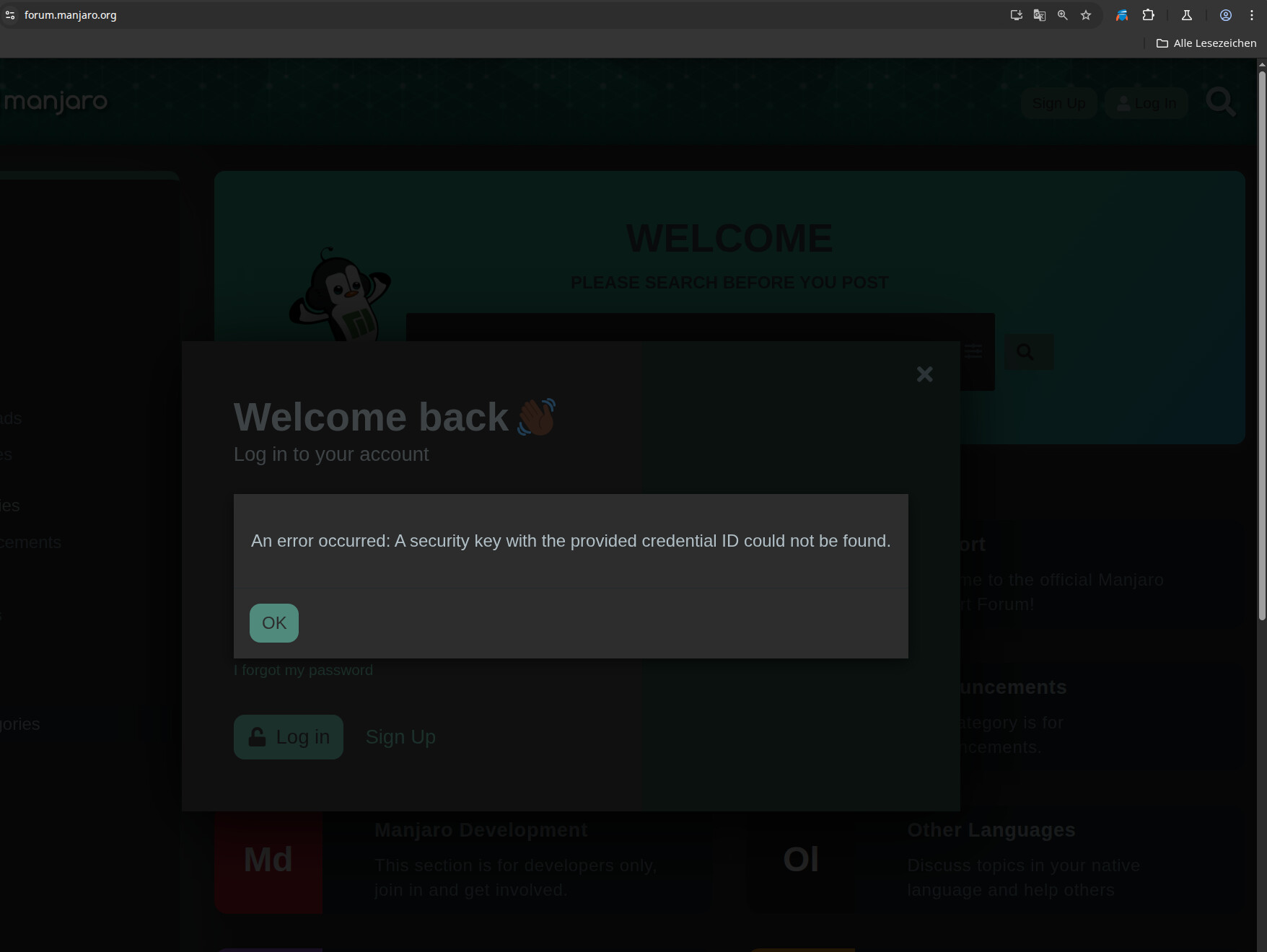
Unfortunately I cannot login using my configured security key: the PIN is accepted, but the website gives an error - see title.
As a workaround I can use OTP.
Please have a look!
Best regards
Gerrit
Hello all,
thank you for manjaro forums!
Unfortunately I cannot login using my configured security key: the PIN is accepted, but the website gives an error - see title.
As a workaround I can use OTP.
Please have a look!
Best regards
Gerrit
I don’t have such key so the following is a guess.
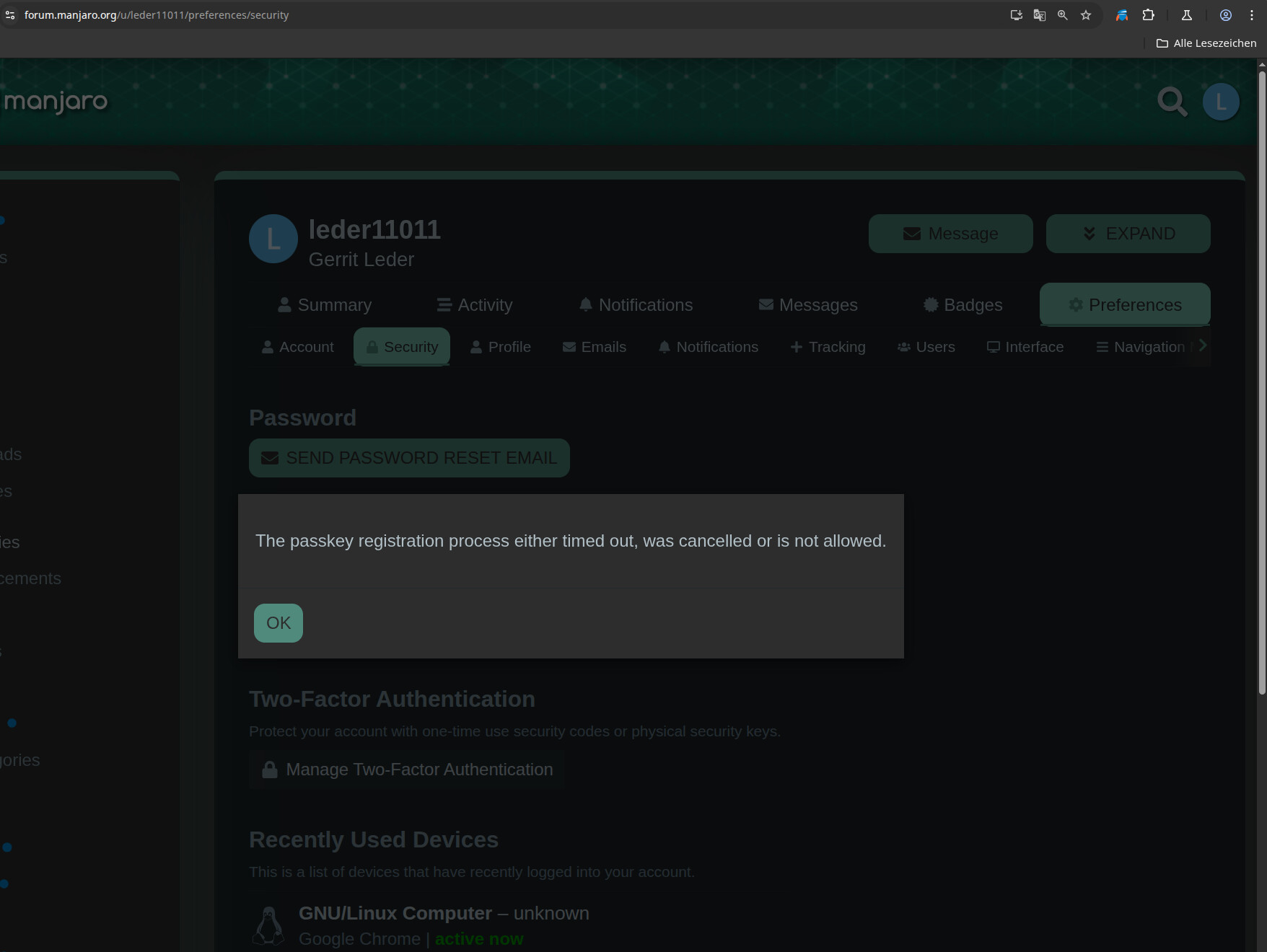
The browser will give you some time to plug in the key but if the system - upon plug in - does not recognise your key as a key for MFA, the browser would not be able to use it and the timeout message is shown.
//EDIT 2025-05-14T08:28:00Z
I have had in mind for some time to get a key and this topic gave me a nudge towards getting one.
So I acquired a yubikey 5c nfc with the intention of using it for my mail provider.
Enrolling the key with my mail provider was a breeze.
Getting it to work with the Discourse App running Manjaro Forum does not work.
I get the same message as you do - I am guessing it is missing module.
The forum admins @Yochanan or @Aragorn may be able to figure that out.
//EDIT 2025-05-14T08:39:00Z
Navigate to your account Preferences → Security → Manage Two-Factor Authentication → Add Physical Security Key - Follow directions
This work for login - Passkey doesn’t work - one reason I can think of is that my yubikey does not provide the passkey feature - but I would have to investigate further - that is a task for another day.
//EDIT 2025-05-14T11:41:00Z
Upon closer examination of the content of my yubico key - I find that a passkey has been created for forum.manjaro.org, and is stored on the key but for unknown reasons the communication between the key and the discourse app fails, resulting in the message.
The message states three possible reasons
As the key has been created I am inclined to look at blame number 2 or 3.
//EDIT 2025-05-14T12:21:00Z
The problem going down a rabbit hole is the need to move backwards to get out - there is no room to turn …
I found that to make full use of a key - one needs to enable the following socket, and restart userspace
sudo systemctl enable pcscd.socket
systemctl soft-reboot
//EDIT: 2025-05-14T12:59:00Z
Still not understanding why the passkey function is not working.
See this WebAuthn - ArchWiki → Scroll down to the See Also section and click the link to Passkeys: A Shattered Dream
My advise is to use the security key as MFA - I have tested different browsers to login to Manjaro forum - the browser remembers your username / password combo
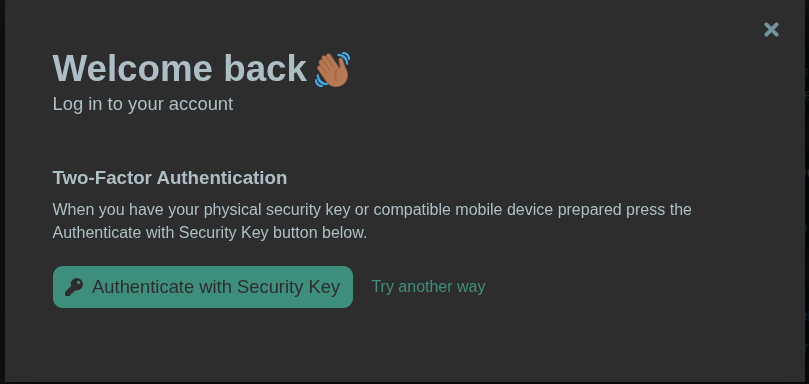
Click login - then plugin your key and touch it
On yubico’s website, I looked at the description for the various authentication mechanisms and the description of the passkey may provide a clue to why passkey is not working for me - I am using a desktop - not a phone…
Differences between security key MFA, authentication apps, and passkeys
Security Key MFA uses physical devices and offers a high level of protection against phishing. It’s considered one of the most secure forms of MFA.
Yubico Authenticator as MFA is a software-based solution that relies on generating one-time codes. While it provides good security, it may not be as resistant to phishing as physical security keys. Unlike other Authenticators that store codes on vulnerable devices, our Authenticator ensures maximum safety by securely storing authentication codes on the YubiKey itself. Trust in a solution that prioritizes your security, setting us apart as the superior choice for safeguarding your digital assets.
Passkeys work using public key cryptography and proof that you own the credential is only shown to your online account when you unlock your phone. To sign into a website or app on your phone, you just unlock your phone — your account won’t need a password anymore.
thank you aarhus!
I will have a focus on this later.
Have fun with your new yubikey, I guess!