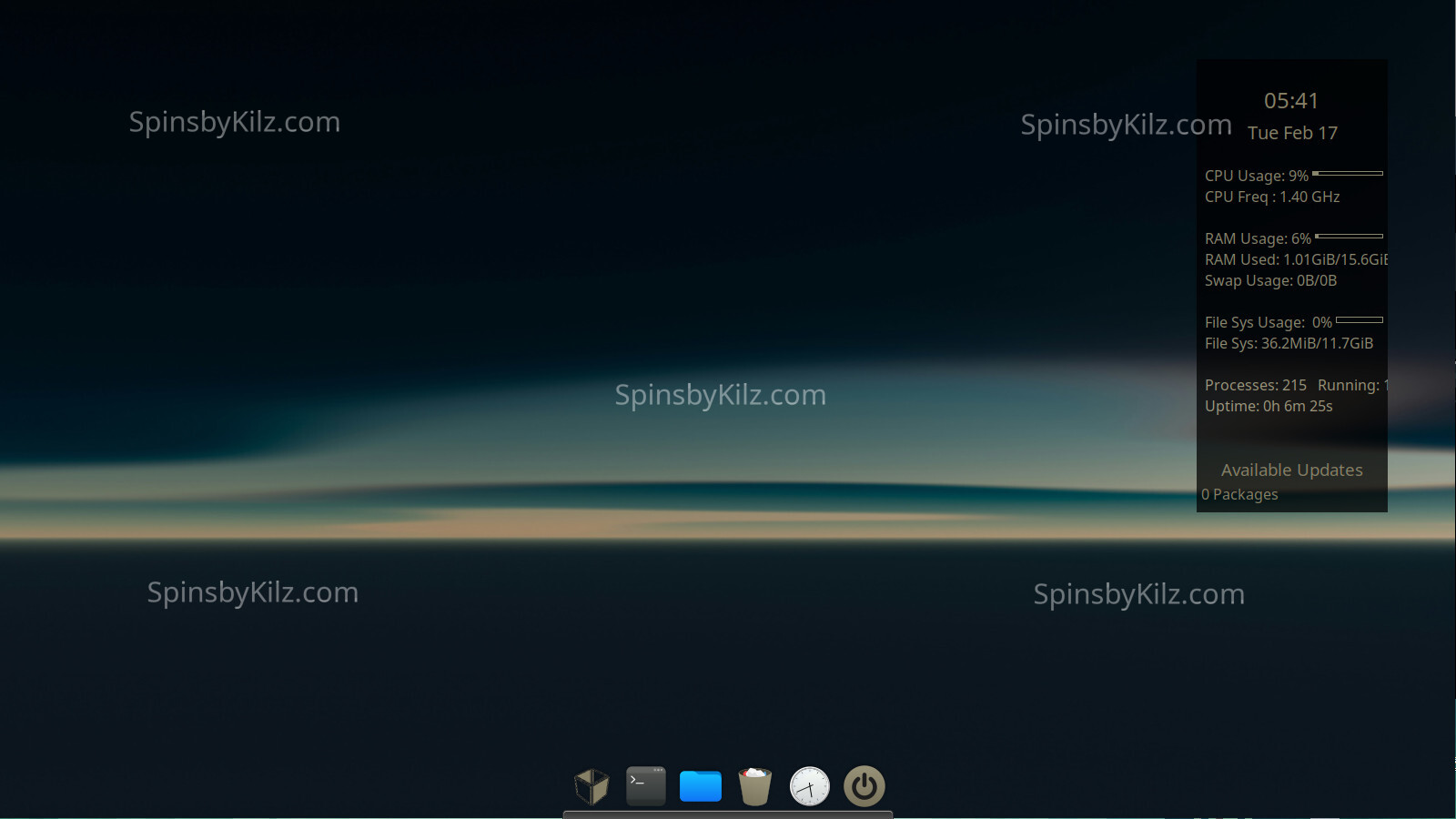
The “SpinsbyKilz.com ” watermark is not present in the installed desktop.
Updated 226.1 iso’s are available in the download link below. For a list of the changes please read this thread.
Both iso’s in this release include:
The 6.12.68 LTS kernel.
The New KoraSpin- icon theme with light and dark versions.
The new SpinThemeDarkOlive6 matching Gtk and Kvantum themes in one package.
The new Usplash-226 desktop wallpapers. One of them is the background for the grub, desktop, and login screen backgrounds.
The iso’s are up to date as of 2/14/2026.
Openbox menu icon in dock to bring up applications. Its color matches the shell theme.
Both iso’s also contain the standard SbK features.
The latest LTS kernel.
A 100% Manjaro stable install.
The AUR is available in pamac. Please read the AUR section of the SbK Best Practices page before using the AUR. AUR packages are not supported by Arch or Manjaro.
It is multiarch by default to make running wine games and other 32bit software you may run easier.
The Spins by Kilz signed repository is enabled for SbK project packages.
A signed iso. For information on checking signed iso’s visit Check ISO
Bloatware has been removed (HP printer software and others).
Flat packs and snaps are not installed. The back ends are also not installed but can be installed by the user.
All SbK iso’s contain Manjaro Architect script in case you want to do a custom install. To get any SbK packages like themes, icons, and other goodies you will have to add the SbK Repository after install.
Timeshift autosnap installed. It takes a snapshot before upgrading so any bad upgrades can be easily reversed.
SbK is a labor of love to give back to the Linux/Manjaro community. As such I have to use free services. Sourceforge for all its shortcomings is the best I have found.
Installed the Openbox version on a 13-year-old laptop. Installation went smooth, no issues at all. Nice work! After rebooting into the fresh system I noticed a few things:
OB Menu – Missing packages
Some applications in the OB menu are not installed out of the box. For example Alacritty — it’s in the repo and works fine after installing, but a fresh install should ideally have all menu entries working without needing to install packages first. There are a few more menu items with the same issue.
OB Menu – Unusual menu structure
The top of the OB menu has an interesting mix of items. Terminal, file manager and Midnight Commander make sense, but right below that are Clonezilla, GParted and Testdisk. These feel more like system rescue tools you’d expect on a live/boot ISO rather than in a daily desktop menu.
jgmenu Plank icon – Toggle behavior
The jgmenu icon in Plank behaves as a window toggle instead of a menu launcher. When I open a program from jgmenu and click the Plank icon again, it hides/unhides the opened program instead of reopening the menu. This makes it impossible to launch another program from jgmenu.
After some testing I found that removing the jgmenu icon from Plank and re-adding it from /usr/share/applications/ fixes the issue. The menu then works as expected. So this seems to be a Plank caching issue from the ISO build rather than a jgmenu problem.
Calamares still in menu
After installation and reboot, Calamares is still showing in the menu.
OB Menu – Exit script not working
The exit/logout script doesn’t work from the OB menu. Not sure what package or dependency is missing for this. The exit option in jgmenu works fine though.
Lxterminal
Could use another font to start with. Needed to change font to be able to read the text better.
These are the first things I noticed. Will test the system for a while and share more feedback later.
Thanks for the feedback. I will work on eliminating the issues for the next release.
I thought removing Calamares from the installed OS would be easy. But its already in the live package list that should only be in the live session run from install media.
As a design choice I wanted to focus on jgmenu over the OB menu. Next release will have OB menu replaced on the desktop right click.
The launcher in plank already points to the /usr/share/applications/jgmenu.desktop file, when I added it orignally it worked as a menu. No idea why it isnt now or readding it changes anything.
Which iso did you install? The full or the minimal?
After some more testing, I got the following points to address.
Power Management
Currently missing. xset is a minimal solution for screen blanking, but consider adding a lightweight power manager like xfce4-power-manager or mate-power-manager.
Suggestion: Add xset to autostart as minimum. example
xset dpms 0 0 600  # no need for '&' here.
xset s off +dpms
Autostart
Trailing &: Every line in autostart (except the last) should end with & to run commands in the background. The last line must omit &—otherwise, the script exits immediately, potentially terminating Openbox or background services prematurely.
nm-applet &
tint2 &
skippy-xd --start-daemon  # No &
As you can see I removed -c from skippy-xd and tint2. This way it will always work from the beginning. User can always add -c when setup Openbox. I see -c more for custom rc files.
UI/UX Bugs
GTK Theme (Respin Dark Theme)
The light theme’s button colors lack contrast, making them difficult to read.
In tint2 manager, panel position changes are invisible due to the theme’s color scheme.
Feature Request: Include AdwaitaDark, So user can choose between Adwaita light and dark theme.
LXAppearance
Newly installed GTK themes aren’t detected, even after moving them to ~/.themes and verifying permissions.
Running lxappearance as root doesn’t resolve the issue.
Editing gtk-3/setting.ini does not matter.
Eolie Browser update: [FIXED after re-install]
After two days, Eolie fails to start and throws Python errors when run from the terminal.
jgmenu Toggle Behavior
After changing icons (or some unknown action), jgmenu toggles hide/unhide after launching an application again.
Icon Themes
The custom Kora icons are great. Adding new icon themes works after logout.
Feature Request: Add a “Refresh GTK Themes” option in the menu to avoid requiring a logout.
System Tray
Using only plank results in missing systray icons (e.g., nm-applet for network management).
Kvantum Manager
Question: What’s the motivation for including kvantum in a barebones Openbox respin with no Qt applications?
In my experience, kvantum isn’t necessary for theming in Openbox, especially if users prefer to avoid Qt apps.
Ok, Eolie is basically a placeholder for a browser. I will find another low install size browser for the next release, but its only there because no matter what browser I add most if not all will replace it with something else like Chrome or Firefox.
Adwaita-dark is a Gtk2 theme from the AUR, it also has AUR dependencies. I really dont like adding such packages. If the end user wants it they can add it.
Kvantum is added because of the way SbK themes are packaged. They contain a gtk and matching kvantum theme in one package. Odds are at some point someone is going to add a qt package.
I have made some changes and I am building an iso to test them out. One of the changes is using the LXQt appearence app, so kvantum will likely be useful.
Openbox doesnt have a system tray. I would have liked to add one to plank, but that has proven impossible.
Ok, its going kind of slow. Swapped out plank for plank-reloaded. The application menu for Plank reloaded works so no need for jgmenu in the dock. Jgmenu is now the default openbox menu when you right click on the desktop. Both use lxde menu so there is continuity.
Most users add a panel with systray (shows vpn, nm-applet, passwrd-manager,etc).
Creating a systray docklet for plank sounds hacky.
When you change the iso, do we need to download it again, or just update and stuff will be changed. Like jgmenu from desktop.
Sounds good to use just one menu. Jgmenu.
I have released updated iso’s. I have fixed the links and uploaded a new screenshot in the top post. But I am also going to give people the option of making the changes themselves.
Changes to be made
New Packages to install xorg-xset xsettingsd chromium powerdialog plank-reloaded
You may also want to include mate-power-manager or another power manager of your choice if this is installed on a laptop.
Plank needs to be removed as well as the ~/.config/plank folder before installing plank-reloaded.
Eolie can be removed. Chromium is a little heavy for this spin, but at least it shold be problem free. Its mostly a placeholder until the end user installs the browser of their choice. One setting will need to be changed in ~/.config/jgmenu/prepend.csv. The browser needs to be changed from eolie to chromium (or any other web browser you want to use) ) for the web browser selection at the top in the right click on desktop menu to work.
Replace the openbox, jgmenu, dconf, and plank folders in ~/.config with the ones from the extracted archive.
Reboot afterwards.
Or download and install the 226.1 iso
Changes made that may need to be readded by the end user. The tint and skippy-xd lines in ~/.config/openbox/autostart have been removed. Neither package is installed, and at least skippy-xd is in the AUR. If the end user installs either they will have to add the lines again.
As a side note, mate-power-manager is included in the full iso. I am leaving it up to those who download the minimal iso to choose which power manager they want, if they need one. It is possible the minimal is used in a desktop and the functionality isnt needed or wanted.
As for the theming issue, the themes are changed, just not in running apps like the dock or the file manager. Pcmanfm is responsible for drawing the desktop background so its always running, as is the dock. Logging in and out applies the changes and in a low resource desktop this isnt unusual to do.
Finally I truly thank you for the feedback. It has made the spin and future releases of it a lot better. Sadly I dont get a lot of feedback. When I do usually I do my best to fix issues asap within reason. I hope the fixes work out for you. Feel free to make other suggestions, but my free time is used up as building the Debian releases, and fixing its openbox spin, starts soon so they may have to wait for the next Manjaro release.
I started out on Ubuntu myself, Breezy Badger 64bit. Left with Unity, an contronym if ever there was one. Went to Mint for a bit and Debian. Ended up with Manjaro but I have tested them all and ran them for short periods.
LXQt is my desktop with Manjaro, and consequently is likely the most polished SbK spin. It uses Openbox. Mainly because I use old hardware, but I am building my first computer in over 10 years soon. Been slowly buying pieces for months. Just have to get the psu (750 watt) and case (Lancool 207) next month.
Let me know what you think when you get a chance. I am also thinking of adding a tint2 small autohide panel at the top for a system tray, but that wont be till next release at the soonest.
Update: After updated configs in place… Iso Full version.
Gtk-theme managing is working now. (lxde appearance)
Jgmenu as default menu, works as expected in plank and desktop.
Installed minimal Iso version on VM and works fine from the start.
A downside is sourceforce server. It took me also for the minimal ISO version around 2.5 hours… Nothing you can do about, but it could be a turn off for some. No idea how to solve that.
Thanks for the feedback on the updated iso, and that the configs fix the issues for existing installs.
I have looked at a lot of free services for hosting the iso’s. So far Sourceforge is the best. I could get cheap hosting but I have yet to find one with adequate allowed file size, download bandwidth, and total hosting space with a reasonable cost on my fixed income. Usually one of the the three is limited and dosent work for hosting dozens of 2gb to 3gb files. So they end up being worse than Sourceforge.


 ….
….