SbK Manjaro Mate-Compiz 925

I am happy to announce the release of SbK Manjaro Mate-Compiz 925.
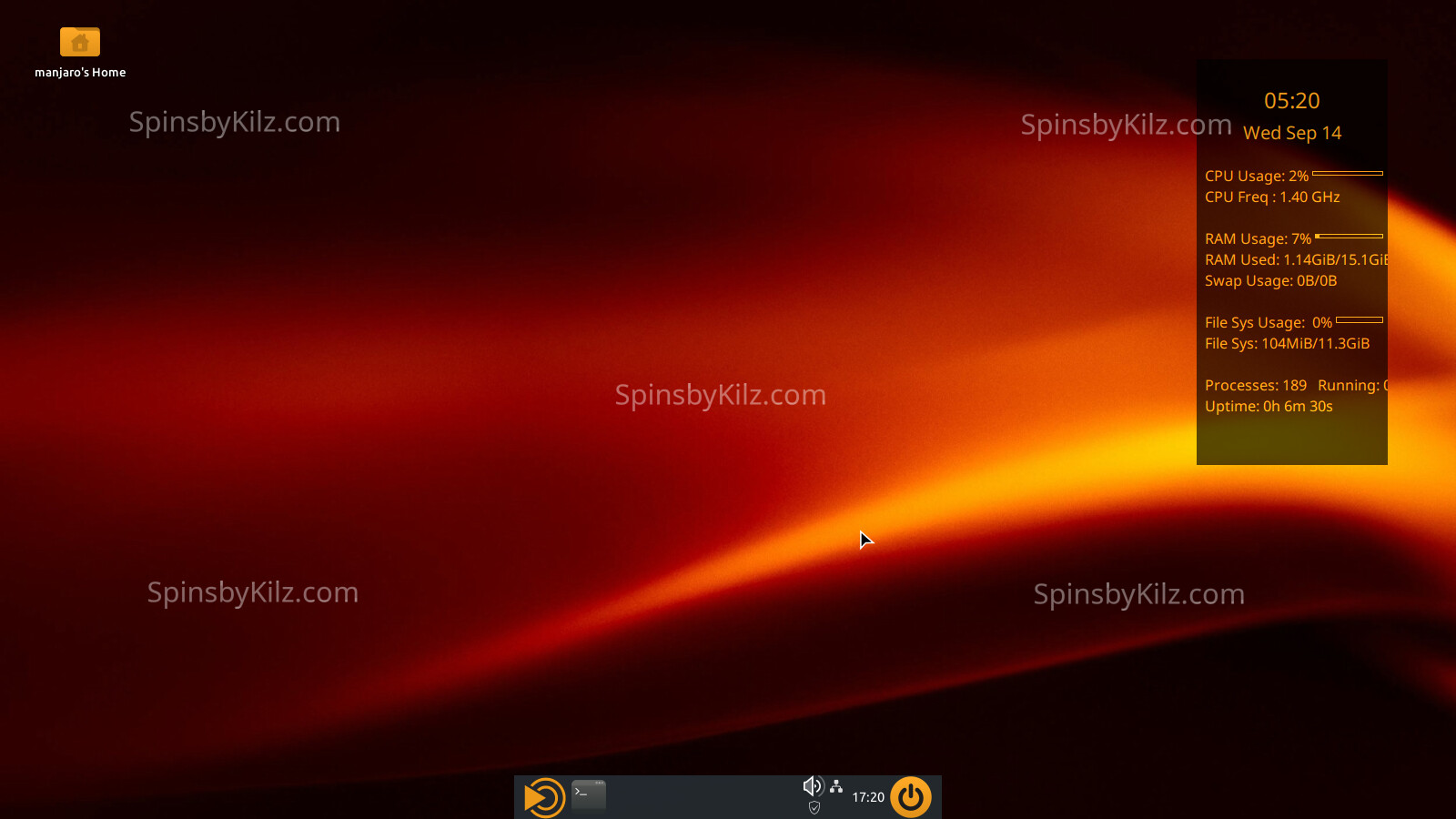

The SpinsbyKilz.com watermark is not present in the installed OS.
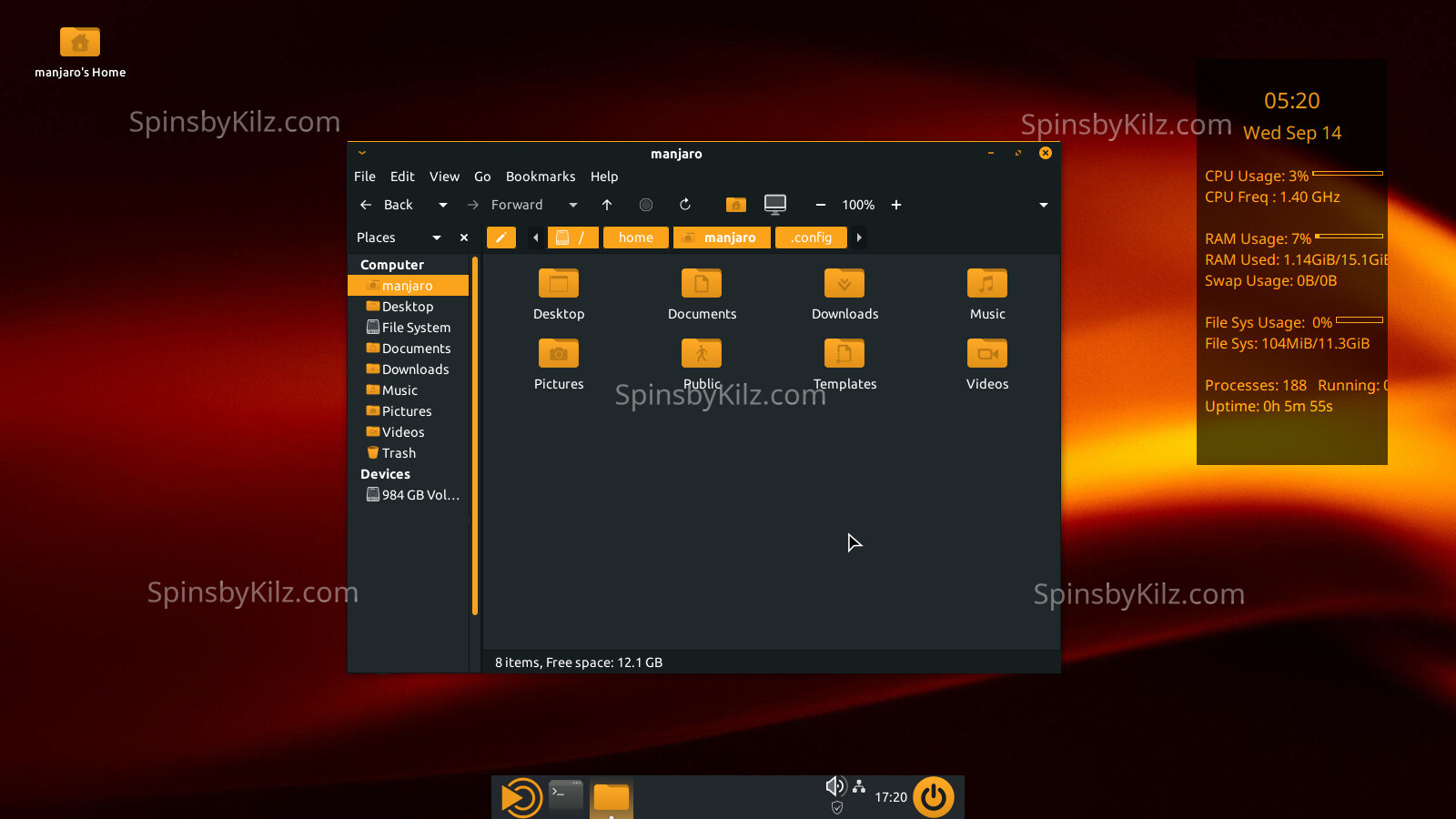
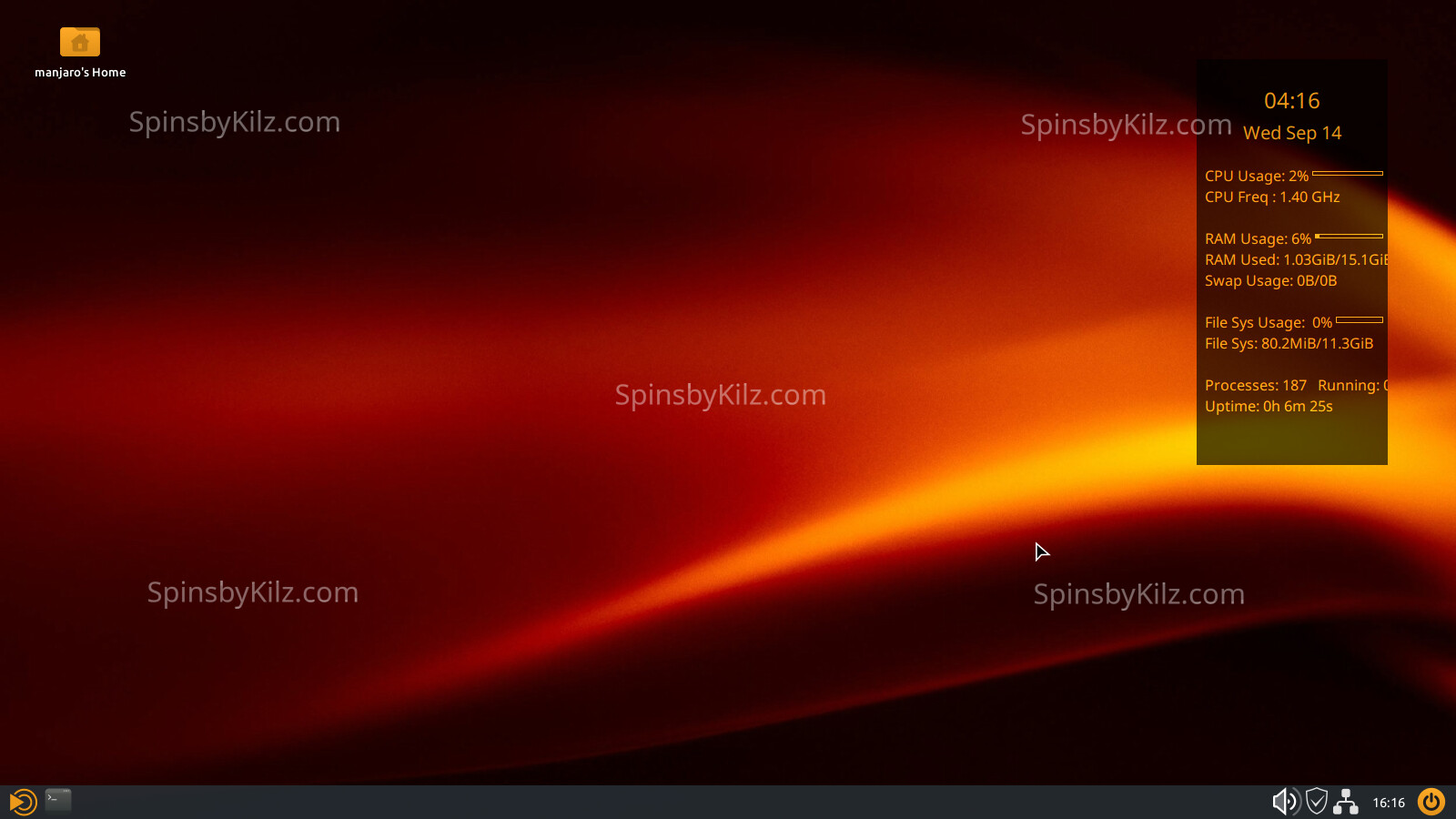
A minimal iso with a panel instead of a dock is available.
All iso’s in this release include:

  1. The 6.12.44 LTS kernel.
  2. Compiz 9 with the rotating cube for virtual desktops, faded windows in the background, wobbly windows, and other effects.
  3. The New KoraSpin-Lemon4 icon theme with light and dark versions of the control icons. It is part of the KoraSpin-925 package.
  4. The new SpinThemeDarkLemon5 matching Gtk and Kvantum themes in one package.
  5. The new Usplash-925 desktop wallpapers. One of them is the background for the grub, desktop, and login screen backgrounds.
  6. A basic Conky with matching color theme.
  7. The iso’s are up to date as of 9/14/2025.
  8. An optional Firefox theme, SbK Dark Lemon5 that matches the color scheme is available here, Firefox Themes just click on the image in Firefox to install it.

All iso’s also contain the standard SbK features.

  1. The latest LTS kernel.
  2. A 100% Manjaro stable install.
  3. The AUR is available in pamac. Please read the AUR section of the SbK Best Practices page before using the AUR. AUR packages are not supported by Arch or Manjaro.
  4. It is multiarch by default to make running wine games and other 32bit software you may run easier.
  5. The Spins by Kilz signed repository is enabled for SbK project packages.
  6. A signed iso. For information on checking signed iso’s visit Check ISO
  7. Bloatware has been removed (HP printer software and others).
  8. Flat packs and snaps are not installed. The back ends are also not installed but can be installed by the user.
  9. All SbK iso’s contain Manjaro Architect script in case you want to do a custom install. To get any SbK packages like themes, icons, and other goodies you will have to add the SbK Repository after install.
  10. Timeshift autosnap installed. It takes a snapshot before upgrading so any bad upgrades can be easily reversed.
  11. A basic Conky with matching color theme.

A full and very minimal iso can be found here.

As always comments, questions and suggestions are always welcome.

Jim

3 Likes

Hey Jim,

hope you doing well. Haven’t been here for a while, because i didn’t update my system. Is this branch still alive?

Cherrs,

Dennis

I stopped making this spin a few months back. The main reason is Compiz is in the AUR and since I dont run it I had no idea when it would stop working after an update. More than half the time it would break because the libraries its built against would upgrade.

The good news for you is if you can update/upgrade your system you dont have to reinstall. After upgrading open up Pamac the package manager. Search for Compiz, click on the one installed from the SbK repo. The description will open up, then click the build button and let it rebuild. After a reboot everything should work.

If it stops working after a future upgrade just build it again.

Thank you for your reply. I did an update and after that try to reinstall compiz. It did something, but didn’t look like a compile. After that compiz starts, but ccsm does not work, so my profile with zoom is not loaded.

[dennis@b550-mag Desktop]$ yay -Sy
:: Synchronizing package databases…
core is up to date
extra is up to date
multilib is up to date
sbk-repo is up to date

and than:

[dennis@b550-mag ~]$ yay -S compiz --rebuildall
Sync Explicit (1): compiz-0.9.14.2-22
[sudo] Passwort für dennis:
Warnung: compiz-0.9.14.2-22 ist aktuell – Reinstalliere
Abhängigkeiten werden aufgelöst …
Nach in Konflikt stehenden Paketen wird gesucht …

Pakete (1) compiz-0.9.14.2-22

Gesamtgröße der installierten Pakete: 24,26 MiB
Größendifferenz der Aktualisierung: 0,00 MiB

:: Installation fortsetzen? [J/n] j
(1/1) Schlüssel im Schlüsselbund werden geprüft [##############################] 100%
(1/1) Paket-Integrität wird überprüft [##############################] 100%
(1/1) Paket-Dateien werden geladen [##############################] 100%
(1/1) Auf Dateikonflikte wird geprüft [##############################] 100%
(1/1) Verfügbarer Festplattenspeicher wird ermittelt [##############################] 100%
:: Pre-transaction-Hooks werden gestartet …
(1/1) Creating Timeshift snapshot before upgrade…
==> Skipping timeshift-autosnap because only 1 hours have passed since the last snapshot.
:: Paketänderungen werden verarbeitet …
(1/1) Reinstalliert wird compiz [##############################] 100%
:: Post-transaction-Hooks werden gestartet …
(1/5) Arming ConditionNeedsUpdate…
(2/5) Compiling GSettings XML schema files…
(3/5) Updating icon theme caches…
(4/5) Checking which packages need to be rebuilt
(5/5) Updating the desktop file MIME type cache…

And then starting ccsm:

Traceback (most recent call last):
File “/usr/bin/ccsm”, line 98, in
import compizconfig
ImportError: libprotobuf.so.32.0.0: cannot open shared object file: No such file or directory

I have libprotobuf 33 on my system. I have set the countries in pacman-mirros manully (only EU) could this be a problem?

Here is a link to the AUR package. Looking at the comments it says that each time libprotobuf is upgraded you need to rebuild Compiz. It appears that libprotobuf was upgraded after Compiz was built as you have version 33 and its looking for 32 which it was built against.

You can try rebuilding in Pamac again. If that doesnt help download the snapshot from the AUR. Then extract it to your desktop. Open a terminal and navigate to the Compiz folder. Then enter the command

makepkg -si

Thanks, i will try it! Do you have any ide why yay -S compiz --rebuildall did not do a source pacakge rebuild? i had no make/c output, it went very fast and was done after update and reboot of the system.

Not really since I dont use yay. I use makepkg. There are extra steps because you have to manually make sure the dependencies are in place or use the -s flag, but you can find a list of them in the PKGBUILD if you dont want to use the -s flag.

To avoid issues from previously installed compiz have the terminal open and use makepkg -s to make the package without the i flag to install. Then right click on the package when built and open with the software installer. It may ask if you want to downgrade, say yes as the compiz in the SbK repositories was rebuilt dozens of times and I increased the package revision number each time.

LAST RESORT

If that doesnt work after a rebuild, make sure the terminal is open and the compiz folder with the complied package is on the desktop, and make sure the folder is just named compiz. Then issue these commands in the terminal.

sudo pacman -R compiz
sudo pacman -U ~/Desktop/compiz/exact name of compiz package

changing “exact name of compiz package” to the exact name of the package. It might help to have the folder open before issuing the first command so you can see it. Afterwards reboot.
This is a last resort as it may make the desktop unstable while doing it. Make sure to have a timeshift restore point in place and a SbK install media ready to restore if it goes fubar.

Hey Jim,

i am back in the game. Thank you again for all your work. Now and in the past. What fixed it in pamac: upgrade, restart, clean AUR cache in settings, remove compiz, install compiz.

What command do I need to execute after an upgrade to triggce a rebuild?

The AUR is based on Arch. It works reasonably well with Manjaro, but can have side effects or version conflicts. This broke Compiz quite regularly.

I personally like MATE on Manjaro. What combination of distro + desktop would you recommend for long term support (Wayland is coming…)?

How much did you change, to make mate + compiz work?

I need to setup a new system and lean towards plain arch….

First off Arch and Manjaro a basically the same thing in the unstable branch. With unstable the major difference is Manjaro is easier to install and get running. But the Manjaro unstable repository is basically a copy of the Arch Repository. There are a few packages that are Manjaro specific, but not that many compared to the total packages. The main advantage of Manjaro imho is the stable branch that removes lots and lots of bugs before people install a package. Stability has its advantages, thats another section of the Best Practices page linked below.

Even in Arch the AUR can have side effects or version conflicts. AUR packages are not supported by either the ARCH or Manjaro developers. Why? because its a collection of build scrips the community has put together, so your mileage may vary considerably. To get a more in depth understanding read the AUR section of the SbK Best Practices page.

Clearing the cache and clicking the build button after an upgrade breaks it is your best path forward if you want to keep running Compiz.

Wayland may be the future, but there are likely going to be desktops that will not use it for a long long time, if ever. Why? Because Xorg is old and reasonably stable. Right now only KDE and Gnome are reasonable setup to run Wayland. Compiz will never run under Wayland, the project is in maintenance mode at best now. Wayfire is basically Compiz for Wayland, but it is also only in the AUR.

Getting Mate and Compiz running together was simple, I just installed Compiz, and changed the window manager. Then made some changes in the Compiz settings.

If you want to run Mate on Manjaro the easiest way would be to not use Compiz. Simply install one of the SbK Manjaro Talking Mate / Mate spins and delete one file to turn off the screen reader, install conky and download the .conkyrc file linked in the release notes and add it to your Home folder. At that point you have a Manjaro Mate desktop that should seamlessly upgrade with stable updates for the foreseeable future.

1 Like