rustdesk won’t start after update
Failed to load "librustdesk.so"
libxdo.so.3: cannot open shared object file: No such file or directory
Please run "pacman -Qo libxdo.so.3" to search and install the pkg.
rustdesk won’t start after update
Failed to load "librustdesk.so"
libxdo.so.3: cannot open shared object file: No such file or directory
Please run "pacman -Qo libxdo.so.3" to search and install the pkg.
Rustdesk is an AUR package. Did you rebuild it after the update?
I solved this issue
sudo ln -s /usr/lib/libxdo.so.4 /usr/lib/libxdo.so.3
Please don’t do that.
You need to rebuild the rustdesk package so that it recognises the updated xdotool libraries (and other updated dependencies).
AUR Packages often require rebuilding after system updates, as they were built against the old package versions.
So, if you rebuild rustdesk, it will then work with the updated xdotool package, which is the same across all branches:
mbn info xdotool -q | grep -Ev 'Name|Repository|Packager'
Branch         : archlinux
Version        : 4.20251130.1-1
Build Date     : Sat 07 Feb 2026 23:04:32
Branch         : unstable
Version        : 4.20251130.1-1
Build Date     : Sat 07 Feb 2026 23:04:32
Branch         : testing
Version        : 4.20251130.1-1
Build Date     : Sat 07 Feb 2026 23:04:32
Branch         : stable
Version        : 4.20251130.1-1
Build Date     : Sat 07 Feb 2026 23:04:32
xdotool v4.20251130.1-1 contains the following files:
pkgfile -l xdotool | grep libxdo
extra/xdotool   /usr/lib/libxdo.so
extra/xdotool   /usr/lib/libxdo.so.4
extra/xdotool   /usr/lib/pkgconfig/libxdo.pc
rebuild did not help
Okay. It looks like there is an issue with the rustdesk package, as there is a comment from another user on the AUR (en) - rustdesk page:
I just installed the pre-compiled rustdesk-bin package on my system & encountered the same error:
rustdesk
Failed to load "librustdesk.so"
libxdo.so.3: cannot open shared object file: No such file or directory
Please run "pacman -Qo libxdo.so.3" to search and install the pkg.
Edit 2026-02-24T17:50:00Z: Of course, being a pre-compiled package, rustdesk-bin was likely built against xdotool v3, which is why it wouldn’t work on my system with xdotool v4
So, in this case you may have to use the (not normally recommended) workaround mentioned in your earlier post:
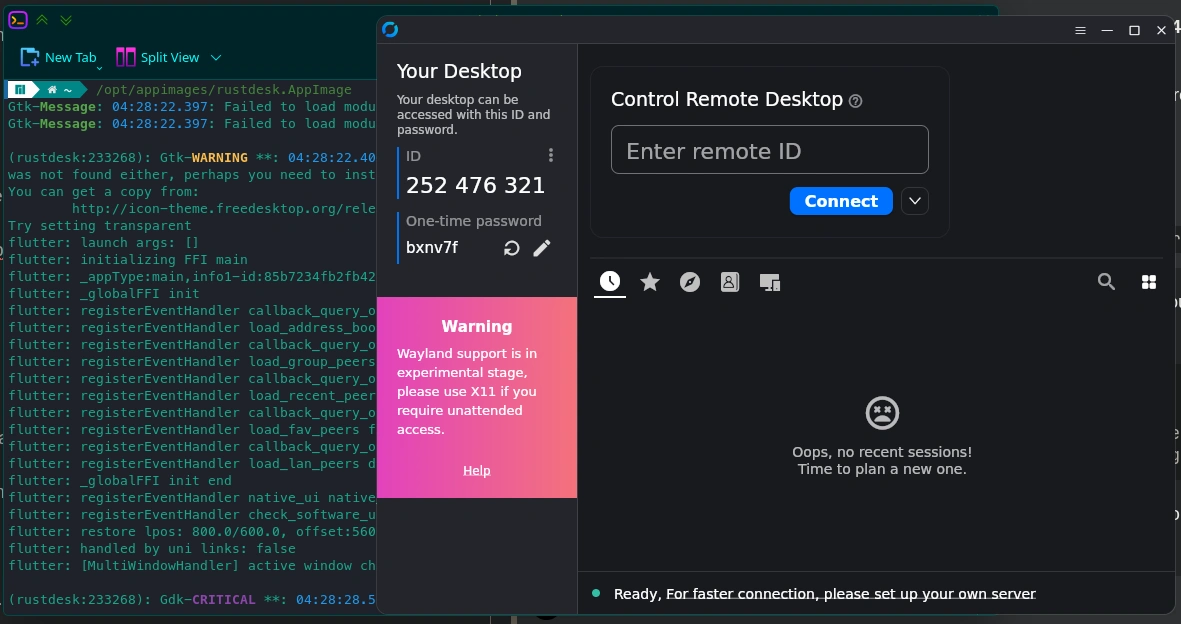
Alternatively, you could install the rustdesk-appimage package from the AUR. I just installed it and it opened successfully:
That’s because you have rustdesk-bin installed.
I’m not sure which package @Fomin90 has installed, but I just realised my error in testing with rustdesk-bin & edited my post.
I’m just building the standard rustdesk package at the moment to test. Hopefully it won’t take long as I want to go back to bed soon (it is hot & humid in Sydney tonight, and I couldn’t sleep).
The flatpak also works. Just saying.
I can now confirm that the AUR’s rustdesk package does work when built on a Manjaro system with xdotool v4 installed:
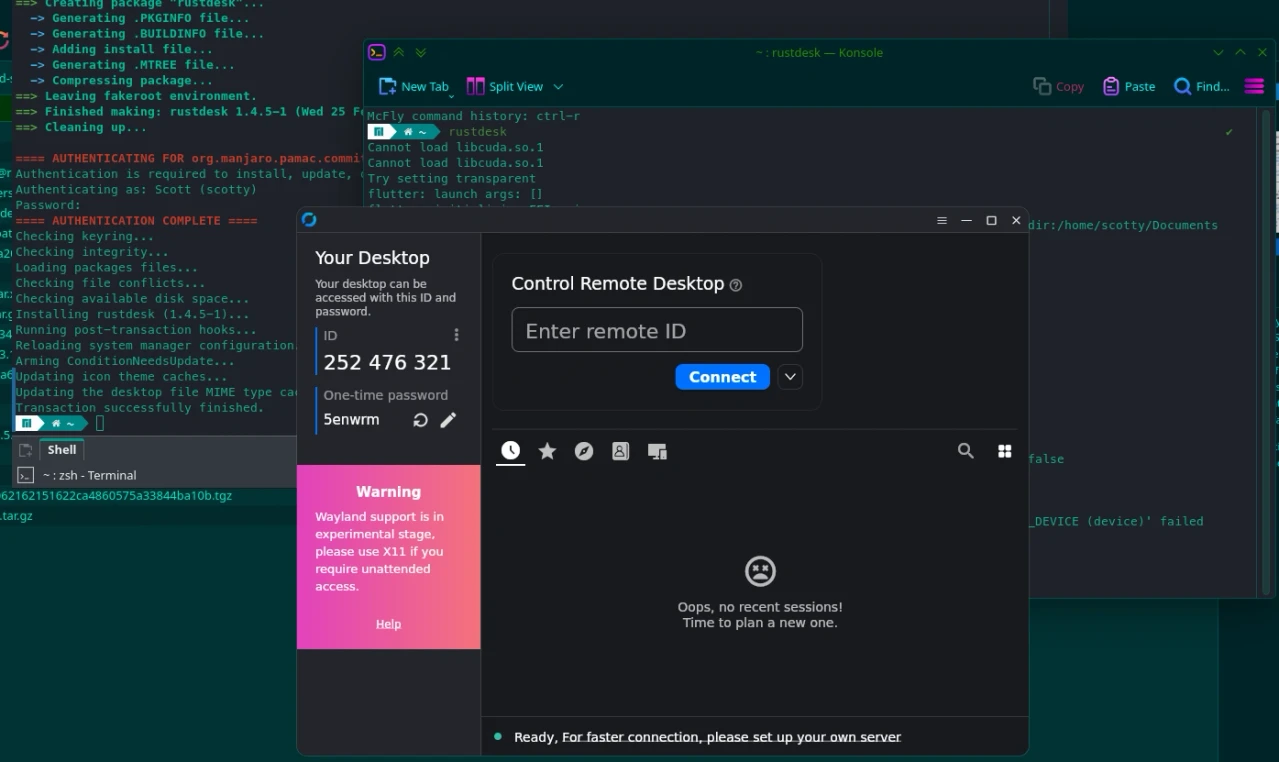
It only took 15 minutes to build on my system.
I have rustdesk-bin
You have several options available to you then:
Keep rustdesk-bin on your system and continue running it by soft-linking libxdo.so.3 to libxdo.so.4 (not recommended) until the AUR packager releases a new pre-compiled rustdesk-bin built against xdotool v4. However, soft linking the libraries could cause issues when running rustdesk due to libxdo.so.4 not being identical to libxdo.so.3.
Replace the rustdesk-bin package with the rustdesk package, which will take time to build on your system, but will be built against the latest packages on your system. If you find the build process too time consuming, then keep an eye on rustdesk-bin & once it has been recompiled by its AUR packager to work with libxdo.so.4, replace rustdesk with rustdesk-bin.
Install the AUR’s rustdesk-appimage, which has no dependencies, or the Flatpak version:
pamac info rustdesk-appimage
Name                  : rustdesk-appimage
Version               : 1.4.5-1
Description           : Yet another remote desktop software, written in Rust. Works out of the box, no configuration
                        required.
URL                   : https://github.com/rustdesk/rustdesk
Licenses              : AGPL-3.0-only
Repository            : AUR
Groups                : --
Depends On            : --
Optional Dependencies : libappindicator-gtk3 [Installed]
                        libayatana-appindicator
Make Dependencies     : --
Check Dependencies    : --
Provides              : rustdesk
Replaces              : --
Conflicts With        : rustdesk
Maintainer            : kuhtoxo
First Submitted       : Mon 28 Aug 2023 01:51:29
Last Modified         : Sun 11 Jan 2026 21:45:40
Votes                 : 2
Out of Date           : --