Hi there,
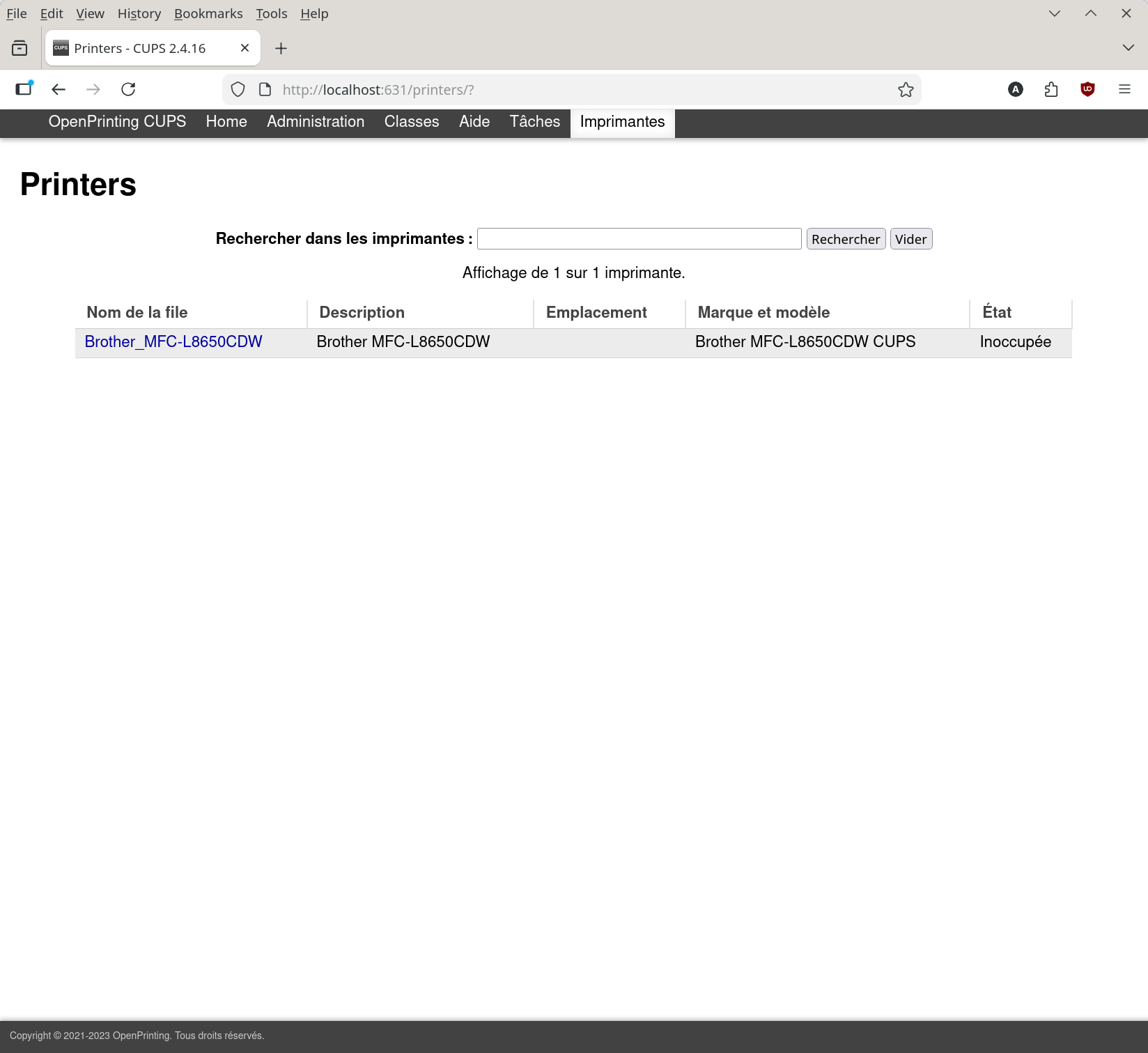
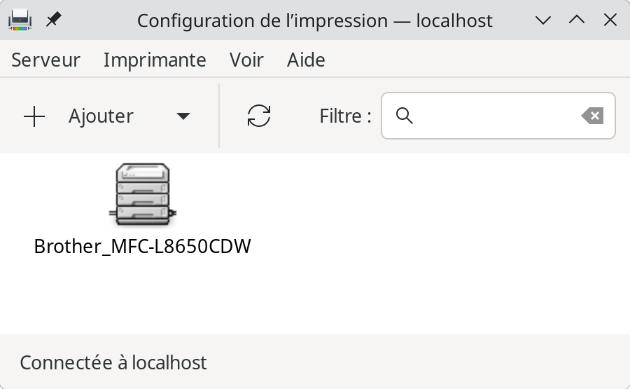
I have a network connected Brother MFC-L8650CDW on my system.
And of course, I can find it in the config
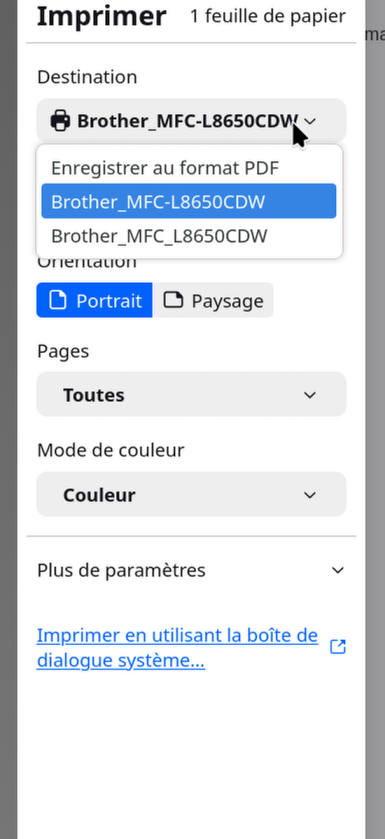
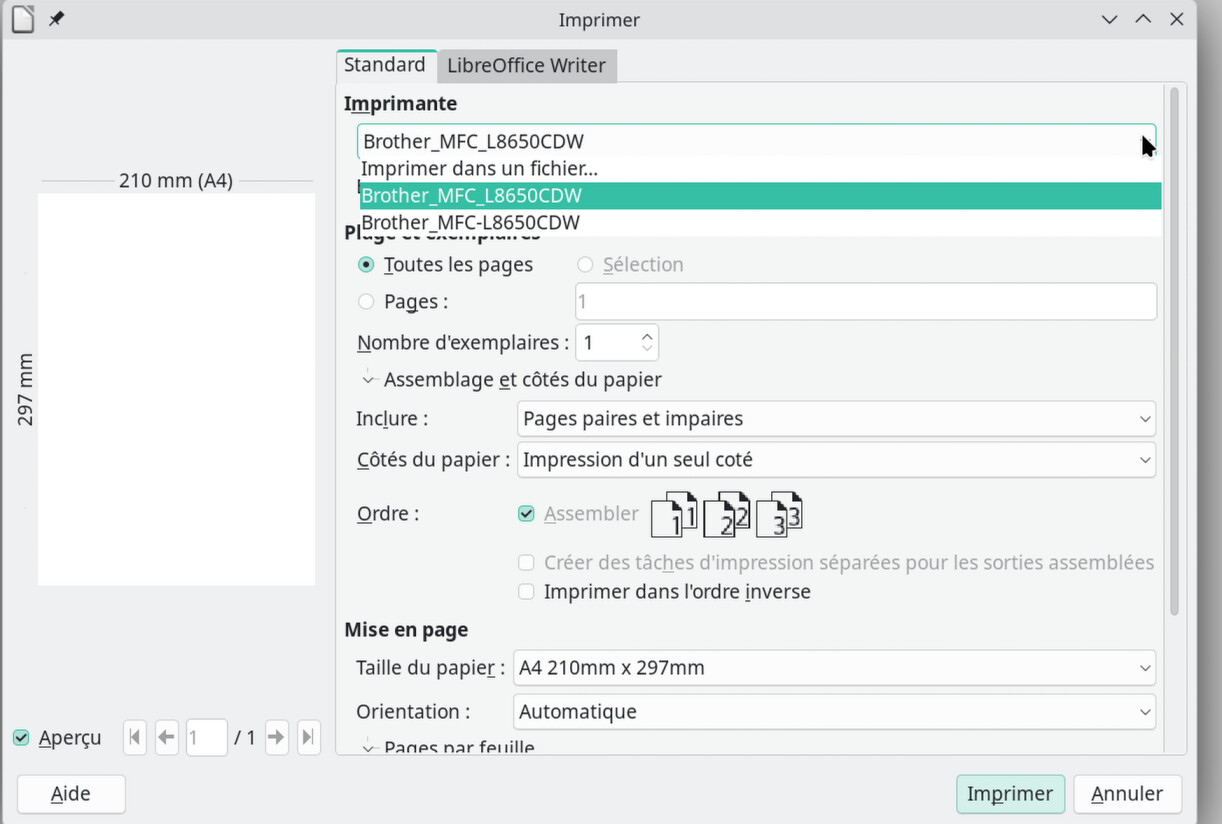
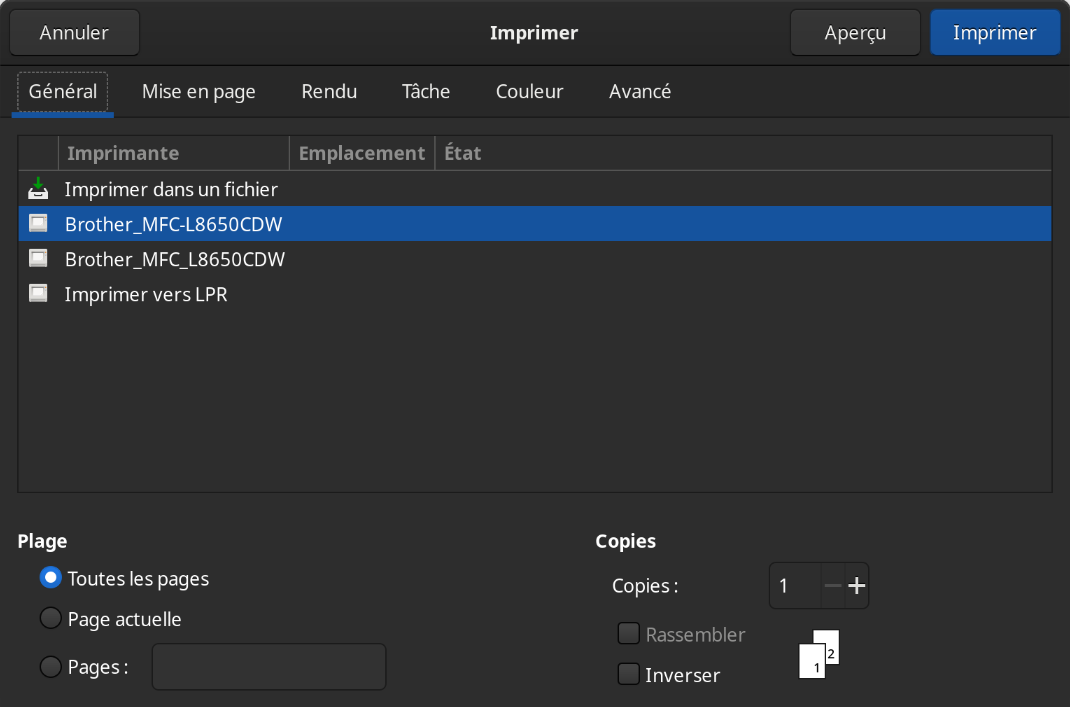
But when I want to print from within an app, It’s shown twice, and only one works
Any help to explain me how to remove the second one would be very welcome !
Thanks
The second one is probably on another printer protocol or one of those is on ipv4 and the other one ipv6, but they should have been named differently and cups should have shoun them so i am not sure what is going on
Probabely, but impossible to manage as it’s not listed in cups