Have you tested this?
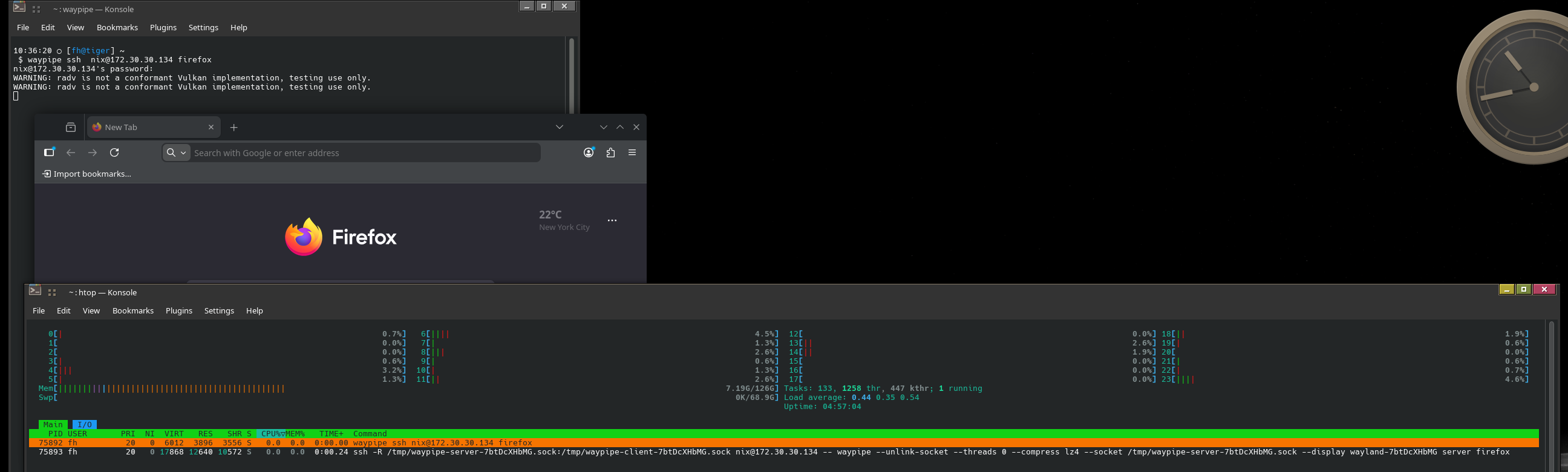
When I run this from my Machine to my Partners Machine firefox loads on her desktop, not mine.
KDE apps are not a problem, they work as expected, but Firefox does not.
Have you tested this?
When I run this from my Machine to my Partners Machine firefox loads on her desktop, not mine.
KDE apps are not a problem, they work as expected, but Firefox does not.
I hope you don’t mind me moving it to it’s own topic 
Yes - I have tested it - it work as described.
My target system is a laptop next to me on my messy desk.
For this to work correct - waypipe must be installed on both systems - and the target system must be running a wayland compositor.
Yes to both of those on our systems.
Strange - I have one obscure idea.
If you are using RDP - then the remote system becomes a sock puppet - everything you do will be shown on the remote.
If you have issues with waypipe always try:
waypipe --no-gpu ssh host cmd
Waypipe shares buffers when possible, and falls back to video encoding went it can’t. So basically anything remote.
And it will also attempt to use hardware acceleration with your GPU. I do have to disable it to even use it, on some of my systems.
So on my host system with the lackluster GPU (my guests get the more powerfull GPU), waypipe has been pretty horrible compared to X11 forwarding. But I can still get firefox working..
Just make sure it’s not running, or use:
waypipe --no-gpu ssh host firefox --new-instance
No RDP… just waypipe and ssh.
I’ve been experimenting with it for a while. Which is why I asked you the question.
Both computers are using Intel GPUs, as well.
As I said it seems to be only firefox that is problematic. All other apps I’ve called display on my computer. So I was thinking it was a firefox problem.
I have even tried the following..
waypipe ssh user@host env XDG_SESSION_TYPE=wayland firefox
and
waypipe ssh user@host env XDG_SESSION_TYPE=xwayland firefox
But Firefox stubbornly refuses to display on my computer.
I am - I don’t know what I am - I cannot grasp what is could be.
I have been trying to replicate what happen for you, but I cannot.
I decided to try using a gnome virtual machine to run firefox on my desktop - that failed, then I tried my test laptop, that failed too.
But I can run everything from my desktop to the laptop - even a completely desktop using labwc with dank material shell.
Just yesterday I frankenjaro’d the laptop to run plasma 6.6 beta. I have been followning plasma-loging-manager - and I want to test the promised RDP which should be available from the get-go.
Now I know what you see - I cannot replicate with firefox - but I got remmina in the laptops autostart and clicking the icon open a remote desktop opens the credentials screen on the laptop which is logged onto a plasma session.
That is quite strange - need more playing …
This is speculation … I signed out of my plasma session on the laptop, keeping my waypipe session open.
Then my remmina icon disappeared from my remote session (labwc and dms) … so the thought popped up - does the connection get confused when you open a remote session with the same username as is currently logged in on the remote?
Interesting.
I am doing nothing special.
We are both using KDE Plasma. I’m on Manjaro testing, she is on Manjaro Stable.
All I am do is following the specified waypipe method.
waypipe ssh user@host application
So..
waypipe ssh user@host pamac-manager
This is a gtk3 application. loads the application UI on my computer, and works as expected.
waypipe ssh user@host systemsettings
A KDE App, works as expected,
waypipe ssh user@host firefox
Loads the application UI on her computer.. As I said, I assumed this was some sort of firefox misbehaviour.
I think there is more to it - but I cannot figure out what - intriguing problem… and good knowledge - I mean - at least we are not  when someone has a similar issue
So do I, now. Tomorrow, I’ll try this on my media computer. At the moment I can’t be bothered unlocking the shed where the Media computer is kept. We’ve been out all day, and it’s damned hot, somewhere around 40 degrees.
Funny things happen.
So to continue the experimentation - I set up my laptop to also provide another type of wayland based desktop
curl -fsSL https://install.danklinux.com | sh
Sign out of the plasma session then select Niri at the session selector and sign in.
Then from my workstation run
waypipe ssh nix@172.30.30.124 startplasma-wayland
This launches a plasma desktop - expected.
Instead of signing of and let the connection clean up, I closed the window - and to my surprise the session on my laptop is now some weird combination of material shell waybar and a plasma session with an empty launcher which is that easy to get rid of.
This has something to with how waypipe work. According to GitHub - neonkore/waypipe: waypipe is a proxy for Wayland[0] clients waypipe is proxy which forward wayland protocol.
It appers to be quite possibly to get weird unexpected results. It seems that the same credentials are prone to create strange behaviour - it was not something I expected.

Using the --no-gpu caused the session to break completely - not able to close the session and access the laptop - I had to ssh into the laptop and do a user-space restart systemctl soft-reboot.
That will have to today’s fun - now to some serious computer work…
Reading this after some rest. It occurred to me that when I run firefox through waypipe, both the user name (and UID to boot) are the same.
So I created a new user, and it failed like yours.
But I do get an error window when I use firefox --new-instance.
I ran out of time to troubleshoot, but I think it was potentially a simple fix with the profile pointing to the wrong spot.
I think I know why firefox won’t start on my computer.
My partner’s computer is already running the only instance of Firefox.
if I use:
waypipe ssh user@host firefox --new-instance
I get a firefox error message displayed on my machine. The message reads..
Firefox is already running, but is not responding. To use Firefox, you must first close the existing Firefox process, restart your device, or use a different profile.
She is not going to let me test my hypothesis, by shutting down ff. So it will have to wait.
Edit: Yes it is because firefox is already running on her machine. It is likely that creating a new instance, rather than call firefox with the new-instance flag, will work.
Edit: opening firefox with
waypipe ssh user@host firefox -ProfileManager
will open the profile manage, and allow you to create a new profile, so I did that (still on the Media machine, no my partner’s), and i can now open a profile while firefox is running on the remote computer.
waypipe user@host firefox -P Remote-Desktop
So, yes it does appear to be a firefox thing.
Note: I am actually using
waypipe --no-gpu ssh user@host
because for some reason the nVidia GPU on he media machine doesn’t like my intel gpu at my end. So using --no-gpu seems safest all round.
This
waypipe --unlink-socket ssh -i ~/.ssh/<identity> <user>@<host> startplasma-wayland
is so cool. This is actually how I used to run remote desktops on X11.
It is, in my opinion, way better than using an RDP application.
I am actually posting this from my media machine, while sitting at my daily driver laptop, while also running an update via pamac-manager on the media machine.
By happenstance, because I don’t use a bottom panel on my daily driver, but I do on the media machine. The bottom panel from the medi machine does not interfere with the panels on my daily driver.
Note: if you want to disengae from the remote desktop, you have to kill waypipe on your local machine… literally.
killall -9 waypipe
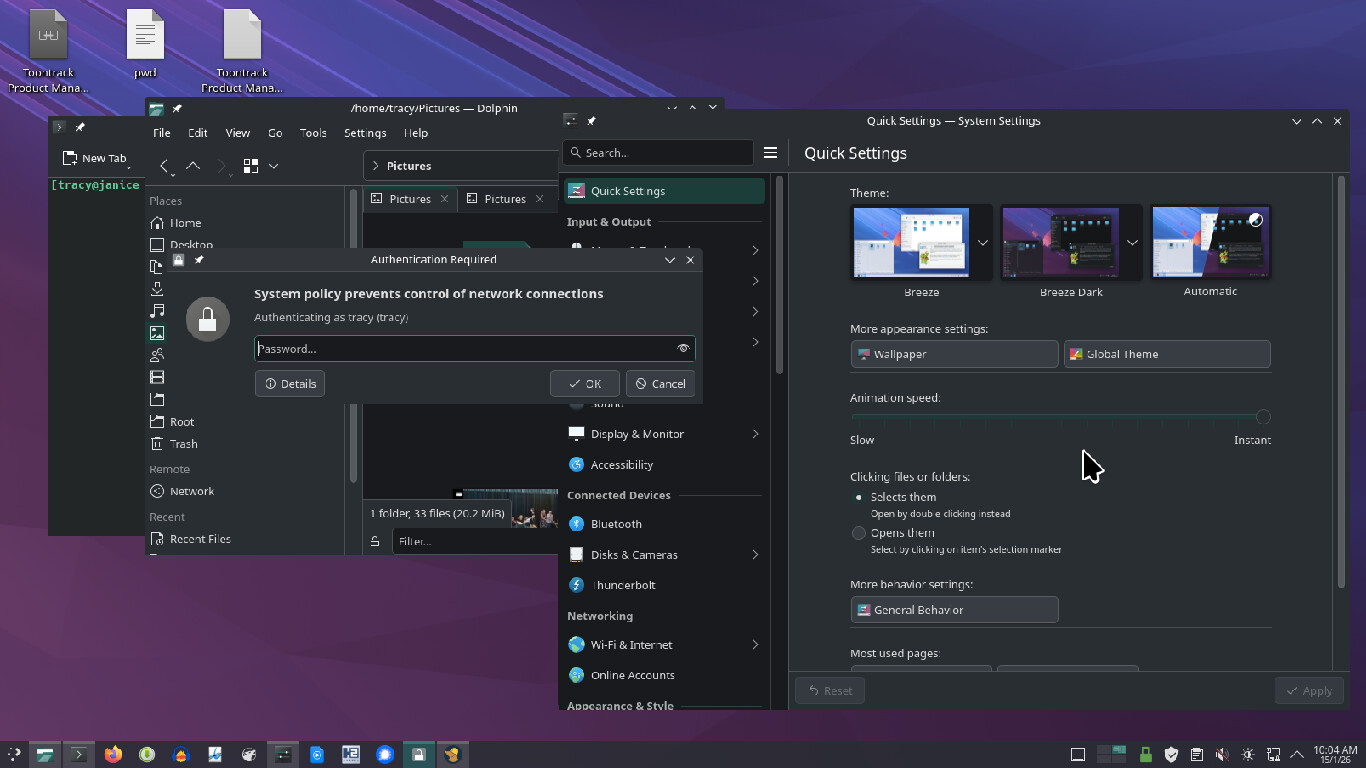
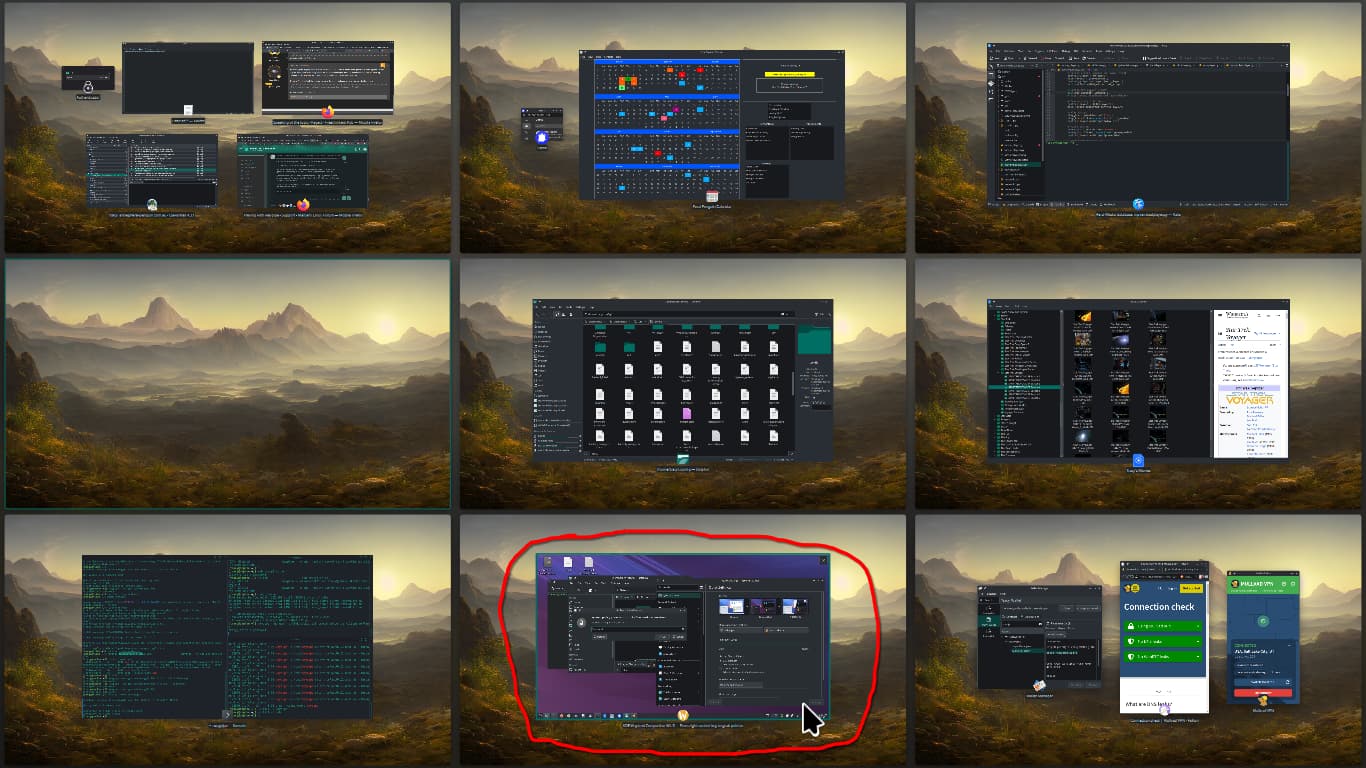
Here is the remote Desktop running on my daily driver
The Remote Desktop is actually running in it’s own Wayland Window, as if I was running some RDP app.
I made new users and profiles, and going from and to Gnome and Plasma DEs. And I can launch firefox on both ends, going from and to either user – as long as I’m logged in as that user (that’s trying to use firefox remotely).
Are you trying to launch firefox with someone else logged into the DE?
(I’ve actually read this is possible. But not without some tinkering.)
I was trying to stress that earlier in fewer words. Especially when I heard Intel GPU too.. Unless it’s one of the real fancy (pricier) Intel GPUs, you probably can’t do real time hardware AV1/VP9/HEVC/H.264/etc encoding. Decoding, sure; Intel most likely has your back for at least some of those.
It’s one of the brilliant, yet annoying things about waypipe. It does attempt to use the best method given the conditions, and being on the same network helps. Older PCs may struggle, which is unfortunate. Phones and ARM processors have been encoding more than just MPEG-2 for decades! PCs will have to catch up, right? (Not counting buying a 600W beast of a GPU that costs a chunk of your salary.)
Actually, yes I was.
I knew I was close to getting that working yesterday.. But I got it!
Use the username you want to headless login as, I used guest with UID 1001 here.
sudo loginctl enable-linger guestThat will create these new services:
sudo systemctl list-units  | grep 1001
 run-user-1001-doc.mount                                                                              loaded active     mounted   /run/user/1001/doc
 run-user-1001.mount                                                                                  loaded active     mounted   /run/user/1001
 user-runtime-dir@1001.service                                                                        loaded active     exited    User Runtime Directory /run/user/1001
 user@1001.service                                                                                    loaded active     running   User Manager for UID 1001
 user-1001.slice                                                                                      loaded active     active    User Slice of UID 1001
Then on that same system, run this:
machinectl shell guest@
machinectl shelllogs you in with the proper environment (thesudo -iu guestI had here before did not), and I think I just needed to do this once. And then it all worked and persisted. I am guessing it just needed to initialise or write proper home config files.As this was a new user for me, this step might not even be needed for you.
Now I can run firefox at any time no matter who is logged in or out.
Just haven’t figured out how to make it persist, yet.
Edit: I was in the hospital for surgery, but now recovering and I got this all working just today. Tweaked the above instructions. It works upon reboots, and if no one, or any one else, is logged in.
I don’t even know that much about dbus stuff, and I’m learning as I go. So I’m sure this still needs refined.