Manufacturer’s website has no specifications for this hardware
UBook X - Chuwi Official -Laptop, Android/Windows Tablet PC,Mini PC
But I did find a Linux hardware scan for this laptop model with audio data
HW probe of Chuwi UBook X #b227e694f7
ALSA data is only showing 5 HDMI output devices available for audio playback
and audio device has Intel subvendorID code [8086:xxxx] instead of an OEM-specific code
Data from hardware scan is not showing any HDMI outputs but it does show an analog output and an analog input. And device has a Chuwi subvendorID [1c6c-122a]
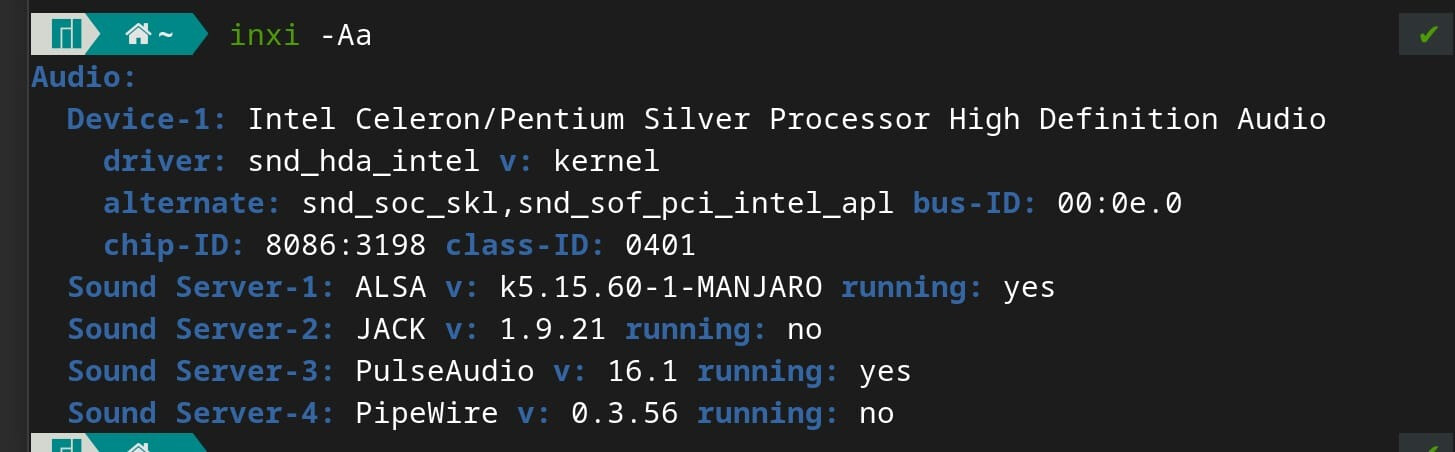
(this appears to be the same audio device used on a number of Chuwi laptop models – Intel Celeron/Pentium Silver Processor High Definition Audio)
ALSA data is showing 2 modprobe options added to system
!!Modprobe options (Sound related)
!!--------------------------------

snd_intel_dspcfg: dsp_driver=1
snd_hda_intel: dmic_detect=0
dmesg data at the end of ALSA data shows dmic_detect=0 option added as kernel boot option
and that this option has been deprecated
[    0.000000] Command line: BOOT_IMAGE=/boot/vmlinuz-5.15-x86_64 root=UUID=36f3a7f0-e536-4575-9be8-5505c5a3acbc rw quiet splash apparmor=1 security=apparmor udev.log_priority=3 snd_hda_intel.dmic_detect=0

[    6.086385] snd_hda_intel 0000:00:0e.0: dmic_detect option is deprecated, pass snd-intel-dspcfg.dsp_driver=1 option instead
I suggest you edit /etc/default/grub, remove snd_hda_intel.dmic_detect=0
and update GRUB
sudo update-grub
Find the file in /etc/modprob.d/ containing option snd-intel-dspcfg dsp_driver=1 and remove that too
Check that package sof-firmware is installed
And Install latest kernel v5.19
sudo mhwd-kernel -i linux 519
If audio is not working as expected after reboot, get more ALSA data
sudo alsa-info.sh --upload