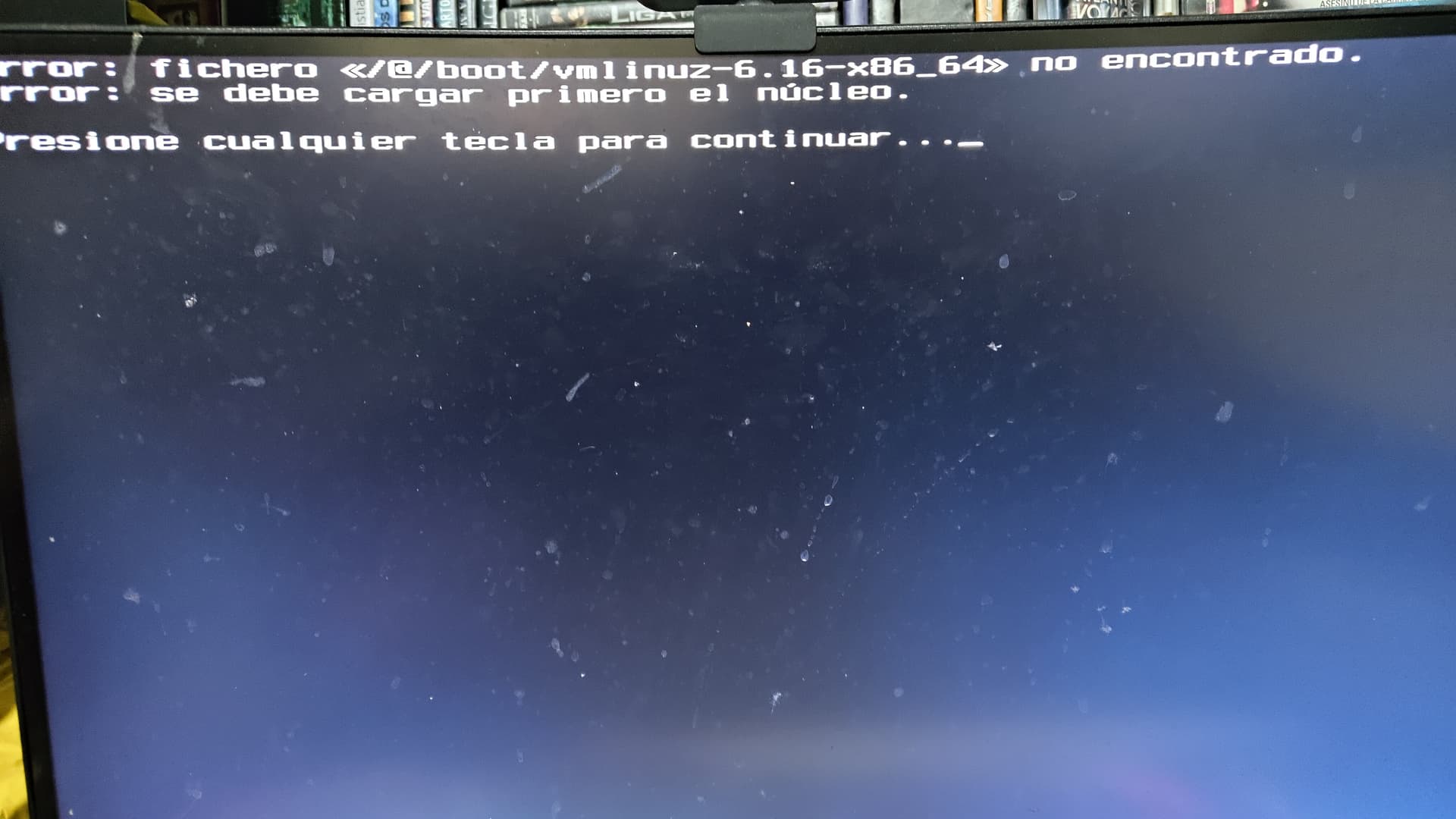
Recently I updated my Manjaro installation like I normally do but this time thañe latest update just broke my boot with the typical error /@/boot/vmlinuz.**** not found error
Already resolved this error in arch Linux before using a live USB and chrooting into the main partition of the distro and fully updating the system. I tried to to do the same in Manjaro from the live USB but the error persists. Even followed this Manjaro forum reference:
IT is worth to remark here that the update finished properly but unfortunately broke this dependency intended to boot the system. My Manjaro file system is btrfs.
As stated in the mentioned reference, I have manually mounted the partitions of my Manjaro install and successfully updated the system form the chroot environment, but the issue with the vmlinuz folder persists. I don’t really want to do a fresh install since I have lot of data and would be very difficult for me to back up it all. Do you guys have the same issue with the vmlinuz-6.16-x86_64 folder or is there any bug in the last update that may have caused this to happen? Please let me know any help would be really highly appreciated.
If you have read the fine announcement before updating
You would have seen kernel 6.16 is non-existent anymore. In theory linux-meta had to solve this automatically for you… don’t know what happened (maybe you uninstalled it youself?).
Thanks for the answer. Didn’t read the announcement. My fault. Just solved the issue minutes ago by applying ‘‘‘grub-mkconfig -o /boot/grub/grub.cfg’’’ from de chroot environment and after updating the system which I supposed installed the new kernel. I remark here that update-grub throws the message: update-grube command does not exist or similar. So any other user with the same issue may need to apply the complete command to overcome this issue.