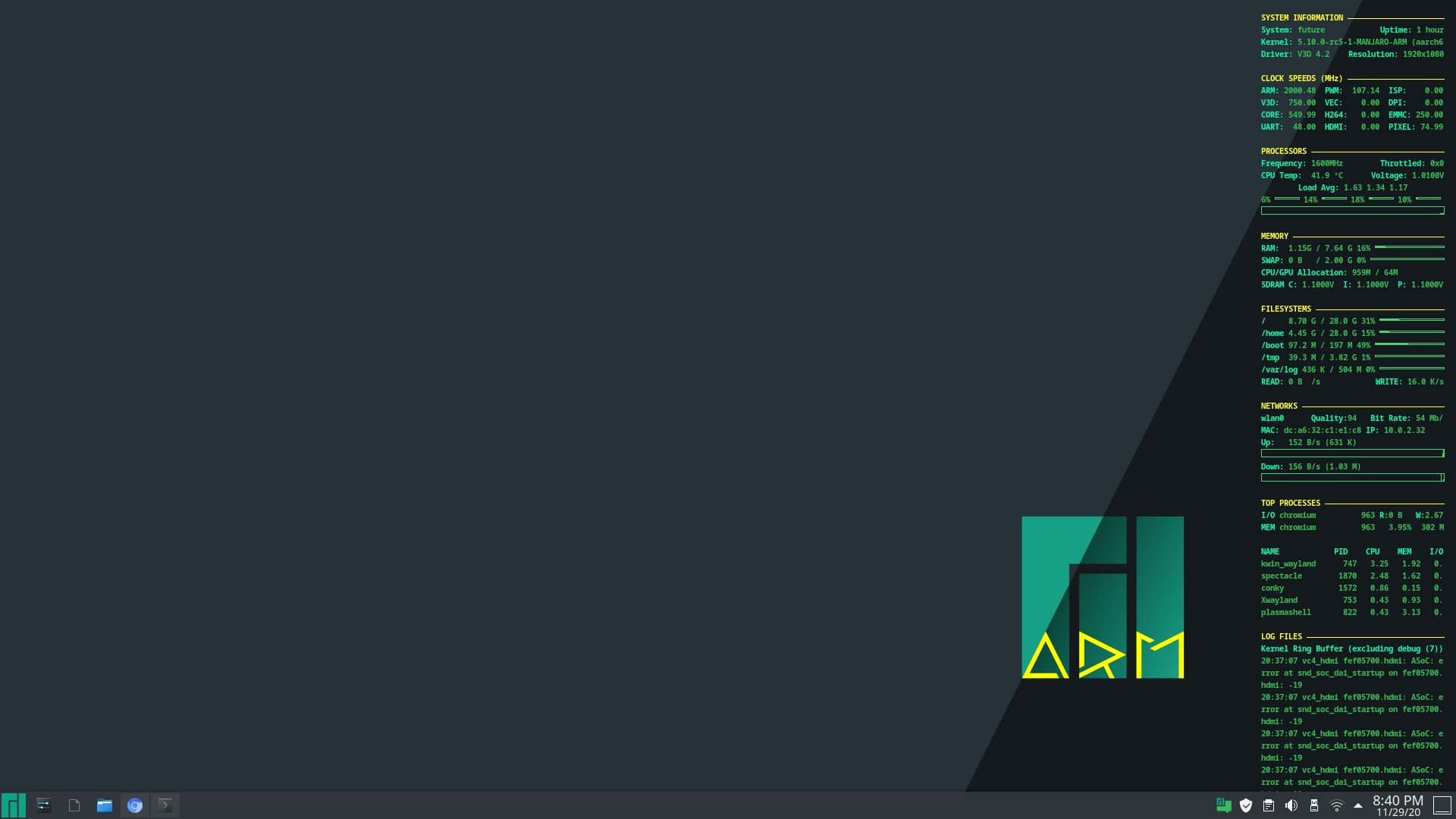
But the colors were wonky when I used fbturbo, never really quite figured out why. Some kind of false transparency I think.
It looks nice. I do not believe that will fit on my monitor resolution. I like some of the things added. I had switched to something similar since the post. I my fiddle with conky and combine yours and mine latter on.
I redid the wallpaper to move the manjaro logo over. Still a WIP but I am tired.
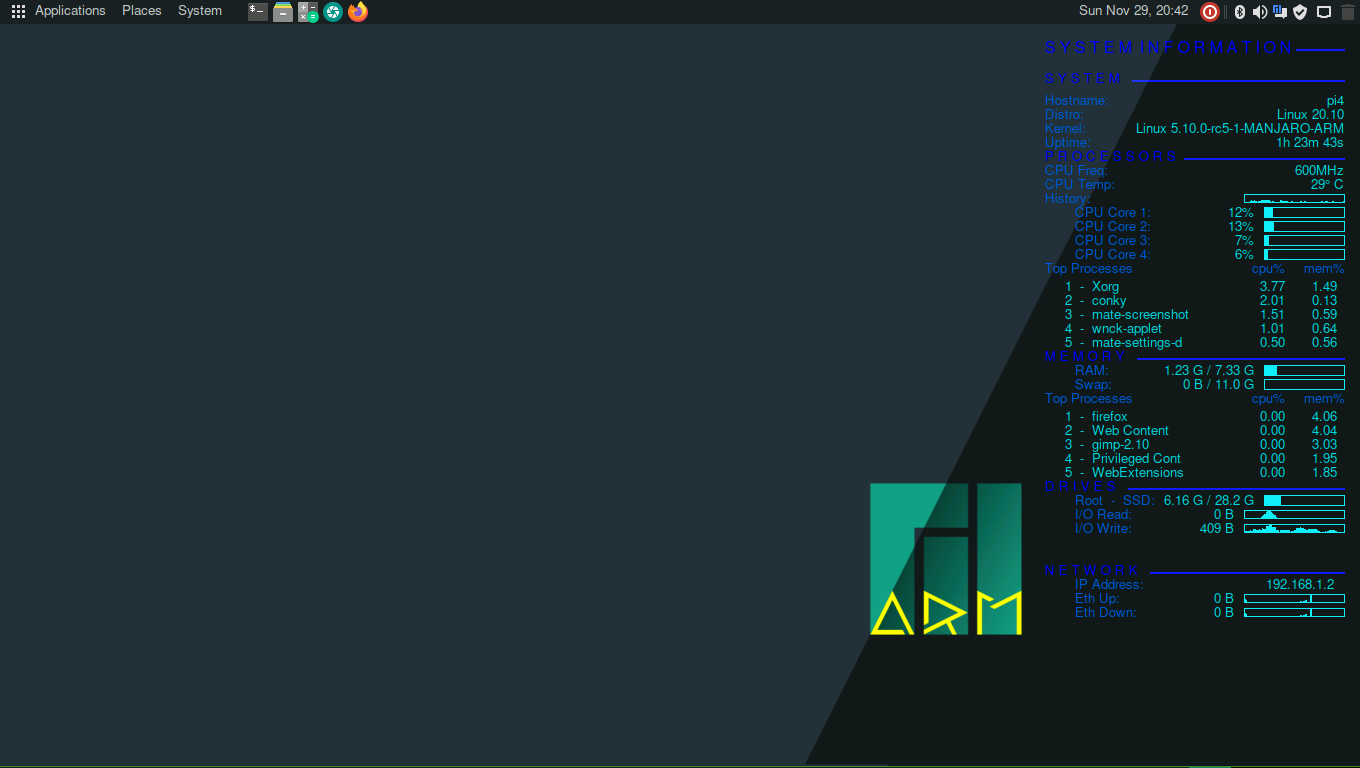
I see you have the exact same color issue I had, could only make shades of blue.
I tried it at the office with a 4k monitor/tv, both with and without the hdmi 2.0 cable and with different dtoverlays and with a 4GB RPi4… still no hardware acceleration. I must have something set somewhere that is preventing this from working. But I can not think of anything else to check/try.
When I have more time, maybe I will make a new SD and try a fresh install.
Your CPU temp and GPU temp are very low !!
I have an Ice Tower and fan.
We can say that it works !! 
I have a argonone case with a fan and the lower I can get is 42°C nowadays…
BTW how can you get GPU temp & CPU temp ? I know /opt/vc/bin/vcgencmd measure_temp command OR /sys/class/thermal/thermal_zone0/temp reading to get the SOC temp but I don’t have any idea how to measure cpu and gpu separately.
GPU and CPU are the same chip.
Yes I know that why I wondered how you could get 2 lines… But in fact it’s the same measure.
Anyway, your desktop and DarkSky’s are great. Mine is really bland compared to yours.
BTW how can you get GPU temp & CPU temp ?
https://www.cyberciti.biz/faq/linux-find-out-raspberry-pi-gpu-and-arm-cpu-temperature-command/
Being new to the RPi, I just added measuring whatever I could. Several are 0, so I am not sure they are valid for the RPi4 or I am reading the incorrect data. Conky is always a work in progress. 
Do you actually do any work when your are at work.
I have a good job if you like doing these kinds of things, but basically this is my job.
Well, maybe not kodi per se, but the lessons learned there are likely to be used another day on some other issue that is more inline with my direct efforts.
Today, I am working on multi-homing a KVM host and guests to be… well, part of what I am not supposed to bring up.
I always thougth that they were equal but it makes sense that vc* (videocore command) gives gpu temp and /sys/class/thermal/thermal_zone0/temp points to CPU.
Measures are pretty closed BTW.
Being on the same chip one side most likely will affect the other side though.
Can we build the mesa git (vulkan drivers) with the stable kernel???
The mesa-git and linux-rpi4-rc kernel 5.10-rc5 are already built and in the unstable branch.
I took the Plasma SD that I used to make my new Plasma rootfs, which already had the rc kernel and added xf86-video-fbturbo-git, mesa-git and the required config.txt changes. My X11 was then messed-up when running the llvmpipe driver. Wayland seems fine with it.
But I did not go any further with kodi. I am pretty sure since this SD is behaving exactly like my SSD install, it will not behave differently… that, and it was 1:30 in the morning.
I went back to your post on the kohi 19 packages… I do not see a mention of mesa-git. Adding mesa-git changes the behavior of my machine… maybe adding it is what is mucking this up for me. That is an official technical term. 