My experience with manjaro

Hi everyone

I’m not an expert but I feel Manjaro is really a fine distro that fills the gap between Arch and Debian (regardless of their technical differences), while both are decent distros as well. Am I right from your point of views?

-For instance I really admire the package management in Manjaro comparing to debian since I always ended up with a mess in Debian due to my poor knowledge (dependency stuff)

-The packages are also fresh (almost close to bleeding edge) with a good reason: Testing period for 2 weeks. What I’ve learned from using Linux is never jump to the latest version of anything.

-I can install the new supported kernel without a headache and that’s really cool.

-The community looks welcoming specially to non expert people like me which is a huge plus.

How ever I have a few concerns as well:

  • I read a few bad reviews about Manjaro but honestly I didn’t understand the bad vibes coz in my experience as an honest, typical, non expert user, Manjaro was always a fine distro for me. What’s that all about?

-When it comes to language support, It doesn’t have my language (Persian/Farsi) so for things like aspell or persian fonts, I have to enable AUR(which i don’t like), Install those from AUR, Then disabling the AUR again. Is there a chance that these two little issues come to the picture by default? Till then am I doing it in the right way?

-Although the installer is fine but is it something huge if the user wants a custom installation same as for the office products which already is there. For example I don’t want everything from gnome, specially the per-installed extensions which I can’t remove. I never tried the live iso since I was worry about missing some drivers or important packages.

-How scary is to use the testing branch for a person like me who tried debian sid, nothing broke but it was acting weird sometimes (my guess is their package management system)

I’m glad that I’m here and please enlighten me about those things. Thank you in advance for your valuable time.

2 Likes

Funny you should say that, I came from Ubuntu>Mint and I really missed dpkg for a while until I realised… months later, now 8 years and I never saw a ‘held back’ or a ‘broken package’; indeed nothing that I couldn’t fix by removing the offending (usually AUR) candidate and reinstall again after my updates.

I wouldn’t recommend disabling AUR after installing a package or two - just keep an eye on what happens when you update.

I currently have a fair few:
Official packages: 2649
AUR packages: 77

But no issues.

I’m happy on Testing, I think the updates are close enough that my AUR installs haven’t really complained… and as I say, if they do you can purge them and update if they do.

Oh, yes - and Welcome :wink:

3 Likes

Hi,

It’s not that scary to try unstable or testing.
My main system has manjaro stable, so in virtualbox you might try testing or unstable.
Do a manjaro stable installation in virtualbox.
Clone that vm ones or twice and set the vm to testing or unstable.

adjust /etc/pacman-mirrors.conf to testing or unstable

Branch Pacman should use (stable, testing, unstable)
Branch = testing

sudo pacman -Syyu

That way you can try everything and gain knowledge.

I install virtualbox on my main system this way but you can also use the package manager

sudo pacman -S --noconfirm virtualbox linux612-virtualbox-host-modules virtualbox-guest-iso
sudo add group vboxuser your user
sudo cp -p /etc/default/grub /etc/default/grub_kvm
sudo sed -i '/^GRUB_CMDLINE_LINUX=/ s/"$/kvm.enable_virt_at_load=0"/' /etc/default/grub
sudo update-grub

In a vm you only have to add virtualbox-guest-utils

sudo pacman -S --noconfirm virtualbox-guest-utils

I agree that manjaro is a fine distro i’ve used it for many years now and with much pleasure.

3 Likes

Welcome to the forum! :vulcan_salute:

Package management in Manjaro is the same as in Arch, i.e. we use the Arch-developed and Arch -maintained pacman and libalpm.

Manjaro’s pamac was specifically developed for Manjaro as an alternative to pacman, but it uses the same package database underneath. :wink:

Well, this has already come up a couple of times — even quite recently stil, as you can read in this thread here — but it essentially boils down to people digging up issues from many years ago and/or just bouncing around hatred inside an echo chamber. :wink:

There is nothing wrong with using packages from the AUR. You only have to be mindful about what you get from there. The clue lies in looking at the PKGBUILD for the package and seeing what it pulls in, and what it does — a PKGBUILD is only a bash script, so it’s human-readable.

Well, some packages cannot be removed because of dependency reasons. For instance, package A might require libraries that come as part of package B, which in turn relies on something in package C.

Beyond the packages that we ourselves create — the stuff you commonly won’t find in Arch proper — there isn’t much we can do about this, as we take over most of our packages from Arch unmodified.

You’d be surprised how many people here run the Testing branch, and the Manjaro developers themselves are all on the Unstable branch, even. :wink:

There’s nothing really scary about using the Testing branch. It just happens to see more frequent updates than the Stable branch, and the package versions are a little bit newer, but that’s all.

In the end, you have to keep in mind that what Manjaro calls the Unstable branch, actually comes from what Arch considers their Stable branch. :wink:

Tip:

As a new member, you may want to subscribe to notifications for the Stable Updates category. Every bundled update, whether it’s for Manjaro Testing or Manjaro Stable, always comes accompanied by a dedicated announcement thread.

  • The first post of the thread contains the changes with regard to the previous bundled update.

  • The second post of the thread details the potential problems, and how to deal with them.

  • The announcement thread also always contains a poll (in the first post), and a summary of past issues (in the second post), for those who’ve skipped an update — which is not advised with a rolling-release distribution, but it does happen. :wink:


[nx-74205:/dev/pts/3][/home/aragorn]
[aragorn] >  pacman -Qn | wc -l
1950

[nx-74205:/dev/pts/3][/home/aragorn]
[aragorn] >  pacman -Qm | wc -l
31

[nx-74205:/dev/pts/3][/home/aragorn]
[aragorn] >  
4 Likes

Ubuntu and Mint are fine distros too but I never use ubuntu again since they push snap to the user, mint on the other hand is a little weird, first it doesn’t have gnome and since i was a mac user, I really adore gnome. then they have a little bit of this, a little bit of that and a little bit of their own in house apps which seems weird to me. Thank you for sharing your knowledge with me

Thank you for sharing your knowledge, I will try it for sure

Wow thank you so much for your valuable information. I tried Arch and yes it is an amazing distro, even the installer now is user friendly but in the Arch way :slight_smile: One of the reason I like Manjaro is update every 2 weeks. I don’t care to be on the bleeding edge side until I really need it. for example my hardware needs kernel 6.16 for better performance since its just intel cpu, intel wifi, intel gpu iris-xe and manjaro handle it so smoothly.

1 Like

One can never predict the reasoning behind such reviews. Some may simply be attributable to having a problem they neither understood or knew how to fix. I’m not personally aware of any justified reasons, but certainly, once the ball starts rolling, there are many who like to join the game.

As you may already know, the AUR is not officially supported by Manjaro (or Arch, for that matter). The usual recommendation for those who (for whatever reason) want to use the AUR is to switch to the Unstable branch, which is the closest match to Arch (stable).
See Switching Branches - Manjaro


The order of updates is important to avoid complication when using the AUR. It is recommended to follow this best practice method:

1. Update regular repository packages first with:
pamac update --no-aur or sudo pacman -Syu

2. Then, if you then wish to update software from the AUR:
pamac update --aur

3. And if you also use flatpak
flatpak update


It is also recommended to re-build AUR sourced packages after every normal repository update, to help ensure that respective dependencies are current.


The “Live ISO” environment will launch the same installation routine. There is effectively no difference between selecting “Install Manjaro” from the menu while booting the ISO, or clicking the icon on the “Live” desktop.

There are of course differences between the Minimal and Full ISOs. I personally suggest always downloading the Full ISO to avoid the possibility of missing applications that otherwise might have been expected to be available. That of course is a matter of choice.

I hope a few of your questions now have answers. :slight_smile:

Regards.

The information that follows is designed for new forum users.


Welcome to the Manjaro community

As a new or infrequent forum user, please take some time to familiarise yourself with Forum requirements, and the many ways to use the forum to your benefit.

To that end, links are provided (below) - Please use them.


Be prepared to provide outputs from various commands when asked. It’s equally important to provide as much actionable information as possible in your first post, rather than simply indicating there is a problem.

Waiting for someone to blindly ask questions is also counter-productive – typically, nobody has a :crystal_ball: at their disposal – Instead, please help others to make informed suggestions, based on information you provide.

Update Announcements

The Update Announcements contain important information and a Known Issues and Solutions section that should generally be checked before posting a request for support.

System Information

While information from *-fetch type apps might be fine for someone wishing to buy your computer, for Support purposes it’s better to ask your system directly; :eyes:

Output of the inxi command (with appropriate parameters, and formatted according to forum guidelines) will generate information useful for those wishing to help:

inxi --filter --verbosity=8

or the short form (preferred):

inxi -zv8
Highly Recommended
Technical Resources
Required Reading

2 Likes

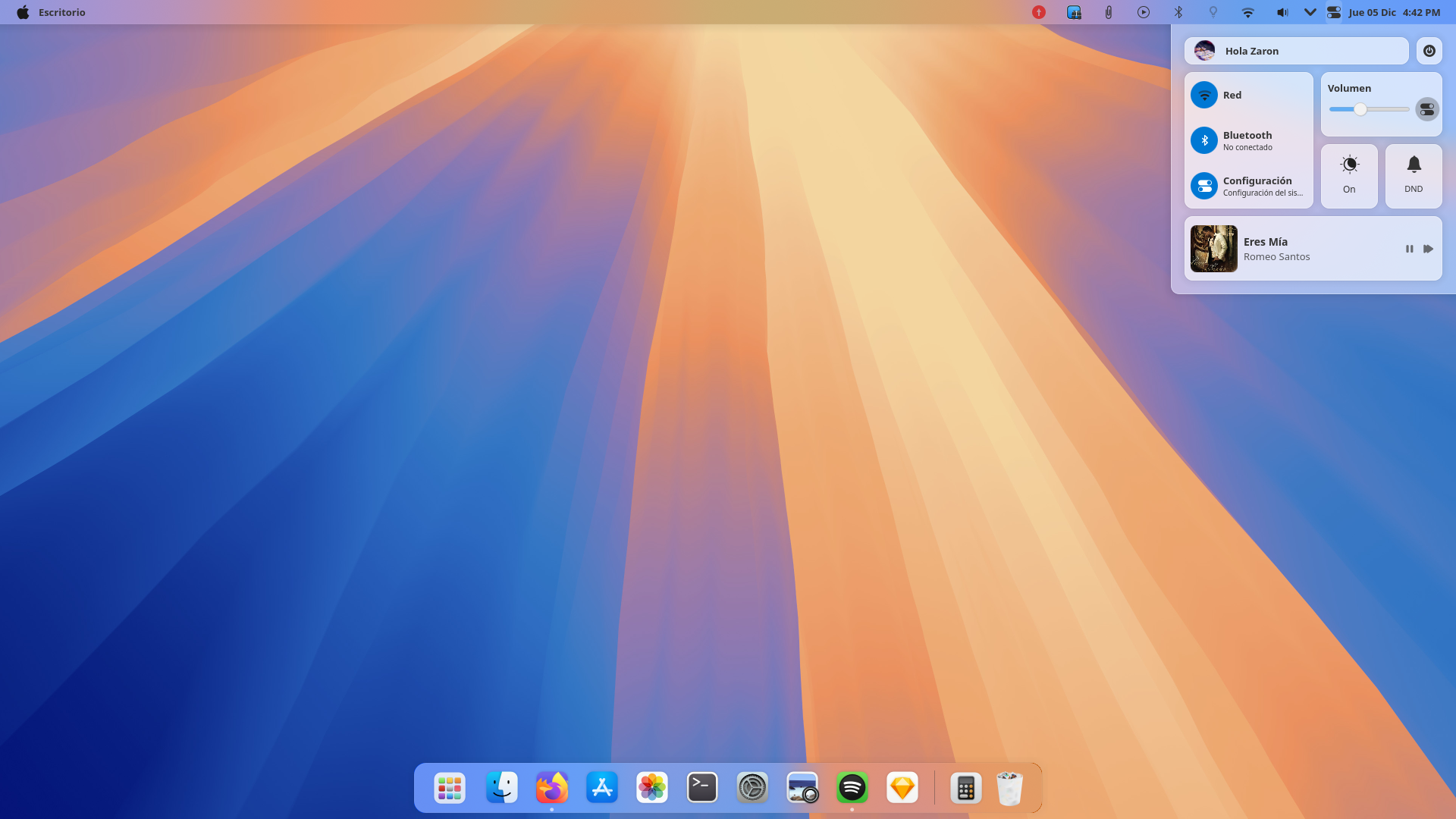
KDE Plasma can be made to look exactly like macOS, if you so prefer. Below is a screenshot from one of the many macOS-like themes at store.kde.org. :point_down:

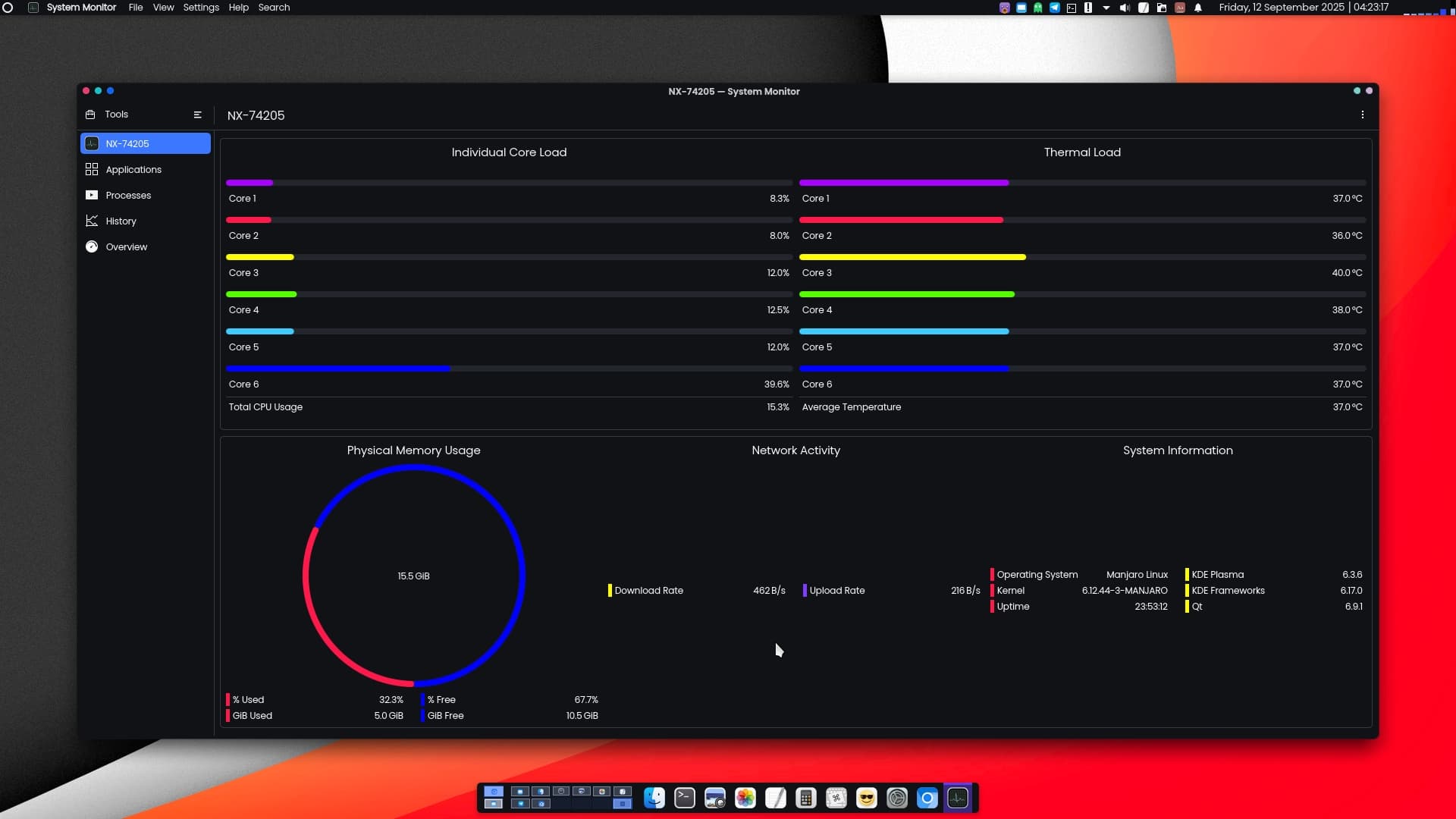
My own desktop uses a different theme, but my sense of ergonomics and aesthetics is very macOS-inspired. :point_down:


Well, that’s not written in stone. Sometimes it takes quite a bit longer than that, and sometimes it’s a lot shorter too.

In general, Manjaro’s adage is that it’s ready when it’s ready. :grin:

3 Likes

Thank you for your time, I only use 1 font and hunspell-fa, and it seems they never update those things but I will follow your recommendation from now on

For such a low usage of the AUR, in this case I’d suggest switching to Unstable is likely unnecessary, though please do observe the other points mentioned.

Regards.


Edit:- I don’t know which font you are using from the AUR, but with any luck you might be able to replace it. An Internet search for “Persian fonts” reveals many potential font resources;

some of them free;

2 Likes

This topic was automatically closed 3 days after the last reply. New replies are no longer allowed.