Hey all,
Did you notice that if you move the mouse rapidly, the pointer momentarily becomes big?
Any reason? Bug or easter egg?
It’s funny…
Melissa
Hey all,
Did you notice that if you move the mouse rapidly, the pointer momentarily becomes big?
Any reason? Bug or easter egg?
It’s funny…
Melissa
Haha yes, it used to be in Effects - the cursor gets big if you shake it… now it’s moved to Accessiblity.
You can use the slider to limit if it’s too big/blurry, or just turn it off.
I always thought It was a feature, designed to help you find the cursor easily.
It’s an accessibility feature that can be disabled. See:
Ah, okay, well, it gave me a smile…next feature: the arrow tuning in a portion of sushi? 
Only if you’re a dyslexc cat using the computer…
ehm…”meow”? 
dyslexc  yes, we see what you did there…
Most cats are atheists, but I once had a dyslexic cat that used to stay up all night worrying if there really is a dog.
Anyway, end of 2025 is here, so time to wish everyone a Happy Mew Year.
It’s been a feature for quite a while, probably since Plasma6. I find it useful as sometimes I just don’t see the pointer.
I can see it being a potential issue after a good night out though … 
Hi Melissa,
I usually found that quite helpful and was rather surprised by it.
For example, with the window of my KRDC session or VirtualBox VM, when I’m looking for the mouse cursor because it’s sometimes inside and sometimes outside the window.
Then it gets bigger, and I can quickly find it again.
Oh, I wish I could explain something like that in writing as well as I could explain it verbally, making it even clearer.
Regards,
Tony
Until recently, it was the most important function of all.
I’ve finally gotten myself a new pair of glasses. 
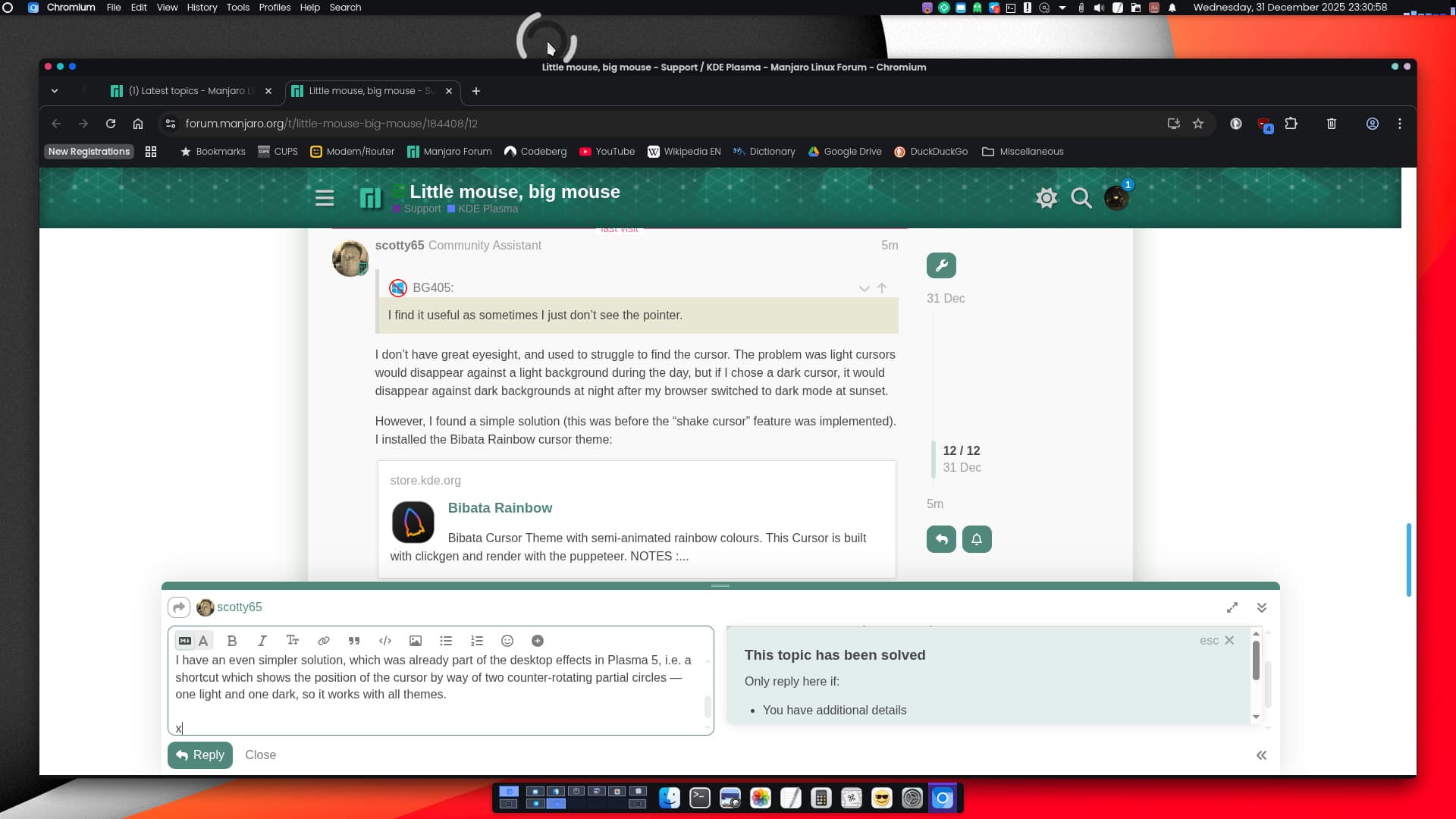
I don’t have great eyesight, and used to struggle to find the cursor. The problem was light cursors would disappear against a light background during the day, but if I chose a dark cursor, it would disappear against dark backgrounds at night after my browser switched to dark mode at sunset.
However, I found a simple solution (this was before the “shake cursor” feature was implemented). I installed the Bibata Rainbow cursor theme:
The cursor constantly changes color, making it easy to spot against any background:

It also has a good range of sizes - 22px to 96px, so is suitable for all screen resolutions.
I have an even simpler solution, which was already part of the desktop effects in Plasma 5, i.e. a shortcut which shows the position of the cursor by way of two counter-rotating partial circles — one light and one dark, so it works with all themes. The effect is called “Track Mouse”.

I don’t remember what the default shortcut was, but on my system, it toggles on and off with CtrlMeta.
ooo, this is cool!!!
The greater problem might be finding your chair. 
This topic was automatically closed 3 days after the last reply. New replies are no longer allowed.