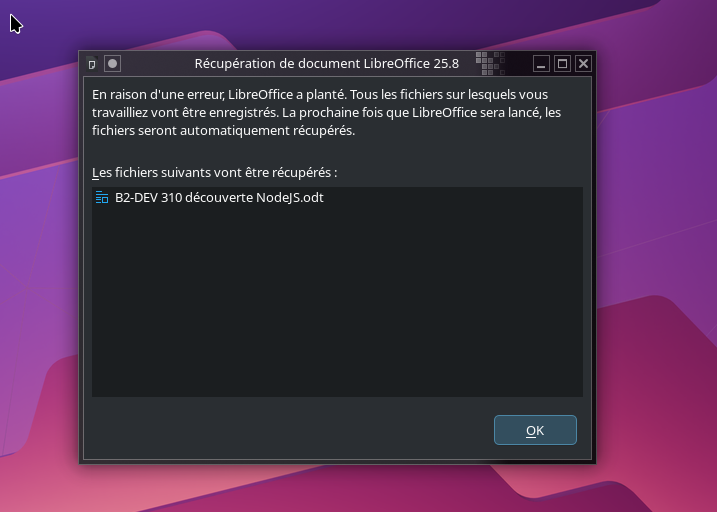
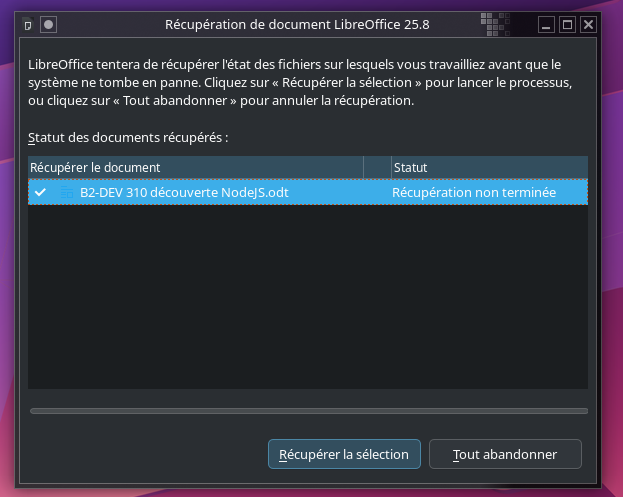
libreoffice
pci id for fd 18: 10de:1f15, driver (null)
kmsro: driver missing
WARNING: A restricted method in java.lang.System has been called
WARNING: java.lang.System::load has been called by com.sun.star.lib.util.NativeLibraryLoader in an unnamed module (file:/usr/lib/libreoffice/program/classes/libreoffice.jar)
WARNING: Use --enable-native-access=ALL-UNNAMED to avoid a warning for callers in this module
WARNING: Restricted methods will be blocked in a future release unless native access is enabled

This plugin supports grabbing the mouse only for popup windows
This plugin supports grabbing the mouse only for popup windows
pci id for fd 18: 10de:1f15, driver (null)
kmsro: driver missing
This plugin supports grabbing the mouse only for popup windows
This plugin supports grabbing the mouse only for popup windows
WARNING: A restricted method in java.lang.System has been called
WARNING: java.lang.System::load has been called by com.sun.star.lib.util.NativeLibraryLoader in an unnamed module (file:/usr/lib/libreoffice/program/classes/libreoffice.jar)
WARNING: Use --enable-native-access=ALL-UNNAMED to avoid a warning for callers in this module
WARNING: Restricted methods will be blocked in a future release unless native access is enabled

This plugin supports grabbing the mouse only for popup windows
This plugin supports grabbing the mouse only for popup windows
pci id for fd 18: 10de:1f15, driver (null)
kmsro: driver missing
This plugin supports grabbing the mouse only for popup windows
This plugin supports grabbing the mouse only for popup windows
You may want to try sudo pacman -Sy libreoffice-still libreoffice-still-fr to get the old one back. As an alternative you can try sudo pacman -Sy onlyoffice-desktopeditors.
It works in safe-mode.
It’s not related to plugins.
Clearing the profile seems to be a solution… but I really want to know what’s the problem (for now, I don’t have found anything in LibreOffice forum).
Thanks for the idea to use still-version, but my professional templates may not works if I change for a previous version.
I’ve created this topics in case others manjaro users meet the same problem.
I hope I’ve found the workaround, but I’ll probably be not alone in this case.
Today the problem has happening again. No time to troubleshoot LibreOffice (and all my documents are in odt, ott, ods, odp format) so, I get back to “still” version (“fresh” was my preference since a long time, but LibreOffice get more and more bugs at each version). @philm I’ve OnlyOffice on my computer too since the first installation, but as always, small changes occurs when using it with LibreOffice documents and few functions are missing or not easy (managing style for example) but thanks for your suggestion.
You could also try calligra. It’s the successor to koffice, and it uses the Open Document Formats. It is also supposed to be compatible with Microsoft document formats, but I’ve never really tested that.