Howto force size icon for taskbar (second display screen)

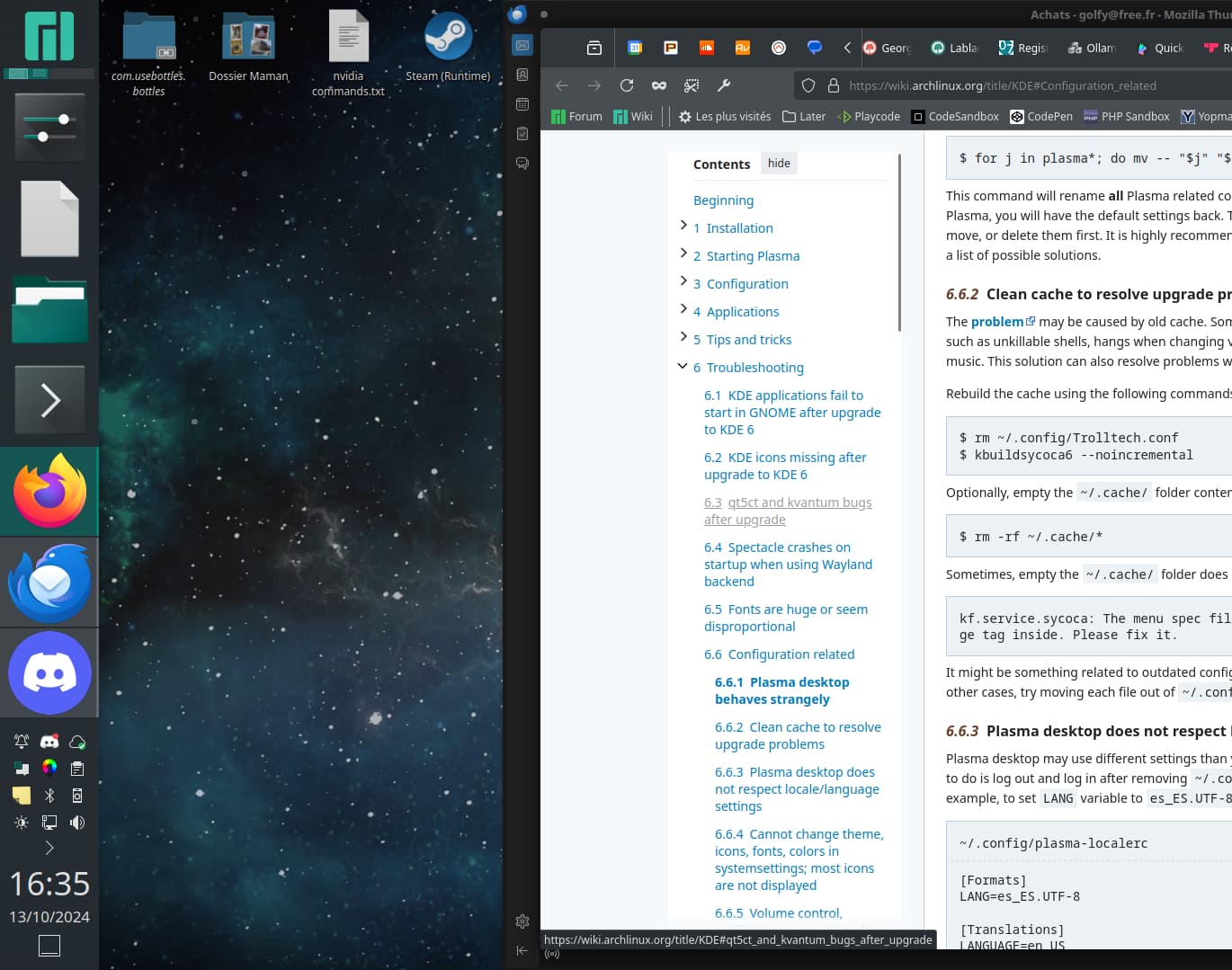
Still some strange behavior since kde6. One of them, I can not change icon size for the second taskbar on my second screen.


Is there a file I could edit to change the default automatic size?
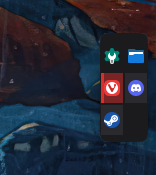
For now editing size in plasma edition settings just change the width of the column (so icons automaticaly adapt to it) but unable to have same taskbar like first screen (icon+text).

thanks :slight_smile:

Solved: an idea comes to me after writing this (so, I let this problem if someone meet it too).
Close all applications, that way it’s possible to right-click on an empty space, then click ‘show alternatives’ and choose ‘icons+text’.
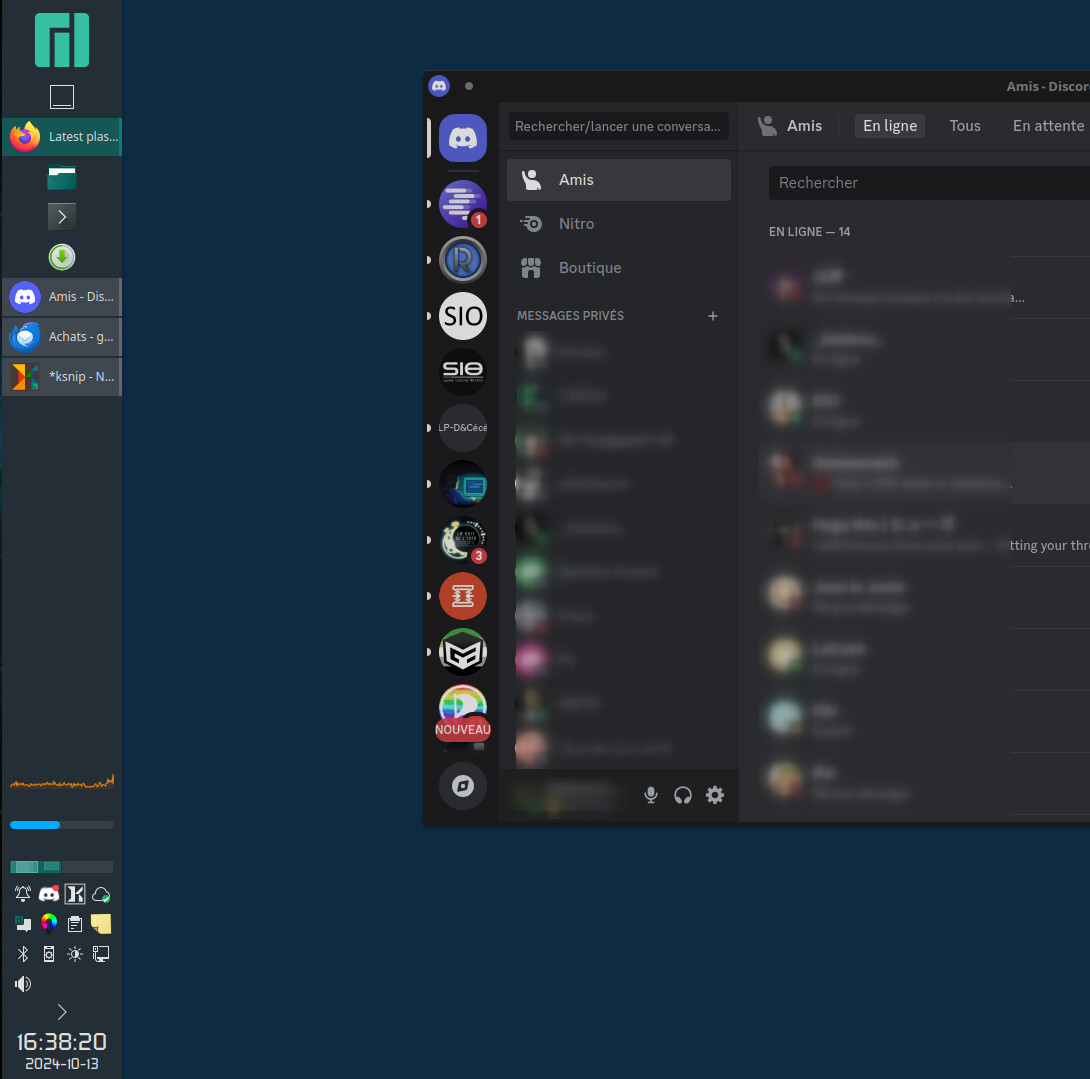
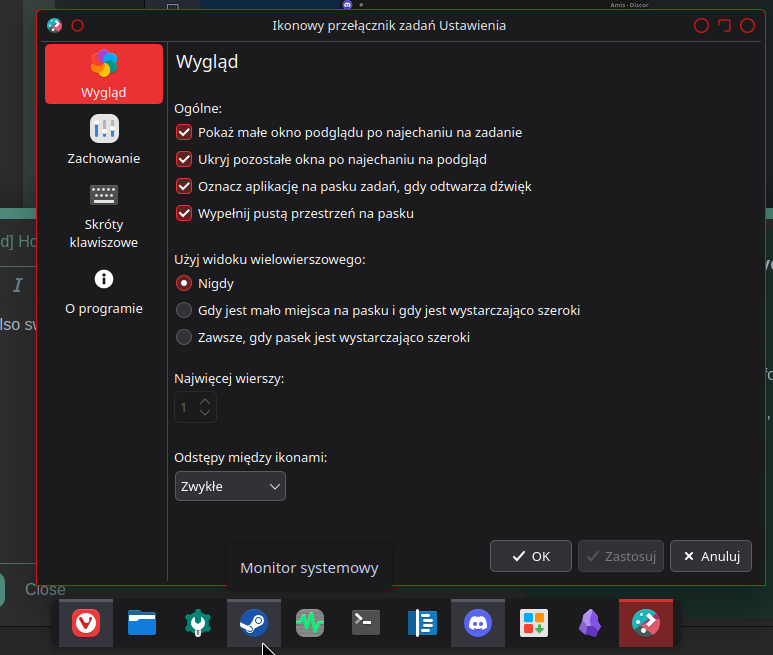
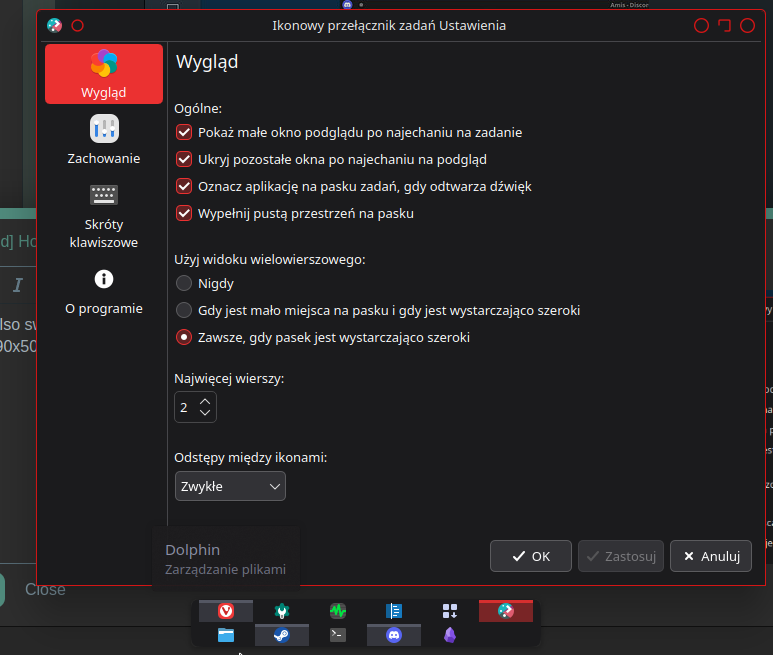
You can also switch to multiline view (my translation) in taskbar settings – icons will be smaller but also shown in multiple rows.


I understand you use a horizontal taskbar: I’m not sure if it would fit right on a vertical case. However, thanks for your help.

It shoul works if your panel have at least 48px width :wink:

image

Oh nice :slight_smile:

This topic was automatically closed 3 days after the last reply. New replies are no longer allowed.