Which is not the purpose nor the intent of my mention - the intent and purpose is to update the firmware of the modem.
BUT Given your own statement (quote)
Your best option is redo your setup - that is what I ended up doing - time wasted - yeah - but the end result is a working modem - which I believe is what this is all about.
Backup your important data to a removable media.
Download the Windows 10/11 ISO from Microsoft (the win10 iso is only one which has an option for local account).
https://www.microsoft.com/en-us/software-download/windows10iso
https://www.microsoft.com/en-us/software-download/windows11
Wipe your disk and install Windows 10/11.
Insert a valid sim card (pin code removed)
Boot to Windows - Download and install this package (It is valid for T495(s) and X395).
https://download.lenovo.com/pccbbs/mobiles/r12fb17w.exe
Make sure you connect a charger during the process - because the modem firmware upgrade must not be interupted.
You will know when it happens - an warning message will be displayed when the firmware upgrade is in progress.
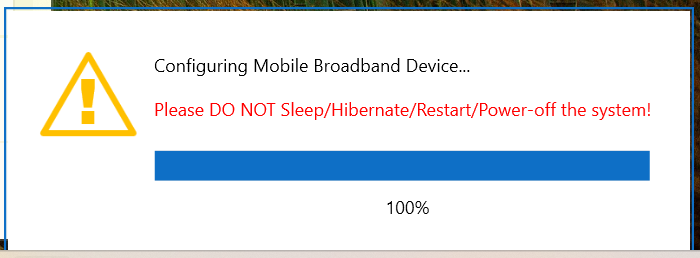
Run the installer to update your modem. When the firmware has been updated - activate the modem - that is connect to the internet.
Test the internet while on Windows - no wifi, no cable - just mobile broadband - you are good to go. Please be aware that you may need to reboot into Windows after installation of the modem package.
When you have the modem working - be sure to restart the system with the modem active (that is connected to the internet) - during the restart boot into the Manjaro ISO and install Manjaro.
Then follow the guide in comment #49 or jump to the How To
Whether you choose to wipe Windows or shrink the Windows as much as possible - that is entirely your call - I resized Windows 10 to 64G - with either choice - your goal of having a functional modem has been achieved.
Apple users which want to convert their system to run Linux will face similar issues, it is recommended to keep the Apple system on disk - helps with troubleshooting later on - same goes for a system like this - it has been created for Microsoft Windows - and as such it is better to keep the tools at hand - a minimal Windows installation at e.g. 64G.