I have Manjaro on SDC1, cachy-os on SDB1 and win10 (which I do not really boot into anymore) on SDA1 and would like grub to remember the last OS that I have booted into. Searching for it I have found this command that was supposed to make grub remember the last boot choice:
sudo grub-set-default saved
Unfortunately it does still not remember the last OS that I have been booting up.
My /etc/default/grub/
# GRUB boot loader configuration

GRUB_DEFAULT=saved
GRUB_TIMEOUT=5
GRUB_DISTRIBUTOR='Manjaro'
GRUB_CMDLINE_LINUX_DEFAULT='quiet splash udev.log_priority=3'
GRUB_CMDLINE_LINUX=""

# Preload both GPT and MBR modules so that they are not missed
GRUB_PRELOAD_MODULES="part_gpt part_msdos"

# Uncomment to enable booting from LUKS encrypted devices
#GRUB_ENABLE_CRYPTODISK=y

# Set to 'countdown' or 'menu' to change timeout behavior,
# press ESC key to display menu.
GRUB_TIMEOUT_STYLE=hidden

# Uncomment to use basic console
GRUB_TERMINAL_INPUT=console

# Uncomment to disable graphical terminal
#GRUB_TERMINAL_OUTPUT=console

# The resolution used on graphical terminal
# note that you can use only modes which your graphic card supports via VBE
# you can see them in real GRUB with the command 'videoinfo'
GRUB_GFXMODE=auto

# Uncomment to allow the kernel use the same resolution used by grub
GRUB_GFXPAYLOAD_LINUX=keep

# Uncomment if you want GRUB to pass to the Linux kernel the old parameter
# format "root=/dev/xxx" instead of "root=/dev/disk/by-uuid/xxx"
#GRUB_DISABLE_LINUX_UUID=true

# Uncomment to disable generation of recovery mode menu entries
GRUB_DISABLE_RECOVERY=false

# Uncomment and set to the desired menu colors.  Used by normal and wallpaper
# modes only.  Entries specified as foreground/background.
GRUB_COLOR_NORMAL="light-gray/black"
GRUB_COLOR_HIGHLIGHT="green/black"

# Uncomment one of them for the gfx desired, a image background or a gfxtheme
#GRUB_BACKGROUND="/usr/share/grub/background.png"
GRUB_THEME="/usr/share/grub/themes/manjaro/theme.txt"

# Uncomment to get a beep at GRUB start
#GRUB_INIT_TUNE="480 440 1"

# Uncomment to make GRUB remember the last selection. This requires
# setting 'GRUB_DEFAULT=saved' above.
GRUB_SAVEDEFAULT=false

# Uncomment to disable submenus in boot menu
#GRUB_DISABLE_SUBMENU=y

# Uncomment this option to enable os-prober execution in the grub-mkconfig command
#GRUB_DISABLE_OS_PROBER=false

# Uncomment to ensure that the root filesystem is mounted read-only so that
# systemd-fsck can run the check automatically. We use 'fsck' by default, which
# needs 'rw' as boot parameter, to avoid delay in boot-time. 'fsck' needs to be
# removed from 'mkinitcpio.conf' to make 'systemd-fsck' work.
# See also Arch-Wiki: https://wiki.archlinux.org/index.php/Fsck#Boot_time_checking
#GRUB_ROOT_FS_RO=true
GRUB_DISABLE_OS_PROBER=false
I have added the other OS’ to the boot menu this way:
echo GRUB_DISABLE_OS_PROBER=false | sudo tee -a /etc/default/grub && sudo update-grub
If /boot is on btrfs — which is the default in Manjaro as of the 25.0 Zetar release — then this will indeed not work anymore, because grub cannot write to btrfs.
The only way to render grub capable of remembering the last-booted entry — as it used to be in the past — would be to either use ext4 for the root filesystem or have a separate ext4 partition of about 1 GiB for /boot, and to then set the proper options in /etc/default/grub.
Damn. I have an nvme drive with ext4 though. How can I install the bootmanager on that one?
I have always installed the bootmanager on the OS-drive because I was scared to install it on one central drive for all OS’. Now it seems I have no other choice anymore, because both Manjaro and Cachy are on BTRFS just the game libraries remain on EXT4. Although there is a script they say can be used on Cachy that could address that. I have never used scripts though.
I think you misunderstand. If the system boots in UEFI mode, then it’ll load the grub EFI stub — essentially an EFI executable — from /boot/efi. This stub will then in turn load its configuration from /boot.
If you have the option enabled to save the last-booted entry, then grub — note: the operating system is not loaded yet at that point — will attempt to save this boot entry to the filesystem that /boot is on, because grub mounts this filesystem by itself as its own root.
In a default installation, /boot is part of the root filesystem, which as of Manjaro 25.0 is btrfs. But grub cannot write to btrfs — in some cases it even already has difficulty reading from it.
In other words, you’ve got three options…:
Reinstall Manjaro and pick ext4 for your root filesystem;
Reinstall Manjaro and pick btrfs for your root filesystem, but also create a dedicated ext4 partition of 1 GiB, to be mounted at /boot; or…
Find an empty ext4 partition of 1 GiB, temporarily mount it at /mnt, move over the contents of your /boot to /mnt, unmount /mnt and mount that same partition at /boot — you could use a “mount --move” to do the whole thing in one go — and edit your /etc/fstab to include a record for /boot.
It should be a dedicated partition, and I am advising 1 GiB because if you’re going to be storing a couple of kernels and their initramfs — both main and fallback — then you’ll quickly end up filling up that space.
An NVMe is a physical storage device, not a partition.
So if I would have told it on install to put the bootmanager on the nvme it would have failed because of the lack of a dedicated partition?
The two things I could do at this point is sacrifice the Win-drive, because I cba to reinstall, or to reformat the 2nd nvme which is still ntfs and used as data grave and app + general backup drive.
In a system that boots in UEFI mode, you don’t “install the boot loader to a drive”. The boot loader goes in the EFI system partition, and the boot loader configuration for each respective GNU/Linux installation goes in said GNU/Linux system’s own /boot directory.
Thats why I thought I could just install it onto the nvme’s existing efi system partition and put the /boot onto the ext4 partition since both Manjaro and Cachy-OS wanted to put the boot loader onto that drive anyways.
I still do not get why this is any different to making a separate 1 GB partition.
You’re asking for trouble. You can have only one operating system claiming the same /boot partition. A UEFI boot sequence is very different from a legacy BIOS boot sequence.
it’s a 2 TB ext4 partition, it has free space but it is not empty.
So if I would have told the Manjaro installer to use that drive for the boot loader and done the same with the Cachy-os installer, the latter would have broken the former?
Then it won’t do. It has to be a dedicated partition, and 2 TiB is a ridiculous waste of space for /boot.
I think you still don’t understand what constitutes “the boot loader”. The UEFI boot process loads a distribution-specific EFI stub from the EFI system partition, and that EFI stub will load its configuration from the selected distribution’s /boot.
The EFI partition can hold multiple EFI stubs, including for other operating systems like MS-Windows. Each distribution will normally use its own /boot — this is never shared with other distributions, not even if it resides on a separate partition.
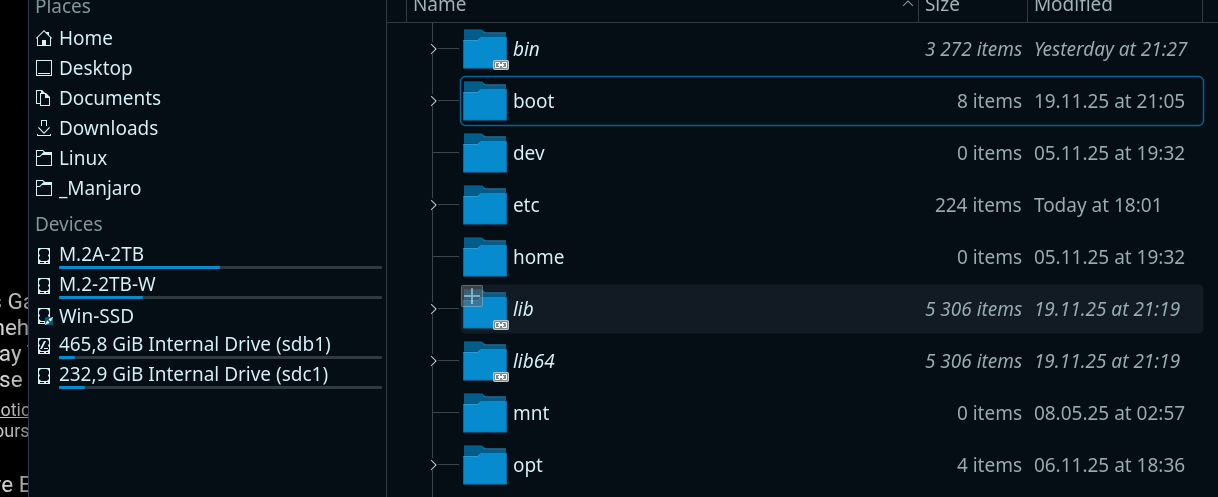
Looking at sdc1 the /boot folder is simply on the same partition (thats why it seems logical that I could copy it onto the nvme-ext4 and put it into fstab after). It is one partition with 230 GB while you are telling me it should be on a separate 1 GB partition, but neither the Manjaro nor Cachy-OS installer seem to do it that way.
Please read my post(s) again. I did not tell you that /boot should be on a separate 1 GiB partition.
What I did tell you is that if you want to keep on using btrfs for the root filesystem and you want grub to remember the last-booted entry, then you need a separate ext4 partition for /boot, and then this partition should be about 1 GiB.
The only two alternatives are…
reinstalling your Manjaro on ext4 — and then you do not need a separate /boot; or…
forget about having grub save the most recent boot choice.
You can set the order in /etc/default/grub — note: the count starts at 0 — but then it’s statically set and will not change the default depending on what you selected.
Here’s mine…
GRUB_DEFAULT=0
GRUB_TIMEOUT=5
GRUB_TIMEOUT_STYLE=menu
GRUB_DISTRIBUTOR='Manjaro'
GRUB_CMDLINE_LINUX_DEFAULT="quiet udev.log_priority=3"
GRUB_CMDLINE_LINUX=""

# If you want to enable the save default function, uncomment the following
# line, and set GRUB_DEFAULT to saved.
# GRUB_SAVEDEFAULT=true