Hi!
I installed a program through wine. It works, but…
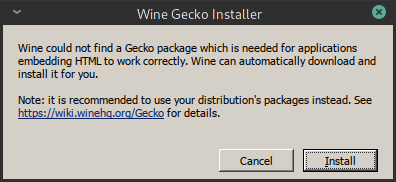
It pops up a window that complains about a missing Gecko package and gives a choice to install that.
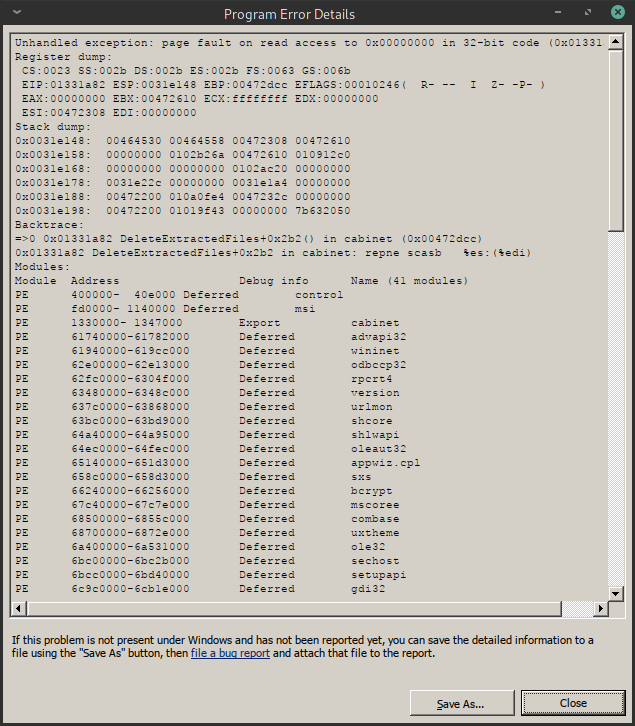
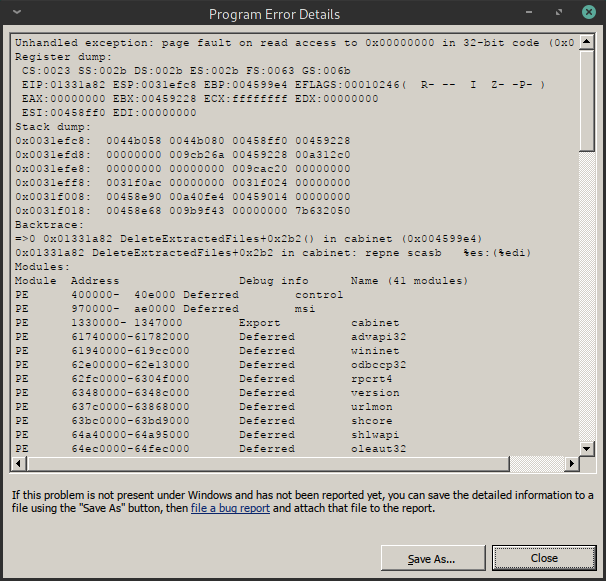
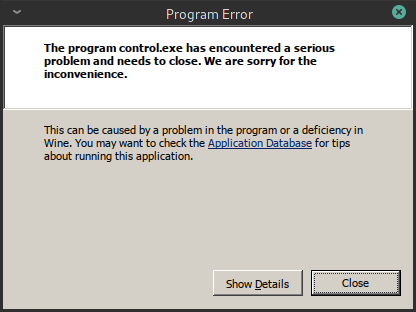
OK, i clicked on the Install button but at the and that crashes.
But the application starts and running well.
Interesting thing, next time the same situation happens.
I click on the Cancel button instead of the install.
And magic! It works!
So, my problem is, how can i get rid of the always appears Gecko Install pop up window?
https://wiki.archlinux.org/index.php/Wine#Prevent_installing_Mono/Gecko
You can also try installing wine-gecko package to see if that fixes the issue.
sudo pacman -Syu wine-gecko
Try running it with this enviroment variable:
WINEDLLOVERRIDES="mscoree=d;mshtml=d" program.exe
If it works, you can create a custom shell script or desktop file to launch it.
I installed the wine-gecko as you advised.
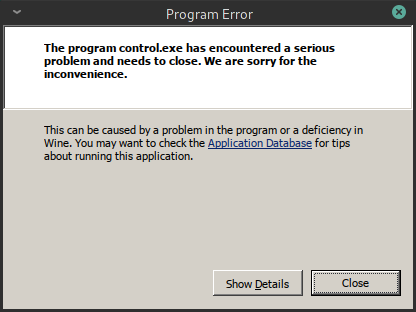
Now changed the situation. I got new pop up windows.
It turned out, if i install only the wine and winetricks then wine will install in proper way what is needed.
So, now there is no problem.
Please close this thread.
All you need to do to “close thread” is to select the solution