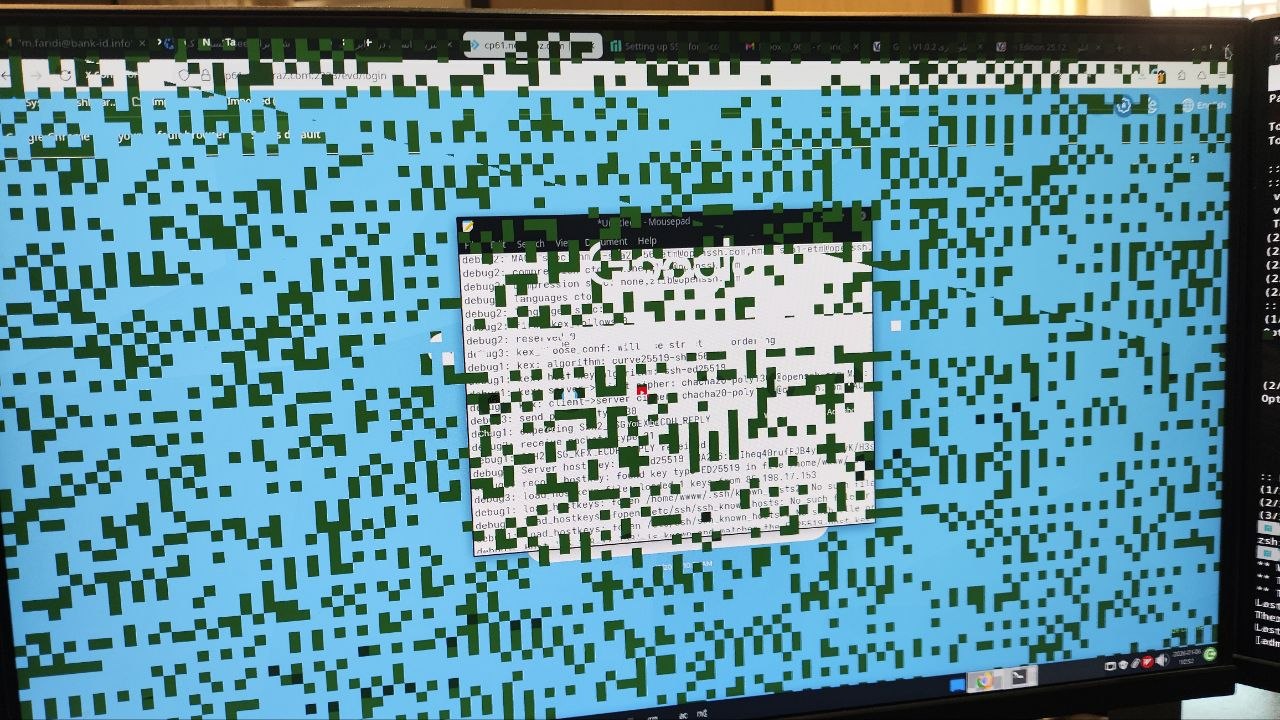
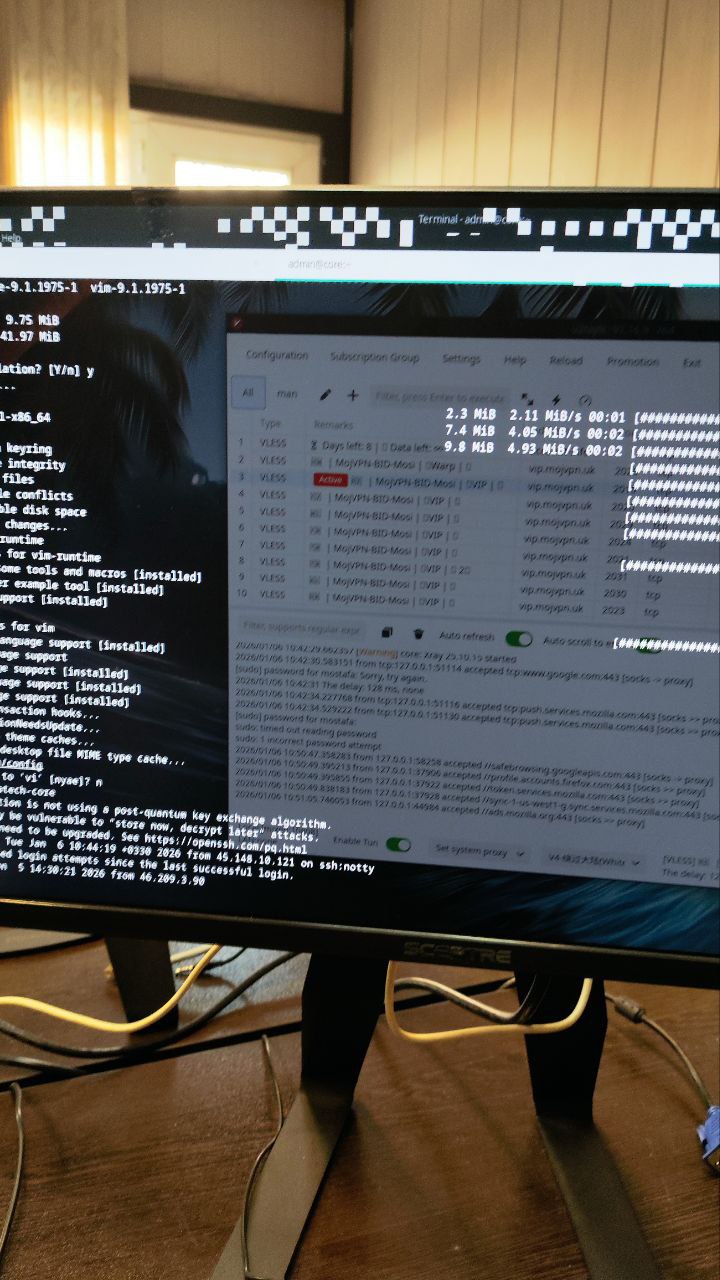
I have fresh install of XFCE and I see these after while I use it and have to reboot it
Please post more information about system:
inxi -V8z
I see
inxi -Fz

System:
Kernel: 6.12.63-1-MANJARO arch: x86_64 bits: 64
Desktop: Xfce v: 4.20.1 Distro: Manjaro Linux
Machine:
Type: Desktop Mobo: ASUSTeK model: PRIME H310M-R R2.0 v: Rev X.0x
serial:  Firmware: UEFI vendor: American Megatrends
v: 2208 date: 07/09/2021
CPU:
Info: 6-core model: Intel Core i7-8700K bits: 64 type: MT MCP cache:
L2: 1.5 MiB
Speed (MHz): avg: 800 min/max: 800/4700 cores: 1: 800 2: 800 3: 800 4: 800
5: 800 6: 800 7: 800 8: 800 9: 800 10: 800 11: 800 12: 800
Graphics:
Device-1: NVIDIA GK208B \[GeForce GT 730\] driver: nouveau v: kernel
Display: x11 server: X.org v: 1.21.1.21 driver: X: loaded: modesetting
dri: nouveau gpu: nouveau resolution: <missing: xdpyinfo/xrandr> resolution:
1: 1920x1080 2: 1920x1080
API: EGL v: 1.5 drivers: nouveau,swrast
platforms: gbm,x11,surfaceless,device
API: OpenGL v: 4.5 compat-v: 4.3 vendor: mesa v: 25.3.2-arch1.1
renderer: NV106
Info: Tools: api: eglinfo,glxinfo de: xfce4-display-settings x11: xprop
Audio:
Device-1: Intel 200 Series PCH HD Audio driver: snd_hda_intel
Device-2: NVIDIA GK208 HDMI/DP Audio driver: snd_hda_intel
API: ALSA v: k6.12.63-1-MANJARO status: kernel-api
Server-1: PipeWire v: 1.4.9 status: active
Network:
Device-1: Realtek RTL8111/8168/8211/8411 PCI Express Gigabit Ethernet
driver: r8169
IF: enp3s0 state: up speed: 1000 Mbps duplex: full mac:
IF-ID-1: singbox_tun state: unknown speed: 10000 Mbps duplex: full
mac: N/A
Drives:
Local Storage: total: 1.14 TiB used: 13.35 GiB (1.1%)
ID-1: /dev/sda vendor: Gigabyte model: GP-GSTFS31256GTND size: 238.47 GiB
ID-2: /dev/sdb vendor: Western Digital model: WD10EZEX-00BBHA0
size: 931.51 GiB
Partition:
ID-1: / size: 238.18 GiB used: 13.35 GiB (5.6%) fs: btrfs dev: /dev/sda2
ID-2: /boot/efi size: 299.4 MiB used: 648 KiB (0.2%) fs: vfat
dev: /dev/sda1
ID-3: /home size: 238.18 GiB used: 13.35 GiB (5.6%) fs: btrfs
dev: /dev/sda2
ID-4: /var/log size: 238.18 GiB used: 13.35 GiB (5.6%) fs: btrfs
dev: /dev/sda2
Swap:
Alert: No swap data was found.
Sensors:
System Temperatures: cpu: 36.0 C mobo: N/A gpu: nouveau temp: 36.0 C
Fan Speeds (rpm): N/A
Info:
Memory: total: 24 GiB available: 23.42 GiB used: 3.6 GiB (15.4%)
Processes: 351 Uptime: 20m Shell: Zsh inxi: 3.3.40
and I see
inxi --vf ✔
inxi 3.3.40-00 (2025-11-25)
Copyright (C) 2008-2025 Harald Hope aka h2
Forked from Infobash 3.02:
Copyright (C) 2005-2007 Michiel de Boer aka locsmif.
Using Perl version: 5.042000
Program Location: /usr/bin
Website: https://codeberg.org/smxi/inxi or https://smxi.org/
IRC: irc.oftc.net channel: #smxi
Forums: https://techpatterns.com/forums/forum-33.html
This program is free software; you can redistribute it and/or modify it under
the terms of the GNU General Public License as published by the Free Software
Foundation; either version 3 of the License, or (at your option) any later
version. (https://www.gnu.org/licenses/gpl.html)
It appears fairly obvious the opensource driver is not ideal for your system.
Perhaps the Nvidia driver is better in this case.
Ensure your system is up-to-date, and check which Nvidia driver is suggested for your system.
nvidia-driver-assistant
2 Likes
I install Nvidia driver and reboot it and I will monitor it I wish this fix problem
For NVIDIA GK208B [GeForce GT 730] you can install nvidia 470xx legacy driver using Manjaro Settings Manager - Hardware Configuration GUI, or:
mhwd -i pci video-nvidia-470xx
If problem persists, Check the cable connection to monitor and boot system from the Live ISO used to install Manjaro and check if that has a similar issue
2 Likes
I install with this command
nvidia-driver-assistant
I see
sudo mhwd -i pci video-nvidia-470xx
[sudo] password for mostafa:
Installing video-nvidia-470xx…
Sourcing /etc/mhwd-x86_64.conf
Has lib32 support: true
Sourcing /var/lib/mhwd/db/pci/graphic_drivers/nvidia-470xx/MHWDCONFIG
Processing classid: 0300
Sourcing /var/lib/mhwd/scripts/include/0300
Processing classid: 0302
:: Synchronizing package databases…
core downloading…
extra downloading…
multilib downloading…
warning: nvidia-470xx-utils-470.256.02-15 is up to date – skipping
warning: linux612-nvidia-470xx-470.256.02-90 is up to date – skipping
resolving dependencies…
looking for conflicting packages…
:: libxnvctrl-470xx-470.256.02-2 and libxnvctrl-590.48.01-1 are in conflict. Remove libxnvctrl? [y/N] error: unresolvable package conflicts detected
error: failed to prepare transaction (conflicting dependencies)
:: libxnvctrl-470xx-470.256.02-2 and libxnvctrl-590.48.01-1 are in conflict
Error: pacman failed!
Error: script failed!
Mod edit:- Please see:
[MiniHowTo] Present code or command output
Note: Grave accent (or, backtick) characters are used. 
For inline code or to show a single command:
- please follow this simple example:
code here.
For multi-line command output:
- place text beween two rows of three (```) backtick characters to form a scrollable text box, or …
- use the </> button in the Compose window to achieve the same result.
The empty row between these rows of backtick characters is where to paste any multi-line command output (such as inxi).
An example of a pre-formatted text enclosure:
What is a Quark?

A. In Physics, an elementary particle and fundamental constituent of matter.
B. A character from the Star Trek: "Deep Space Nine" television series.
C. A soft, creamy, usually unsalted cheese traditional to central Europe.
To replace libxnvctrl with libxnvctrl-470xx
pamac install libxnvctrl-470xx
Am I right I installed driver before but this command
sudo mhwd -i pci video-nvidia-470xx
install additional software?
sudo mhwd -i pci video-nvidia-470xx
Installing video-nvidia-470xx...
Sourcing /etc/mhwd-x86_64.conf
Has lib32 support: true
Sourcing /var/lib/mhwd/db/pci/graphic_drivers/nvidia-470xx/MHWDCONFIG
Processing classid: 0300
Sourcing /var/lib/mhwd/scripts/include/0300
Processing classid: 0302
:: Synchronizing package databases...
 core downloading...
 extra downloading...
 multilib downloading...
warning: nvidia-470xx-utils-470.256.02-15 is up to date -- skipping
warning: libxnvctrl-470xx-470.256.02-2 is up to date -- skipping
warning: linux612-nvidia-470xx-470.256.02-90 is up to date -- skipping
resolving dependencies...
looking for conflicting packages...

Packages (2) lib32-nvidia-470xx-utils-470.256.02-1  nvidia-470xx-settings-470.256.02-2

Total Download Size:    25.16 MiB
Total Installed Size:  115.56 MiB

:: Proceed with installation? [Y/n]
:: Retrieving packages...
 lib32-nvidia-470xx-utils-470.256.02-1-x86_64 downloading...
 nvidia-470xx-settings-470.256.02-2-x86_64 downloading...
checking keyring...
checking package integrity...
loading package files...
checking for file conflicts...
checking available disk space...
:: Processing package changes...
installing nvidia-470xx-settings...
installing lib32-nvidia-470xx-utils...
Optional dependencies for lib32-nvidia-470xx-utils
    lib32-opencl-nvidia-470xx
:: Running post-transaction hooks...
(1/2) Arming ConditionNeedsUpdate...
(2/2) Updating the desktop file MIME type cache...
nvidia-470xx-utils: install reason has been set to 'explicitly installed'
nvidia-470xx-settings: install reason has been set to 'explicitly installed'
libxnvctrl-470xx: install reason has been set to 'explicitly installed'
lib32-nvidia-470xx-utils: install reason has been set to 'explicitly installed'
linux612-nvidia-470xx: install reason has been set to 'explicitly installed'
xorg configuration file: '/etc/X11/mhwd.d/nvidia.conf'
Successfully installed video-nvidia-470xx
Mod edit:- Please see:
[MiniHowTo] Present code or command output
Note: Grave accent (or, backtick) characters are used.
For inline code or to show a single command:
- please follow this simple example:
code here.
For multi-line command output:
- place text beween two rows of three (```) backtick characters to form a scrollable text box, or …
- use the </> button in the Compose window to achieve the same result.
The empty row between these rows of backtick characters is where to paste any multi-line command output (such as inxi).
An example of a pre-formatted text enclosure:
What is a Quark?

A. In Physics, an elementary particle and fundamental constituent of matter.
B. A character from the Star Trek: "Deep Space Nine" television series.
C. A soft, creamy, usually unsalted cheese traditional to central Europe.
2 Likes
Some of the 470xx packages were installed
warning: nvidia-470xx-utils-470.256.02-15 is up to date – skipping
warning: libxnvctrl-470xx-470.256.02-2 is up to date – skipping
warning: linux612-nvidia-470xx-470.256.02-90 is up to date – skipping
But the final command data shows lib32-nvidia-470xx-utils and nvidia-470xx-settings have also been installed