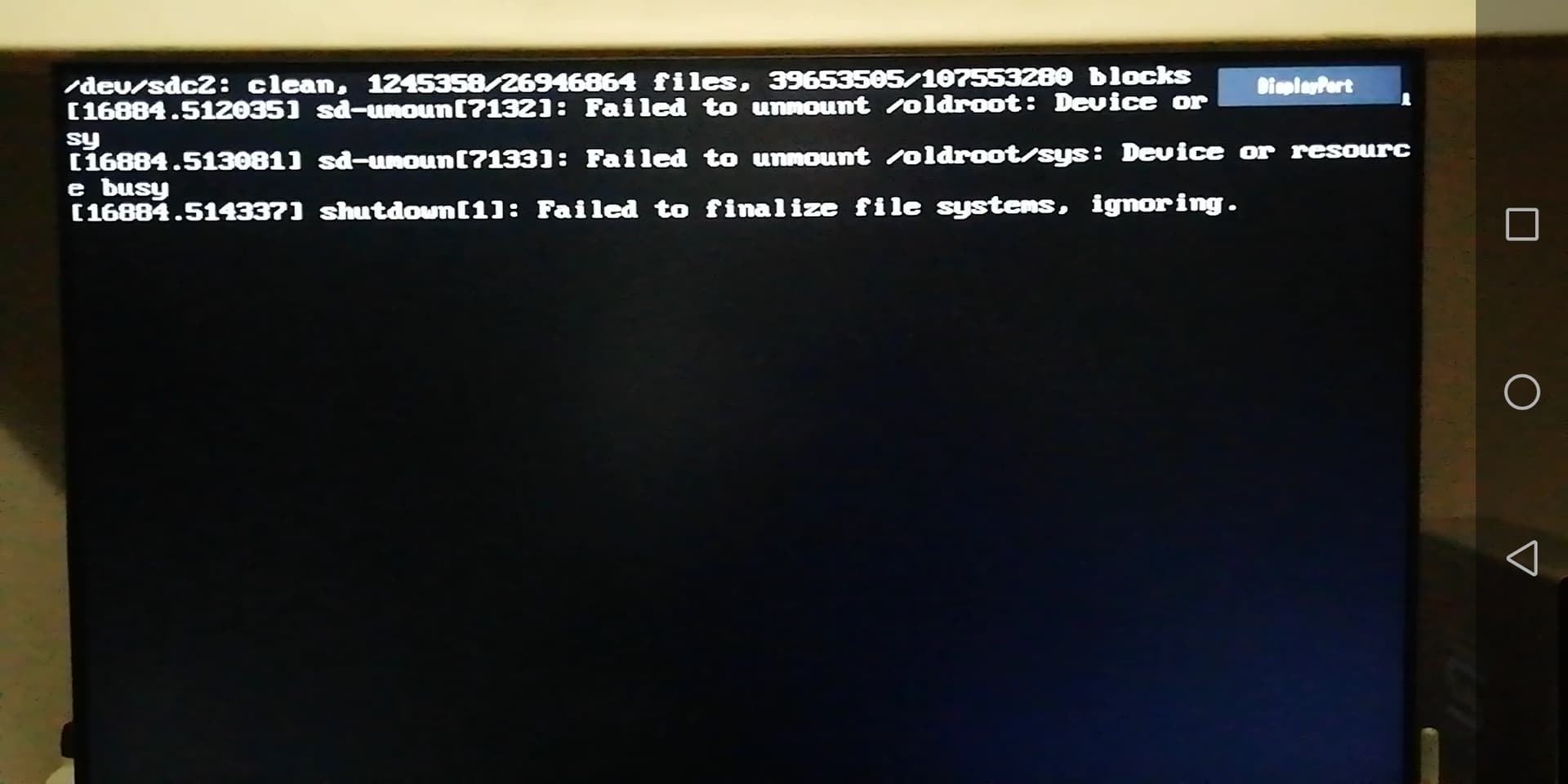
This happen after the recent big update.
1 Like
You could try to set the shutdown hook by:
sudo nano /etc/mkinitcpio.conf
Then change:
HOOKS=(base udev autodetect modconf block keyboard keymap filesystems fsck)
to:
HOOKS=(base udev autodetect modconf block keyboard keymap filesystems fsck shutdown)
This is just an example, I would not change any of the existing hooks just add shutdown as above.
Then run
sudo mkinitcpio -P
sudo update-grub
sudo systemctl restart systemd-coredump.socket
sudo systemctl reset-failed
and reboot.
I can confirm that this worked for me. 
instead of the hacking shutdown initcpio task, try to create
/usr/lib/systemd/system-shutdown/nvidia.shutdown
#!/bin/sh
# remove nvidia modules
/usr/bin/modprobe -r nvidia_drm nvidia_modeset nvidia_uvm && /usr/bin/modprobe -r nvidiatype
and make it executable. helped me to resolve the issue.
Source: FS#63697 : systemd 243.0-1 poweroff/reboot umount errors
1 Like
Thank you all.
The first thing I wanted to understand was whether the error message indicated a serious problem.
If it’s a “no problem”, as some say, I’d be inclined to leave everything like that.
In fact it’s only 4 lines of text that I see for a split second at each shutdown/reboot…
It’s not a serious issue. Nevertheless, the proposed change of /etc/mkinitcpio.conf is totally harmless, either it helps to remove the message or not. It can be reverted back if there is no benefit the same way, remove the shutdown hook and apply the same commands afterwards.