Display problems after update

I’m having a problem after the May 27, 2026 update. The wallpaper has vertical lines and some applications, like a VSCode-based editor (cursor), are unusable because the text looks strange.

I tried it on a laptop with an Intel graphics card that I updated, and the problem is the same.

2 Likes

Does launching an affected program with --use-angle=opengl --use-gl=egl help?

1 Like

Im on XFCE and it does the same thing. It does helps, but it continues to doing it less.

lspci -nnk | grep -iA3 vga
00:02.0 VGA compatible controller [0300]: Intel Corporation 2nd Generation Core Processor Family Integrated Graphics Controller [8086:0102] (rev 09)
DeviceName: Onboard IGD
Subsystem: ASUSTeK Computer Inc. Device [1043:844d]
Kernel driver in use: i915

1 Like

I didn’t try it with other programs because the GNOME applications work correctly. And those based on Electron don’t have this option. And the biggest problem now is in the Shell (and I can’t pass parameters to it).
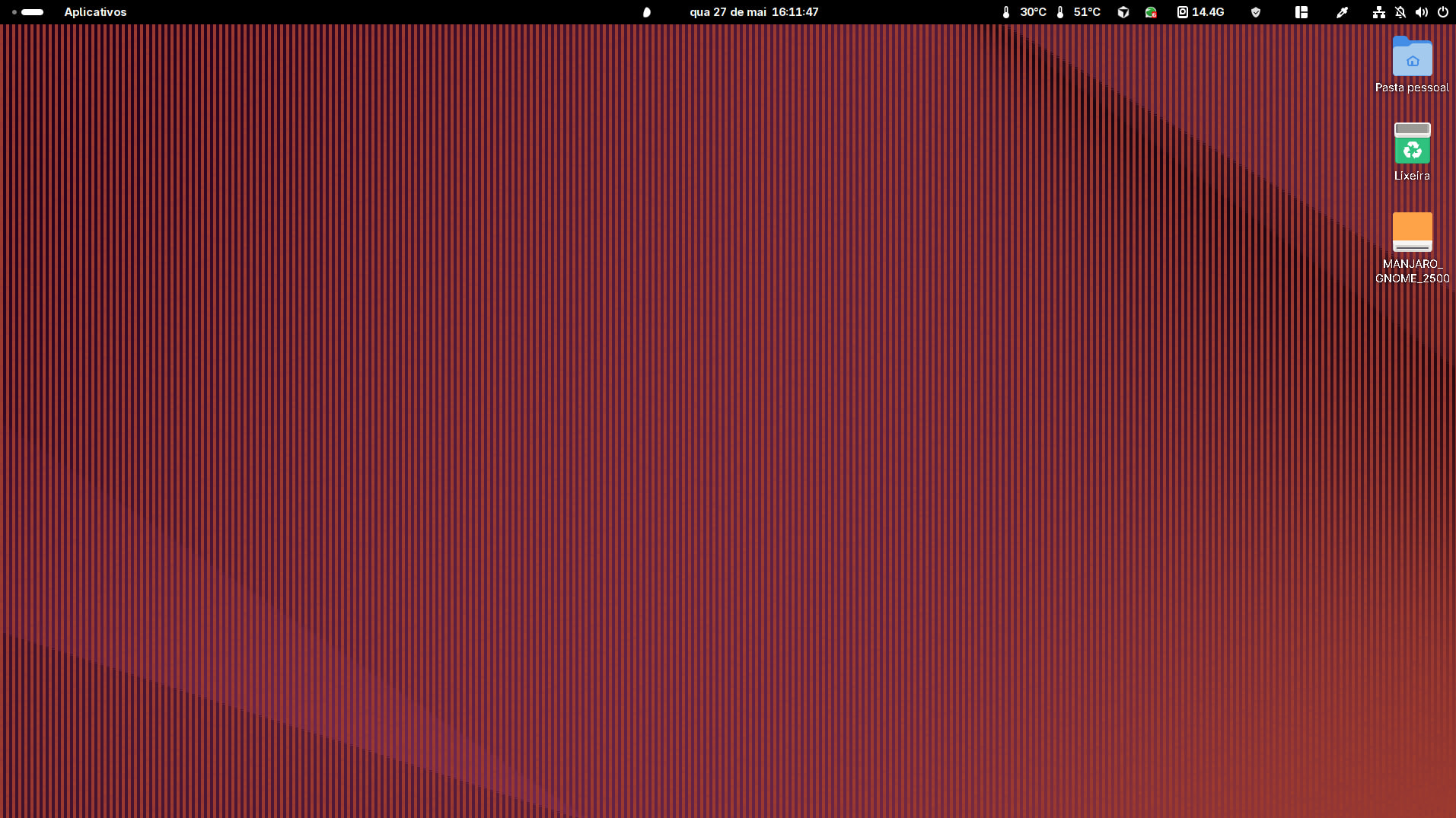
Regarding this display problem, I downgraded Mesa from version 1:26.1.1-2 to 1:26.0.6-1 using the command:
sudo manjaro-downgrade mesa

(If the manjaro-downgrade command is not installed, use sudo pacman -Syu manjaro-downgrade first).

The problem was resolved until a version that fixes the problem is released.

To install an application, always use:

sudo pacman -S <package-name>

unless the intention is to perform a sync;
in which case, use:

sudo pacman -Syu
1 Like

This topic was automatically closed 3 days after the last reply. New replies are no longer allowed.