Xlibre recently moved their package repo from Github to their own server and this will generate an error when trying to run updates.
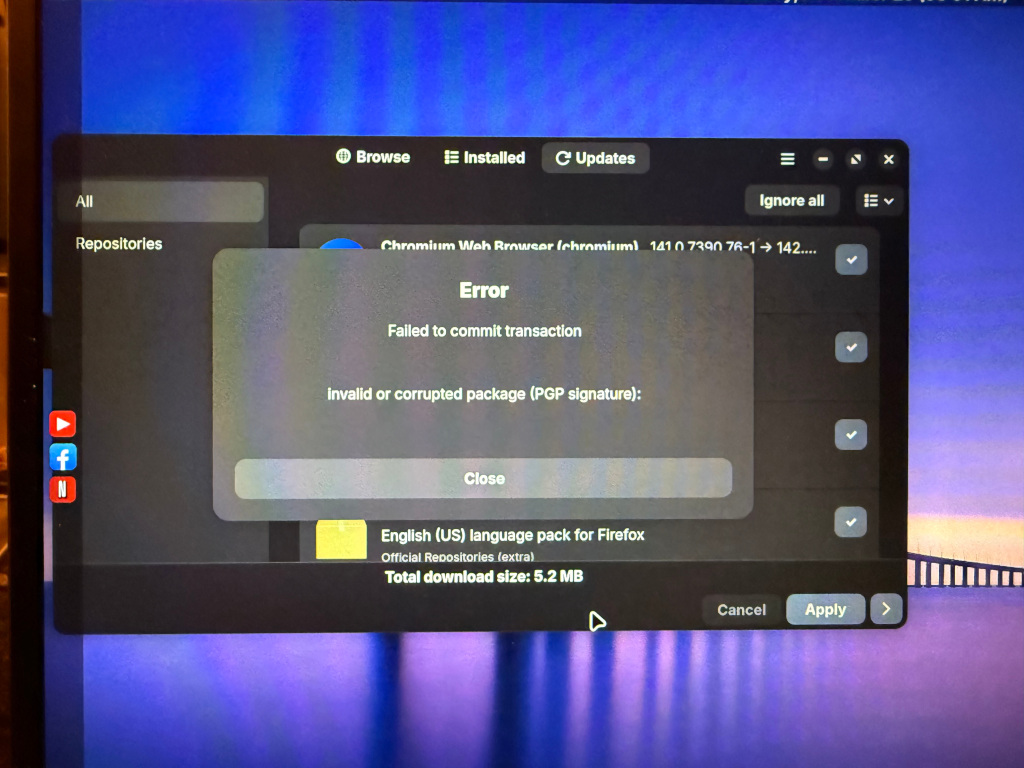
The repo URL must be changed to the new one.
Open a terminal to edit the pacman.conf file:
sudo nano /etc/pacman.conf
Scroll to the bottom and change the Xlibre repo info
from:
[xlibre]
Server = https://github.com/X11Libre/binpkg-arch-based/raw/refs/heads/main/
#List of available packages: https://github.com/X11Libre/pkgbuilds-arch-based
To:
[xlibre]
Server = https://x11libre.net/repo/arch_based/x86_64/
#List of available packages: https://github.com/X11Libre/pkgbuilds-arch-based
Next, import the new key by opening a terminal and run these two commands:
curl -sS https://x11libre.net/repo/arch_based/x86_64/0x73580DE2EDDFA6D6.gpg | gpg --import
sudo pacman-key --lsign-key 73580DE2EDDFA6D6
Now run updates from the terminal with the command:
sudo pacman -Syu
You Will be prompted to replace various files, just say yes to all and to importing the new key.
