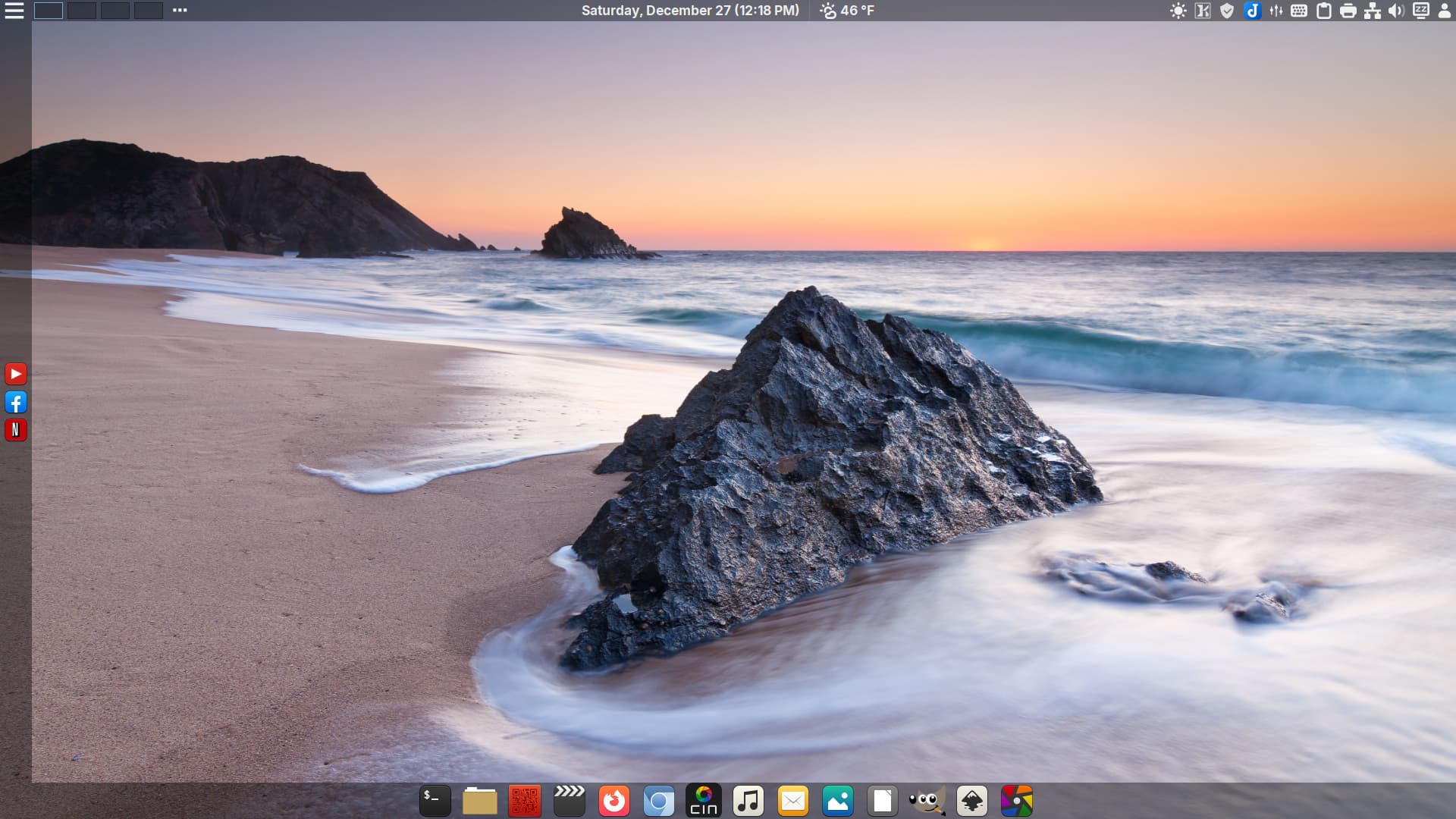
-
Cinnamon 6.6.2 -
Kernel 6.18 -
Support for USB4 in Control Center -
New Fingerprint Gui -
Xlibre repo updated -
External Monitor brightness control
3 Likes
I’d let you know what I think, but I can’t get past the login screen.
I don’t know why it didn’t work the first time I tried, typo I guess, but yeah, it’s manjaro.
EDIT:
I got it installed on a VM, I’m not sure why you have so many applications set up in the panels. It seems to function OK, if you like GNOME, which I dislike but all the necessary functionality seems to be there. It performed quite well, in spite of running in a VM on my hardware
1 Like
Hi, I loved the logo of this spin, the screenshots on your website plus that you’re shipping it with Xlibre, so I gave it a try, but sadly I just can’t make it to the installer, black screen with mouse arrow is the furthest the Live-ISO can go:
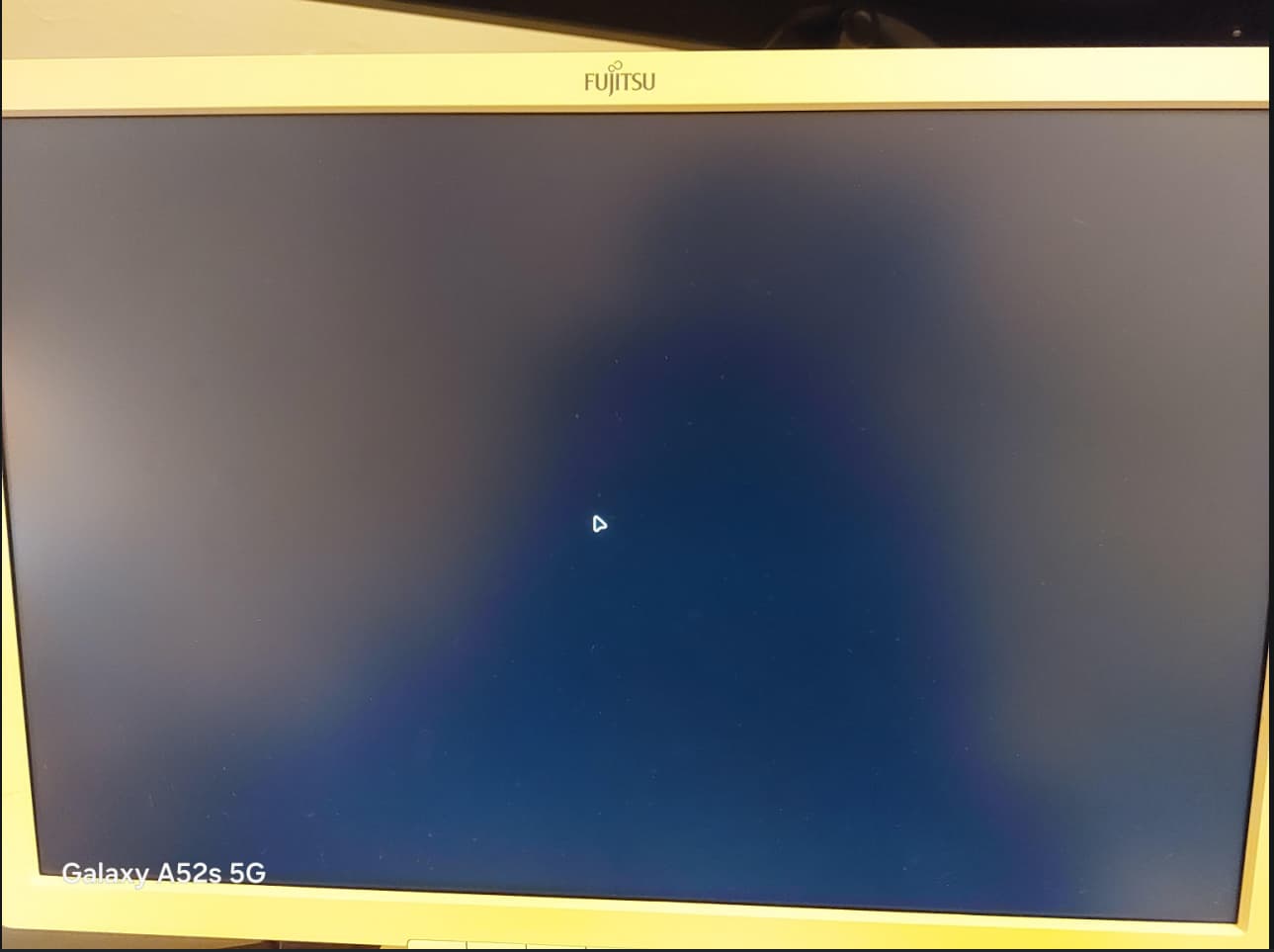
I tried booting both with open and proprietary drivers, to no avail. Nvidia Quadro K620, but it shouldn’t cause any headache, cause both vanilla Manjaro (KDE wayland) and Linux Mint (Cinnamon X11) works on the same rig.
Ctrl Alt F1 TTY1:
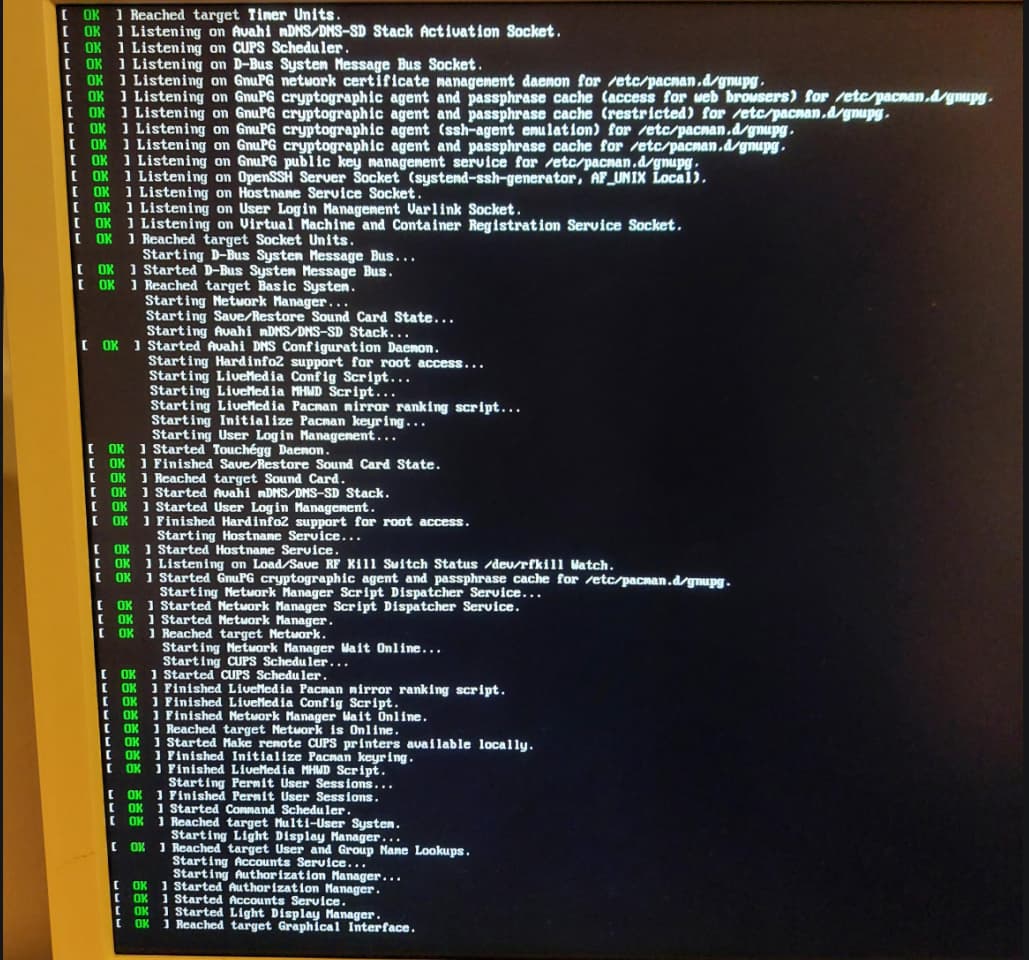
@magus Have you tried the non-free driver install then update the drivers to Nvidia?
@DeLinuxCo yeah, I tried with both options that the live-iso’s grub offers during boot:
-
Boot with open source drivers(result: black screen + mouse arrow) -
Boot with proprietary drivers(result: black screen + blinking_cursor top-left corner)
None of them works 
So again, just to clarify, I can’t install the distro, since I’m not even able to boot into the Live environment.
@magus I apologize for it not working for you, unfortunately I do not have a Quadro K620 to test, I did test on my laptop with Nvidia GeForce GTX 1650 and it worked fine.
It may be something to do with Xlibre, but I cannot confirm or deny that.
It’s okay @DeLinuxCo thanks for the reply though. To further isolate the issue, I tested on my main machine too, with GTX 1050 Ti, but same symptoms. Yupp it is 100% Xlibre, it seems they’re not ready yet.
It seems I’ve struck a particularly slow mirror, but I’ll test when I can with respect booting from ISO.
No issue booting the ISO here: free drivers, using AMD RX-580. A little slower than I’m accustomed to loading in, but otherwise fine.
- Suggestion: Default to showing icons on Desktop to allow easy discovery of the Install icon.
- Opinion: Can probably do without the Night Light being activated on startup, and memory intensive apps like Joplin.
2 Likes