The audacity to come here, asking to scrap this project and fork another one so user can continue to use something he used before and likes better. Are you insane?
//EDIT:
There is an issue @Ste74 with the HOOK script /usr/share/libalpm/scripts/pacnew-check, the use of last command should be stopped. It cuts the username to a specific length so it breaks if username is longer than 8 characters. Is it even need to “sudo as the user” when the hook is executed? Isn’t it a root action already? Anyway, basically last update broke it for people with username longer than 8 character.
Maybe with Polkit you can allow Pacnew Checker to delete that file without elevating privileges.
On another topic, I think the whole authentication thing should be changed, typing the sudo password for every click/action is getting old I’m not gonna lie. I don’t have a good idea for now to change this. will update this post if I have a bright idea.
//EDIT2: For the hook script problem, maybe a simple solution is to touch the file /tmp/pacnew-check.file as root (no sudo) and chmod it 777 so the user can delete it. Problem solved. (//EDIT: no, user can not delete it then only owner can in this folder)
I see there is still kio-admin as optional unrelated dependency in the package. As stated before it is not needed for the admin:/// protocol. It seems to be needed for that protocol to work in GUI file explorer which has nothing to do here.
//EDIT3: I now think it would be simpler to make a Polkit permission file and just allow all actions by default, it currently is kind of a mess regarding the dozen authentication you need to do when you want to manage a few .pacnew files. But I would not do that without more safeguards for the critical .pacnew files that should never be allowed to be merged, see my early report about that Check and manage pacnew files - #7 by omano
Michal, pacdiff is the official thing and it will find everything. Stefano’s project is a gui around it for convenience and using it internally. No idea about the chaser, i just heard about it, sounds interesting.
On the old forum, there was his topic. And as mentioned above, I haven’t touched it in years. Users of the manjaro forum had contributed ideas and feedback.
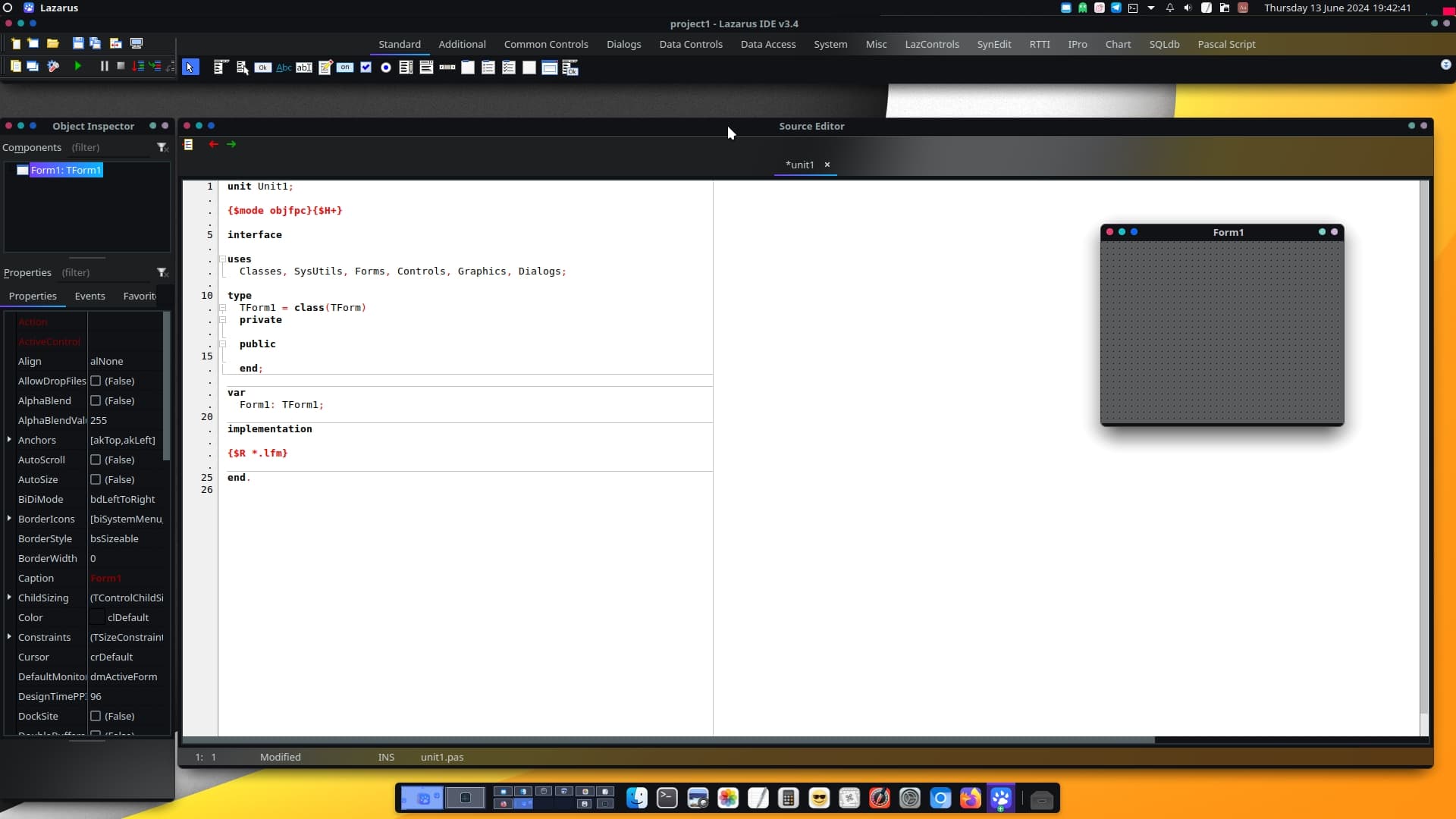
For me, it was originally a lazarus test: to see if it was easy to make a gtk or qt application with exactly the same code. And for this test, I might as well take a small project that might be useful and not already exist. What’s more, Pascal was the first language I learned at school, so I could see how it had evolved 30 years later.
The test was not good: qt compilation ok but not gtk. As a result, I stopped using it because it didn’t meet my expectations.
and who is not good ?
last --since="-1d"
12345678 tty4                          Sat Jun 29 21:03   still logged in
patrick  tty3                          Sat Jun 29 21:01   still logged in


who -u
...
patrick  pts/3        2024-06-28 19:08 00:53        3883 (:0)
1234567890123456789              2024-06-29 21:01   ?             0
patrick  tty3         2024-06-29 21:01  ancie      76825
1234567890123456789 tty4         2024-06-29 21:03 00:04       76869
Problem is that it is the Pacman hook that executes the command, and Ste74 has made it in last update that we don’t need to elevate privileges to delete the pacnew-check spy file as the user, when it is created by the Pacman hook (when the file exists, Pacnew Chercker is run), by making it owned by the user. so the who command will say root and will not work then when the script (not the hook) will be run as the user.
ok
we can use a filter | grep -v “root”
BUT
in my output , who is the good user ? here the last is in tty4, but which user run pacman ??? me or 123456… ? both are connected at the moment
so
list users is not a good solution
I think the rationnal from old posts I read, is that originally, Linux users were limited to 8 characters for user name on old distros. Maybe that’s why.
o.k. - that is a reasonable reason
But is that documented anywhere?
If it is not, the flaw/error could not have been avoided.
thinking of it:
it doesn’t make sense, especially with larger multi user systems, that users with inevitably similar names cannot be told apart because of this
My Uni, even back in 1998, had thousands of users.
Can’t believe that such a restriction was there - and even still is.
(of course they gave us the account names - we did not get to choose them)
The first programming language I learned was sequential BASIC, but that was on my own. Pascal was the first “real” programming language I learned in college, and even though I haven’t used it anymore in a long time, I still have fond memories of it, which is why I too have installed lazarus.
Another kid of the 90s here, we also started with (Turbo)Pascal at college. I remember coding some simple game, cows and bulls i think, and some very simple encryption tool. But then it was also the dawn of WWW so i moved to html and css.
Ontopic: i use this simple script (the 30 sec waiting is to be sure everything is up and running on boot, it can be done with systemd and target of course but i did not bother)
#!/usr/bin/env bash
#
# pacnew checker
#

sleep 30

#check if libnotify is available
if ! [[ "$(which notify-send)" =~ (notify-send) ]]; then
	echo ":: libnotify not found... sudo pacman -S libnotify"
	exit 1
fi

#check for pacnew and notify
pacnews=($(/usr/bin/pacdiff  -p --output|grep -v pacsave))
nb="${#pacnews[@]}"
if [[ $nb > 0 ]]; then
  echo -e "\e[1;31m$nb .pacnew found in system \e[0m"
  printf "%s\n" "${pacnews[@]}"
  notify-send -u normal "Use DIFFPROG=meld pacdiff -s" "<span color='#ff1000' font='28px'><b>.PACNEW files found</b></span>"
fi
Yes, this seems to be the case. last command truncates the username to 8 chars.
I’m not sure what the officially sanctioned Arch or Manjaro way to do this in libalpm hooks would be… but I’ve got a few possible solutions:
# lslogins from core/util-linux
# Control the formatted output (beware the --print0 option does not seem to work)
# Sort on ISO 8601 time lexicographically, remove root, and get the last user ID
user_id=$(lslogins  --time-format=iso  --noheadings --output UID,USER,LAST-LOGIN | sort -k 3 | awk '{ print $1 }'  | grep -v '^0' | tail -n 1)

# Check whether it is >= UID 1000 (usually system accounts are below this)
 if [[ "$user_id" -lt 1000 ]]; then
  # It is a system account, default to first user UID
  user_id=1000
else
  # It is a normal user
  : # no-op ... or do something else here
fi

# If we want the username... or any other field /etc/passwd entry, use cut
user_name="$(getent passwd "$user_id" | cut -d: -f1)"
gecos="$(getent passwd "$user_id" | cut -d: -f5)"
full_name="$(echo "$gecos" | cut -d, -f1)"

# Do something with the user ID and/or username
sudo -u "#$user_id"  whoami
echo "Hello $full_name, your username is: $user_name, and your user ID is: $user_id"
Or, I guess @Ste74 could always use a shorter hack like $SUDO_USER. I used something similar in a patch for vdhcoapp-bin’s PKGBUILD:
Sorry for delay and thank you for report this. Please check the 0.6.7-3 release.
seem i forgot -w flag from last command:
~ last -h ✔
Usage:
last [options] [<username>...] [<tty>...]
Show a listing of last logged in users.
Options:
-<number> how many lines to show
-a, --hostlast display hostnames in the last column
-d, --dns translate the IP number back into a hostname
-f, --file <file> use a specific file instead of /var/log/wtmp
-F, --fulltimes print full login and logout times and dates
-i, --ip display IP numbers in numbers-and-dots notation
-n, --limit <number> how many lines to show
-R, --nohostname don't display the hostname field
-s, --since <time> display the lines since the specified time
-t, --until <time> display the lines until the specified time
-T, --tab-separated use tabs as delimiters
-p, --present <time> display who were present at the specified time
-w, --fullnames display full user and domain names
-x, --system display system shutdown entries and run level changes
--time-format <format> show timestamps in the specified <format>:
notime|short|full|iso
-h, --help display this help
-V, --version display version
For more details see last(1).
I sent a PR while we’re at it, to fix the WIKI link button, and the FR language issues that reappeared when I asked to revert some changes back then (I pre-compiled the MO file and verified it works).
If you can include it in your next release that would be cool