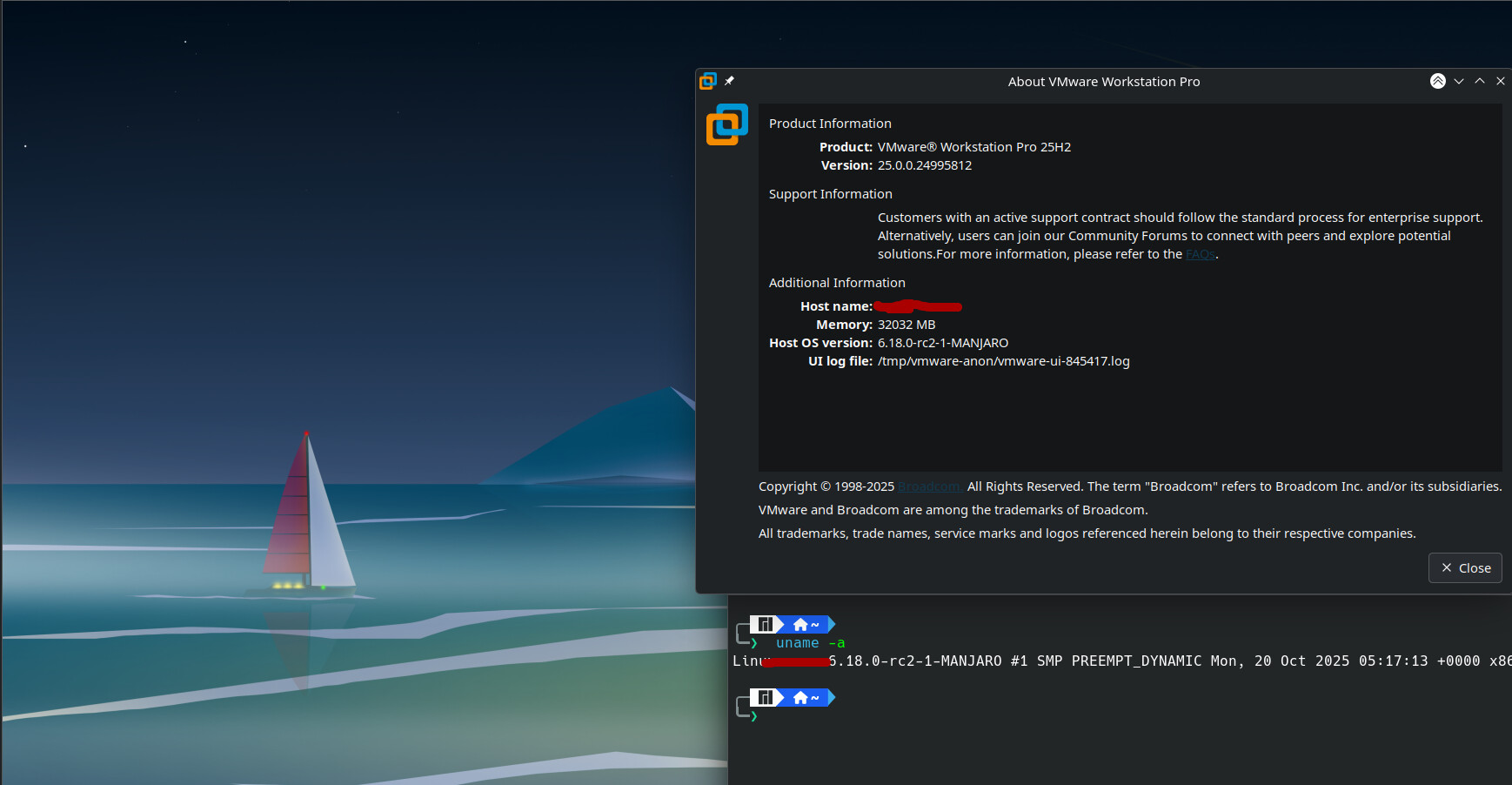
Can’t install kernel DKMS moduls for latest revision of vmware-workstation 25H2-3. This happened after updating to kernels linux66-6.6.113-1-x86_64 and linux612-6.12.54-1-x86_64.
No errors - DKMS modules and kernels 6.6.112-1 & 6.12.53-1:
[2025-10-20T08:15:18+0200] [ALPM] upgraded vmware-workstation (17.6.4-6 → 25H2-3)[2025-10-20T08:15:21+0200] [ALPM] running ‘70-dkms-install.hook’…
[2025-10-20T08:15:21+0200] [ALPM-SCRIPTLET] ==> dkms install --no-depmod vmware-workstation/25H2_24995812 -k 6.6.112-1-MANJARO
[2025-10-20T08:15:32+0200] [ALPM-SCRIPTLET] ==> dkms install --no-depmod vmware-workstation/25H2_24995812 -k 6.12.53-1-MANJARO
[2025-10-20T08:15:43+0200] [ALPM-SCRIPTLET] ==> depmod 6.6.112-1-MANJARO
[2025-10-20T08:15:44+0200] [ALPM-SCRIPTLET] ==> depmod 6.12.53-1-MANJARO
Errors - DKMS modules and kernels 6.6.113-1 & 6.12.54-1:
[2025-10-21T07:36:44+0200] [ALPM] upgraded linux612 (6.12.53-1 → 6.12.54-1)
[2025-10-21T07:36:48+0200] [ALPM] upgraded linux612-headers (6.12.53-1 → 6.12.54-1)[2025-10-21T07:37:04+0200] [ALPM] running ‘70-dkms-install.hook’…
[2025-10-21T07:37:05+0200] [ALPM-SCRIPTLET] ==> dkms install --no-depmod vmware-workstation/25H2_24995812 -k 6.6.113-1-MANJARO
[2025-10-21T07:37:05+0200] [ALPM-SCRIPTLET]
[2025-10-21T07:37:05+0200] [ALPM-SCRIPTLET] Error! Bad return status for module build on kernel: 6.6.113-1-MANJARO (x86_64)
[2025-10-21T07:37:05+0200] [ALPM-SCRIPTLET] Consult /var/lib/dkms/vmware-workstation/25H2_24995812/build/make.log for more information.
[2025-10-21T07:37:05+0200] [ALPM-SCRIPTLET] ==> WARNING: dkms install --no-depmod vmware-workstation/25H2_24995812 -k 6.6.113-1-MANJARO' exited 10 [2025-10-21T07:37:05+0200] [ALPM-SCRIPTLET] ==> dkms install --no-depmod vmware-workstation/25H2_24995812 -k 6.12.54-1-MANJARO [2025-10-21T07:37:06+0200] [ALPM-SCRIPTLET] [2025-10-21T07:37:06+0200] [ALPM-SCRIPTLET] Error! Bad return status for module build on kernel: 6.12.54-1-MANJARO (x86_64) [2025-10-21T07:37:06+0200] [ALPM-SCRIPTLET] Consult /var/lib/dkms/vmware-workstation/25H2_24995812/build/make.log for more information. [2025-10-21T07:37:06+0200] [ALPM-SCRIPTLET] ==> WARNING: dkms install --no-depmod vmware-workstation/25H2_24995812 -k 6.12.54-1-MANJARO’ exited 10
Error log file - cat /var/lib/dkms/vmware-workstation/25H2_24995812/build/make.log
DKMS (dkms-3.2.2) make.log for vmware-workstation/25H2_24995812 for kernel 6.12.54-1-MANJARO (x86_64)
Di 21. Okt 07:37:06 CEST 2025
Building module(s)
command: make -j8 KERNELRELEASE=6.12.54-1-MANJARO KVERSION=6.12.54-1-MANJARO SRCDIR=/usr/src/vmware-workstation-25H2_24995812
cp -r /usr/src/vmware-workstation-25H2_24995812/vmmon-only vmmon-only
cp -r /usr/src/vmware-workstation-25H2_24995812/vmnet-only vmnet-only
make KVERSION=6.12.54-1-MANJARO VM_KBUILD=yes -C vmnet-only
make[1]: Verzeichnis „/var/lib/dkms/vmware-workstation/25H2_24995812/build/vmnet-only“ wird betreten
make KVERSION=6.12.54-1-MANJARO VM_KBUILD=yes -C vmmon-only
Using kernel build system.
make[1]: Verzeichnis „/var/lib/dkms/vmware-workstation/25H2_24995812/build/vmmon-only“ wird betreten
Using kernel build system.
Makefile:117: ---------------------------------------------------------
Makefile:118: The kernel header directory seems invalid
Makefile:119: Tried: /lib/modules/6.12.53-1-MANJARO/source/include and /lib/modules/6.12.53-1-MANJARO/build/include
Makefile:120: Please make sure linux kernel headers are installed
Makefile:121: Alternatively set LINUXINCLUDE to point to the correct path
Makefile:122: ---------------------------------------------------------
Makefile:117: ---------------------------------------------------------
Makefile:118: The kernel header directory seems invalid
Makefile:119: Tried: /lib/modules/6.12.53-1-MANJARO/source/include and /lib/modules/6.12.53-1-MANJARO/build/include
Makefile:120: Please make sure linux kernel headers are installed
Makefile:121: Alternatively set LINUXINCLUDE to point to the correct path
Makefile:122: ---------------------------------------------------------
make -C /lib/modules/6.12.53-1-MANJARO/build/include/.. M=$PWD SRCROOT=$PWD/. \
VMW_CFLAGS=“-DTIMER_DELETE_SYNC_MISSING=2 " MODULEBUILDDIR= V=1 modules
make -C /lib/modules/6.12.53-1-MANJARO/build/include/.. M=$PWD SRCROOT=$PWD/. \
VMW_CFLAGS=”-DTIMER_DELETE_SYNC_MISSING=2 " MODULEBUILDDIR= V=1 modules
make[2]: Verzeichnis „/var/lib/dkms/vmware-workstation/25H2_24995812/build/vmnet-only“ wird betreten
make[2]: *** /lib/modules/6.12.53-1-MANJARO/build/include/..: Datei oder Verzeichnis nicht gefunden. Schluss.
make[2]: Verzeichnis „/var/lib/dkms/vmware-workstation/25H2_24995812/build/vmnet-only“ wird verlassen
make[1]: *** [Makefile:146: vmnet.ko] Fehler 2
make[1]: Verzeichnis „/var/lib/dkms/vmware-workstation/25H2_24995812/build/vmnet-only“ wird verlassen
make: *** [Makefile:10: vmnet.ko] Fehler 2
make: *** Es wird auf noch nicht beendete Prozesse gewartet …
make[2]: Verzeichnis „/var/lib/dkms/vmware-workstation/25H2_24995812/build/vmmon-only“ wird betreten
make[2]: *** /lib/modules/6.12.53-1-MANJARO/build/include/..: Datei oder Verzeichnis nicht gefunden. Schluss.
make[2]: Verzeichnis „/var/lib/dkms/vmware-workstation/25H2_24995812/build/vmmon-only“ wird verlassen
make[1]: *** [Makefile:146: vmmon.ko] Fehler 2
make[1]: Verzeichnis „/var/lib/dkms/vmware-workstation/25H2_24995812/build/vmmon-only“ wird verlassen
make: *** [Makefile:10: vmmon.ko] Fehler 2
exit code: 2
elapsed time: 00:00:00
I do have kernel symlinks to:
[2025-10-21T07:39:36+0200] [ALPM] running ‘linux612-headers.hook’…
[2025-10-21T07:39:36+0200] [ALPM-SCRIPTLET] ‘/usr/src/linux’ → ‘/usr/lib/modules/6.12.54-1-MANJARO/build’
[2025-10-21T07:39:36+0200] [ALPM] running ‘linux66-headers.hook’…
[2025-10-21T07:39:37+0200] [ALPM-SCRIPTLET] ‘/usr/src/linux’ → ‘/usr/lib/modules/6.6.113-1-MANJARO/build’