Hello.
From the last update (to the latest KDE Plasma environment and 6-11 Kernel) i have some annoying visual and technical problems.
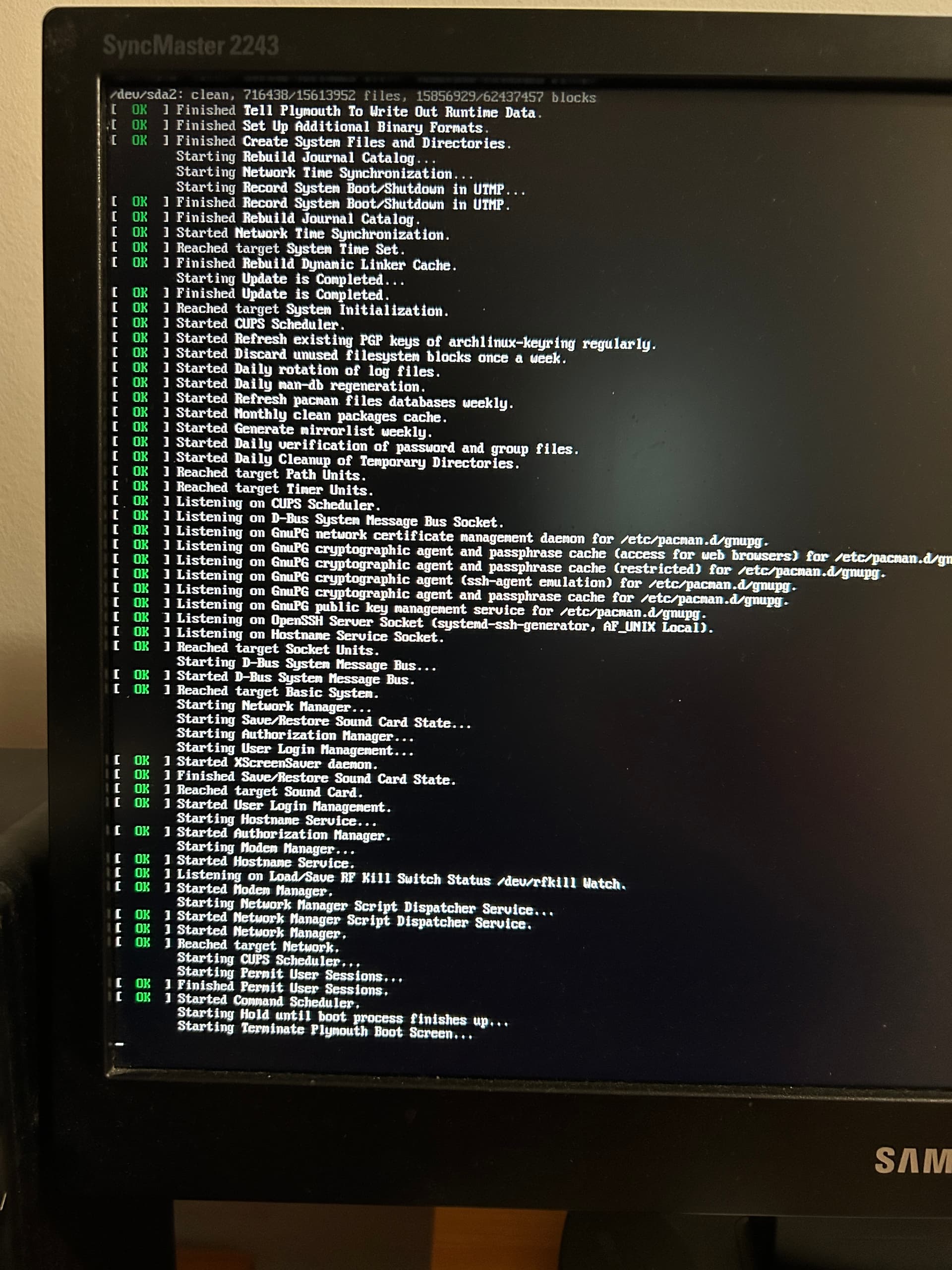
When booting, all is good but have some scrolling display text nearly to Login screen. Tried to change Kernel boot parameters as ‘quiet’ or a ‘splash’ but always the same scrolling text then normal Login screen…
When restarting or a shuting down i have black screen with a mouse moving cursor arrow. After that i have to press Ctrl+Alt+F1 and i have the same boot text but not scrolling, just waiting as is. After that i have to press Ctrl+Alt+Delete and then have scrolling text and restart continuous in normal way.
Manjaro KDE Plasma distro (latest version update but system is 2 years old since first install).
Any HELP to turn system to normal boot/reboot state?!
Hello @neogeo,
I dont use KDE so this are not my experiences but at the moment there seems to be a bug in KDE with reboot/shutdown. So I prefer to read the following:
1 Like
Hmm>
I have read the topic and it’s true. When go to System settings->System->Session Set->set start to an ‘empty session’, Shutting Down/Restarting working well but with a scrolling text and same as a powering on/turning on a PC. . .
THX for advice. Let the KDE Team resolve this or maybe an Manjaro team. I’m just a mediocre user.
This topic was automatically closed 3 days after the last reply. New replies are no longer allowed.