I’ve been using Audacity for a few years now to edit .m4a files. Within the last week, when I attempt to open such a file, I get a couple of errors:

Followed by:
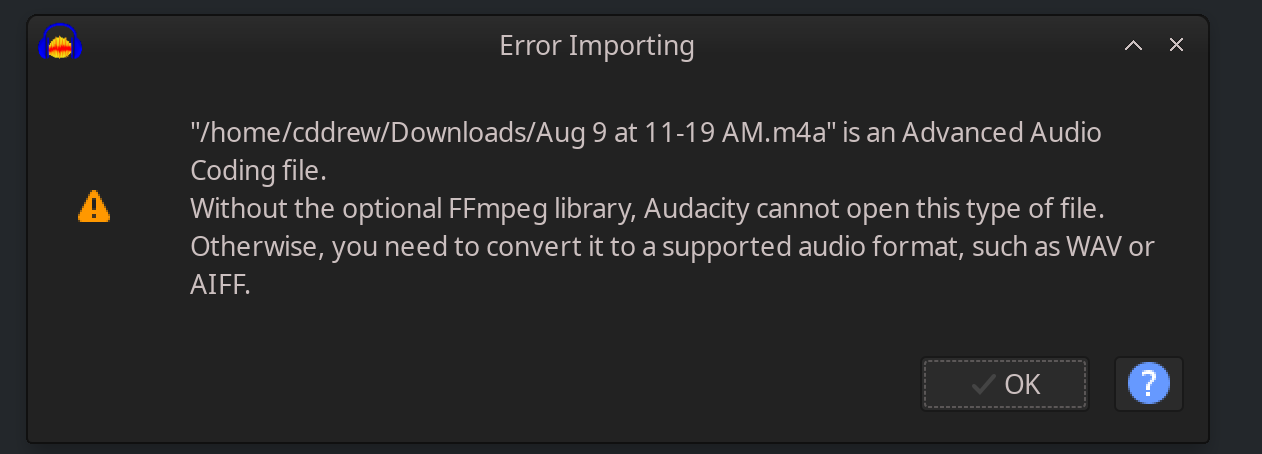
I confirmed that ffmeg is installed on my machine (it has been from its inception). So I navigate to Audacity’s preferences. And sure enough, under “Libraries” is see this:
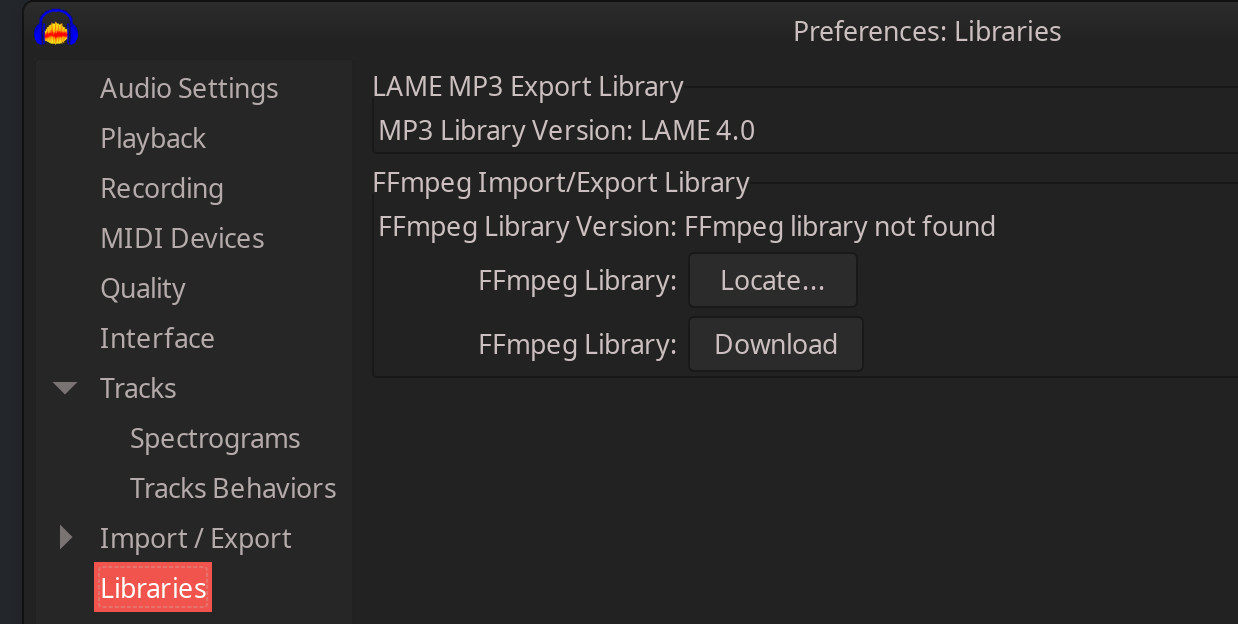
But when I navigate to the standard directory where the necessary files are located:

And then select the correct one, the selection doesn’t “take” and audacity still cannot import the file.
The workaround is that I convert to the file to WAV and edit it. But I’m flummoxed as to why the m4a import is suddently failing.
Any help would be appreciated.