my partition has 5 parts: UEFI, Microsoft reserved partition, C:, D:, /
whenever I close my computer, it will stuck at: /dev/nvme0n1p5: clean, 249553/4325376 files, 2998386/17275985 blocks
and /dev/nvme0n1p5 is where I put Manjaro
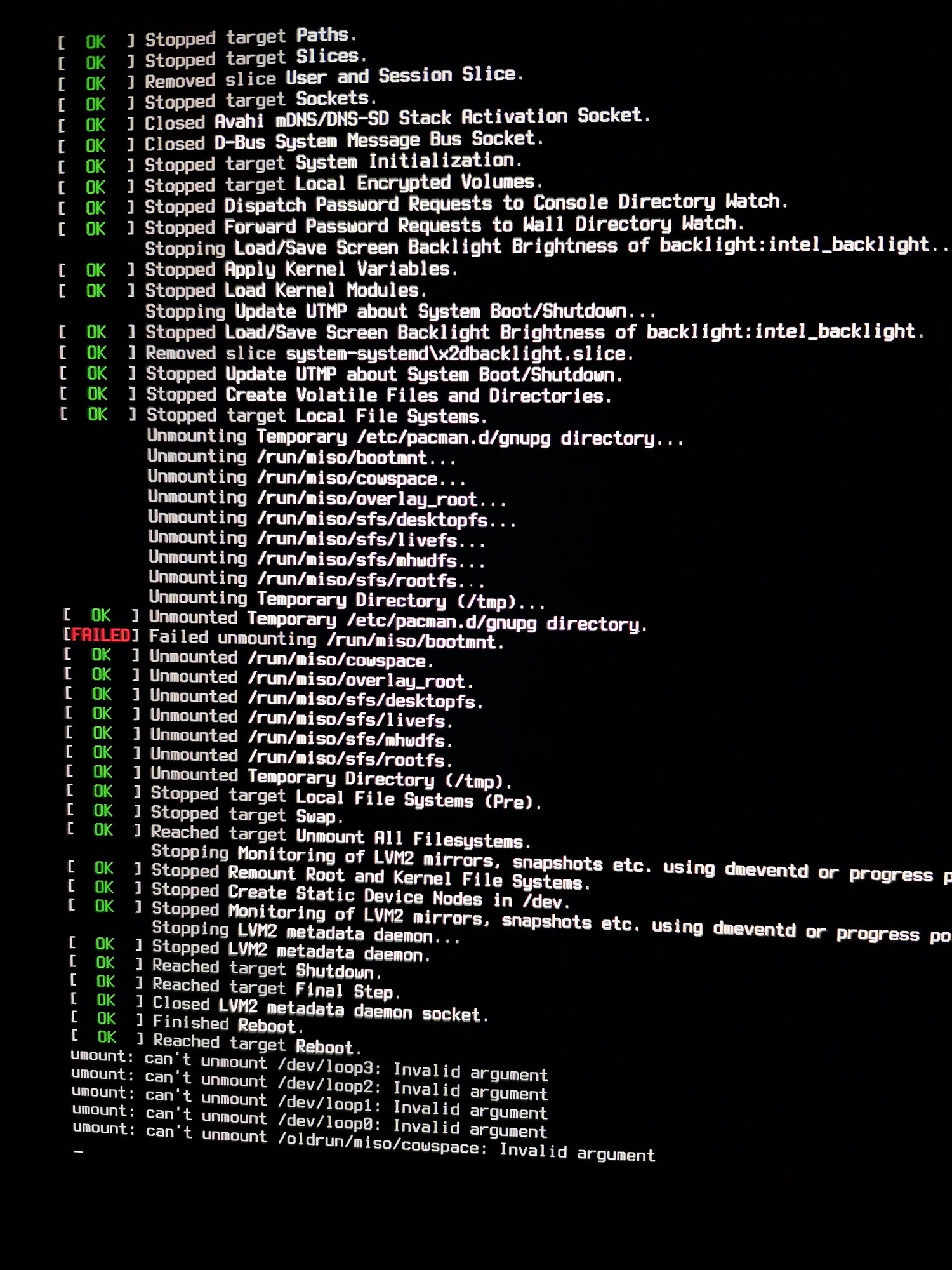
When I install my Manjaro on my Surface-pro-6, it will have a failure: [FAILED] Failed unmounting /run/miso/bootmnt
What does it mean?
1[quote=“linux-aarhus, post:2, topic:55305, full:true”]
2. I think you have booted a live media
[/quoteeeeeeeeeeeeeeeeeeeeeeeeeeeeeeeeeei second this it looks very much so like he booted into the live media and not the OS
After the installation. It will say “Installation succeeded. Reboot now?” So I reboot and during tge reboot it says this “failed”. During the boot everything is OK.
Where does it say to remove the USB? I never saw any message telling you that. For a matter of fact, I never removed the USB after installing Manjaro lol.
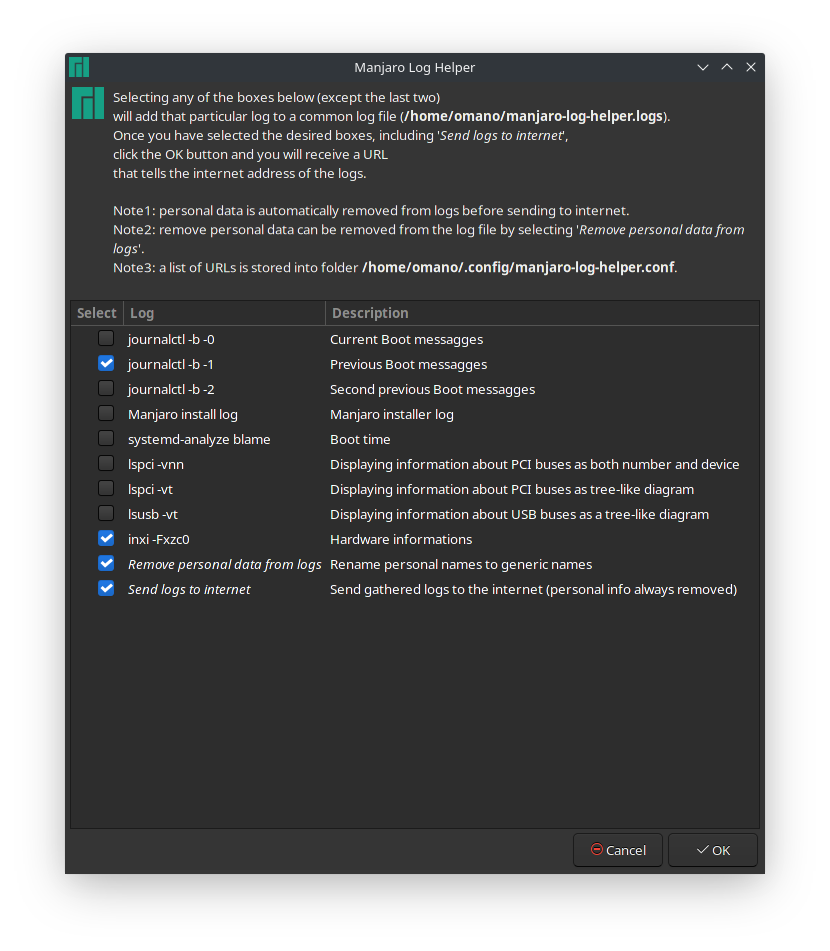
@Firestar the message you’re referring to doesn’t seem to be the issue. It hangs there but the issue seem to be elsewhere to me. From google you find many ‘solutions’ but they all are different. Provide actual system logs if you want someone to look at your issue. Use Manjaro Logs Helper tool to collect your relevant logs.