I can mount it in the Konsole, but now I would have to copy everything in the console since I cannot see the drive in Dolphin. 30 years Win will make you avoid consoles as much as you possibly can. At least it did that to me.
Also I did “dir” in the console and it just shows Desktop Documents Downloads Music Pictures Public Templates Videos. Copying hidden files does not work with these.
While in a Plasma X11 session, open System Settings → Colors & Themes. Set every section to the default option (by clicking on the Default button at the bottom of each section). For the Login Screen (SDDM) section, change to Breeze or Breath (you will need to enter your password for the change to take place). Then see if you can log into a Wayland session.
It probably won’t. However, I haven’t used X11 since 2022, so I can’t guarantee that your desktop layout won’t be affected by the change to Wayland.
Most settings are stored in the relevant configuration directories (usually ~/.config/, sometimes ~/.local/) so if you have them backed up, you should be able to just copy them across. If you don’t have backups, you can copy the ~/.config/ & ~/local/ directories to something like ~/.config_old/ & ~/local_old/. You might even want to just rename the original directories instead of copying them, so that all of your applications go back to their default user settings, which might fix the stuttering issue. Again, it is best to do this while all applications are closed. The optimal way would be to rename the directories via a TTY session while logged out of Plasma, so that Plasma’s settings are also properly reset.
When restoring any old configuration files to the ~/.config/ & ~/local/ directories,make sure the relevant applications are closed when you do so, otherwise they may overwrite the configurations you just restored. Try doing one at a time, and see if the stuttering recommences after any specific application had their old settings restored. That could help isolate the cause of the issue.
Firefox settings are stored in the ~/.mozilla directory. However, instead of trying to manually restore them, you could also set up Firefox browser sync (if you haven’t already) & use a recovery key to restore your data. I did that a couple of years ago when I bought my new mini-PC. Instructions are below:
Firefox has it’s own sync system which can restore your bookmarks and extensions. Assuming you had it configured, that would be the easiest.
Otherwise, you could copy the entire ~/.mozilla directory (which contains the complete Firefox profiles, etc.) to the new user account – make sure Firefox is fully closed and remove the existing directory first – the next time Firefox is started it should “just work”.
If you happen to use Thunderbird for email, that can be copied/moved using the same procedure (~./thunderbird) and likewise will open as before with email intact.
Note there is potential to mess it up if you forget to delete any existing default profiles first (the entire ~/thunderbird directory). So, don’t rush it.
For Firefox, the sync method would be my preference.
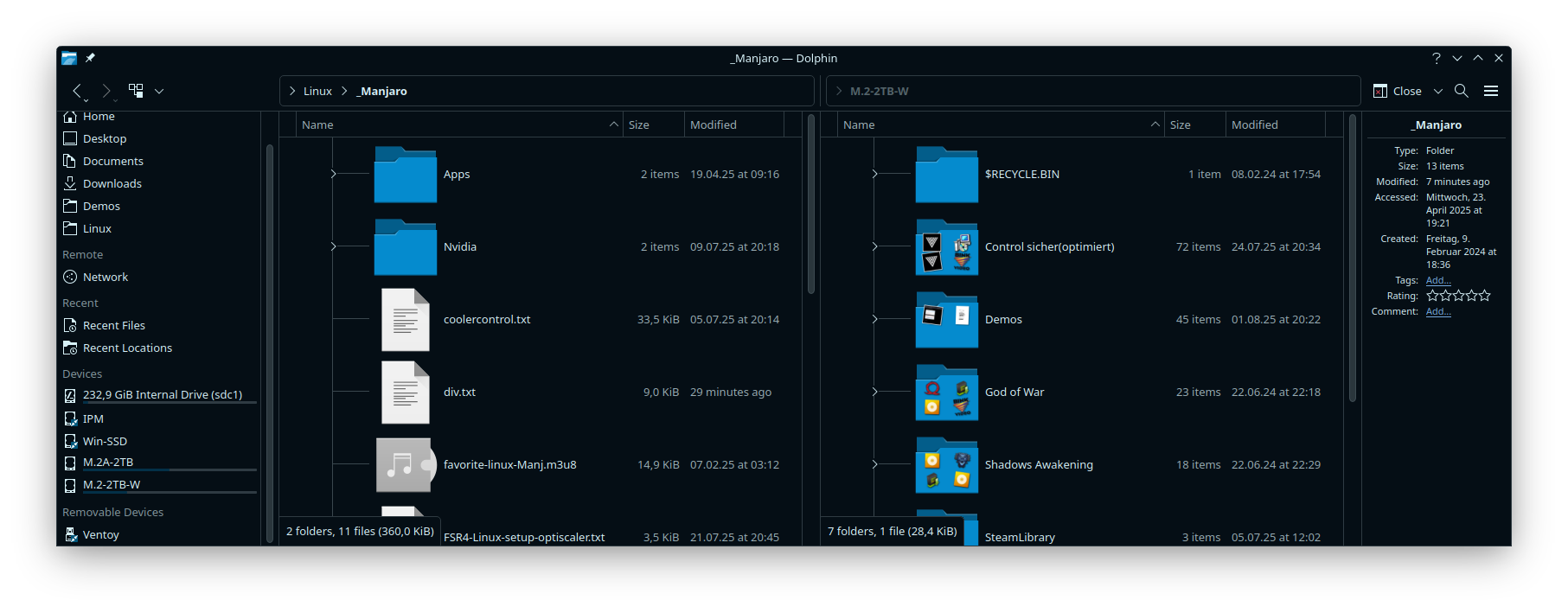
Unhide it – using Dolphin, you should be able to right-click the Devices header (under Places) and select Show Hidden Items (or however it’s listed) – then you could mount the other disk temporarily.
Regarding Wayland, there shouldn’t be any life changing issues with your desktop layout.
Thanks and sorry that I didnt see it, when I looked at the time yesterday and mentioned how time was fleeting I seem to have overread some things.
I still do not see the drive in Dolphin but I thought that was like a protection so that data couldnt be accessed from another OS.
It always used to be like that with Arch. In Cachy-OS I cant see the Manjaro partition and the other way around. I only had access to the Kubuntu drive from Manjaro, but Kub is gone now since I wrecked it.


 I somehow missed that joke, problably that smiley wasn’t there in the same second as i wrote this
