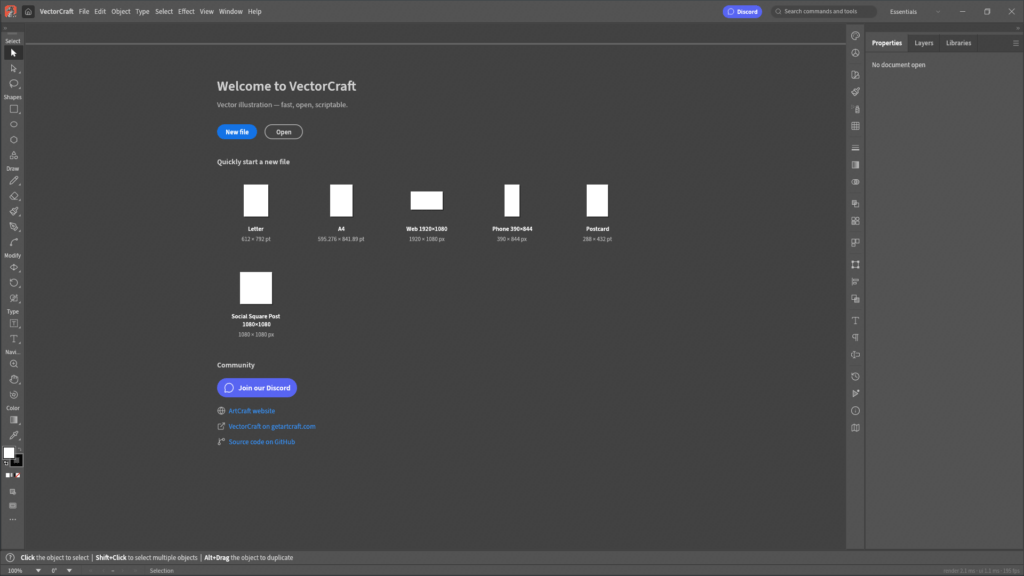
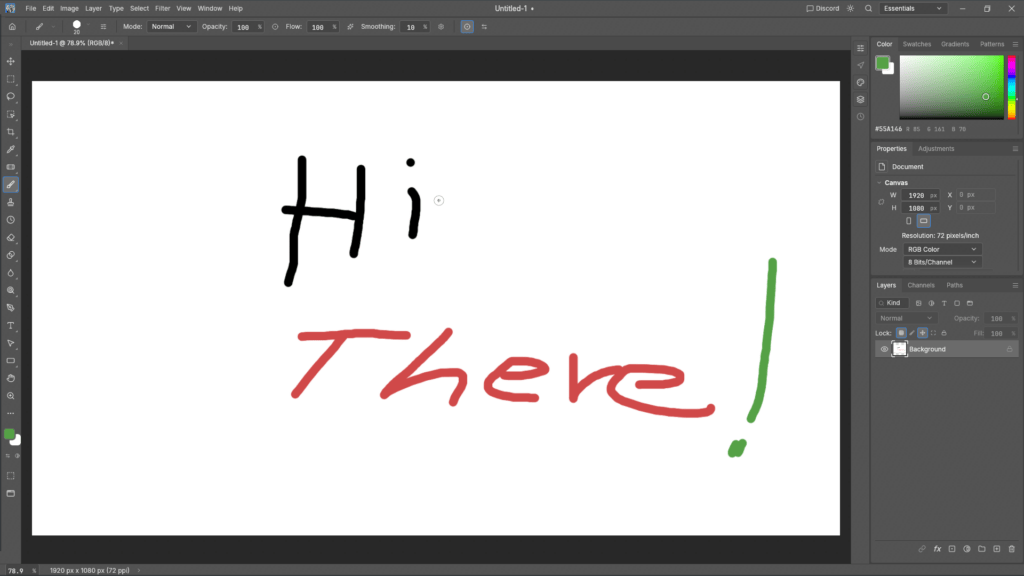
The Adobe Suite replacement for Linux is here?

Greetings Linux users, this really may be the “Year of the Linux Desktop”!

Just recently released by ArtCraft is a suite of applications to replace just about everything from Adobe app, it is free and opensource!

I have added these to the DeLinuxCo repo, easy installation for testing. Remember, these are AppImages, they are self contained, they will not hurt your system like Adobe!

Native applications to replace many if not most Adobe products like Photoshop, Lightroom, After Effects, Adobe Acrobat etc. More info on Github page. ArtCraft · GitHub

Here is the current list of ArtCraft packages in DeLinuxCo repo:

ArtCraft App Replacement For
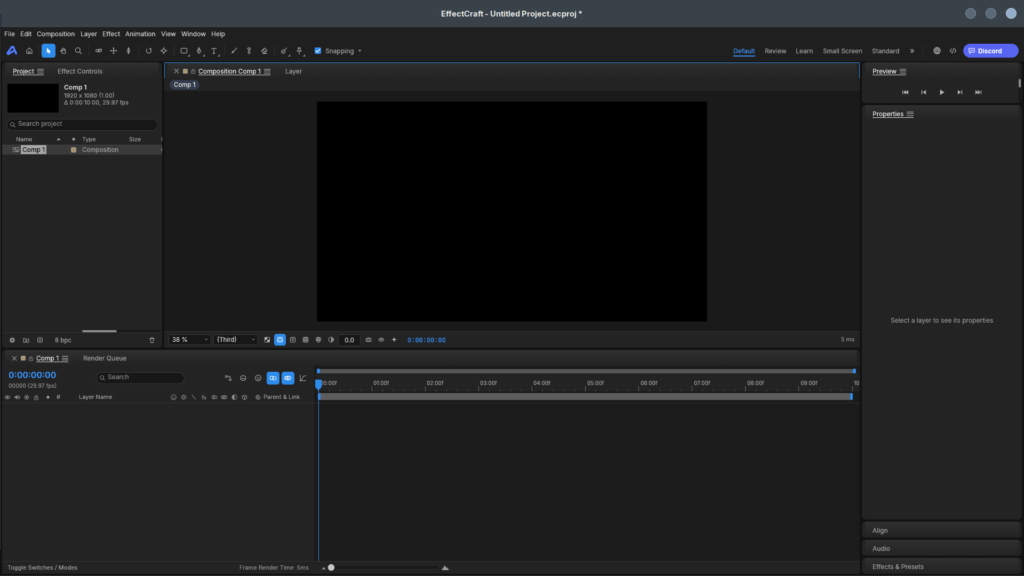
effectcraft-appimage Adobe After Effects
filmcraft-appimage Adobe Premiere Pro
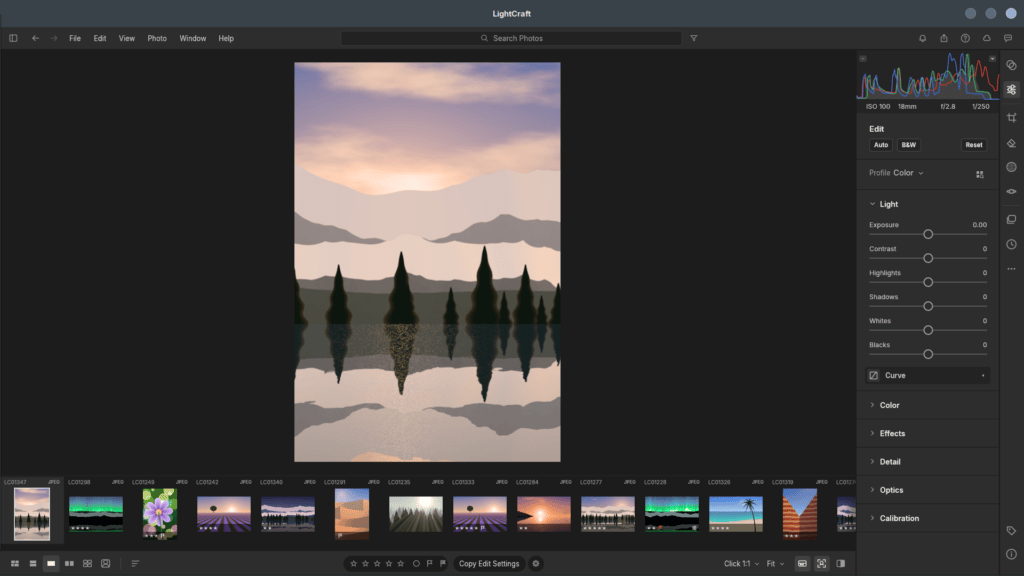
lightcraft-appimage Adobe Lightroom
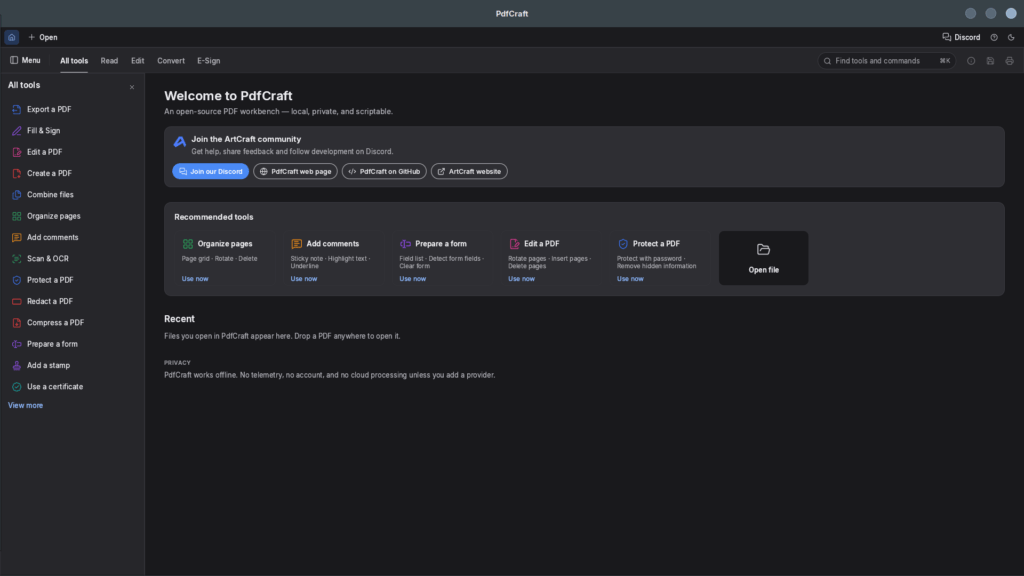
pdfcraft-appimage Adobe Acrobat
photocraft-appimage Adobe Photoshop
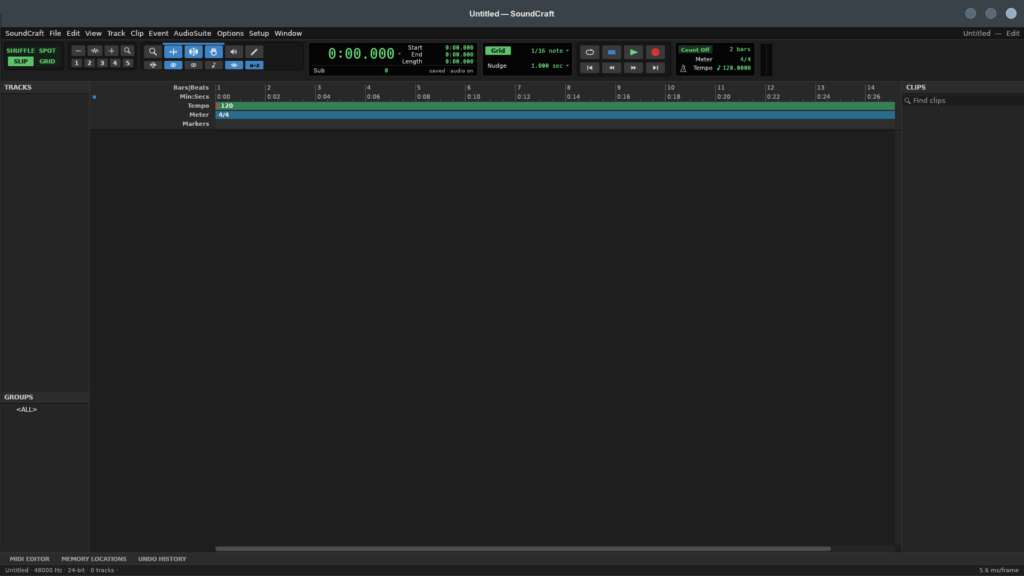
soundcraft-appimage Avid Pro Tools
vectorcraft-appimage Adobe Illustrator

Installing the apps:

There are two ways to install, either one app at a time or by using the meta package

artcraft-suite

You can use Pamac and use the search box by typing “craft-appimage”, this will display all of the appimages by ArtCraft, then you can select the one you want to install.

Second method is to install the artcraft-suite meta package, installing this one package will install all seven applications at once.

Note: installing artcraft-suite, means that when a new ArtCraft application is added to the meta package, the package manager will download the new application along side any updates, just an FYI.

Some screenshots

11 Likes

Looks pretty impressive. I hope it delivers as well as it looks, on Github.

6 Likes

This is amazing. Thanks!

1 Like

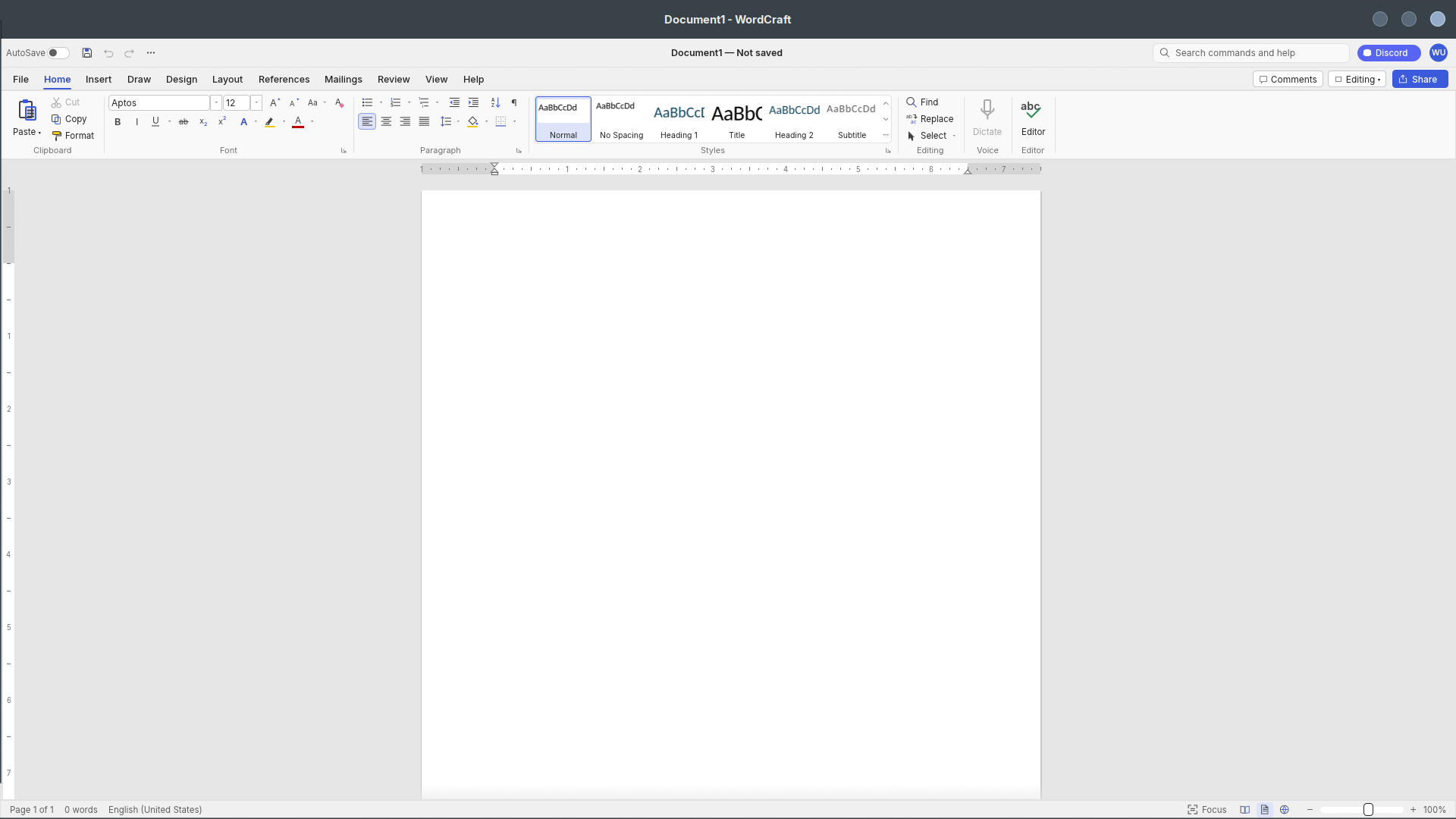
I have just added CadCraft, WordCraft, GridCraft & DeckCraft to the DeLinuxCo repo.

Screenshots:


1 Like

A vibe-coded application suite – it looks impressive enough, however, these packages are not open-source;

At least, not yet:

ArtCraft License (WIP)
======================

(**Warning**: This isn't a real lawyery license full of legitimate legalese yet, but we'll take care of that ASAP.)

ArtCraft is a form of "fair source" software. It's like [free beer](https://en.wiktionary.org/wiki/free_as_in_beer) 
in that we give you the code, but there are a few small limitations on what you can do with it.

First, what you *can* do with ArtCraft:

>  1. You do not have to pay us to use ArtCraft. It's free.
> 
>  2. You can back up, copy, modify, compile, and use the code for your own private personal purposes.
>  
>  3. You can do anything you want with the media you create with ArtCraft. Generated assets are yours.

What you *can't do* with ArtCraft:

> 1. You cannot sell the ArtCraft software commercially (eg. as your own software).
>  
> 2. You cannot use the ArtCraft code to develop a competing business or product (eg. selling AI image and video tools).
>
> 3. You cannot fork ArtCraft and remove ArtCraft community, donation links, or paid model services. We intend to 
>    make money to improve ArtCraft for everyone.
> 
> 4. You cannot use the ArtCraft name, logo, or mascot characters to promote your business without permission.

This license means you can see what we're doing and not be at risk of having the rug pulled out from under 
you (eg. if our founders die, if our business collapses, if zombies or space aliens invade). It also gives 
you a really great way to customize the software or lend a hand in reporting (or even fixing) bugs.

Our desire is to support artists, designers, and filmmakers. We want to help you build your own creative studios
and businesses. We want to give you creative software you can use forever.

ArtCraft is free. We do offer models available through us where you can pay us and support our development, but we also 
offer the ability for you to use other providers - and we'll keep adding more options so you have maximum flexibility.

## Our Promise

- All development and business plans will be communicated openly with the community.

- Except for minor test scripts or a few small places where we might need to use licensed 3rd party code, all of 
  our engineering efforts will live in a single publicly available monorepo. You can see everything we do and even 
  benefit from using it for personal use. We plan on building a lot more than what you see today, and you'll get 
  all of it.

- We will not "rug pull" our users. If our business shuts down, gets acquired, or otherwise changes, the tools 
  we create will always continue to function in the same way.

- If the business ends and our founders quit working in this space, we'll make it so the software transitions 
  to an OSI-approved open source license. (We don't intend to quit!)

## Why not OSI Open Source?

Philosophical answer: The OSI is an industry body led by hyperscalers. They poach from open source all the time, yet 
hyperscaler systems and code (AWS, GCP, YouTube, etc.) remain closed source. The tiniest nuggets are open, but the vast 
machinery surrounding it - systems, user behaviors, funnels, at-scale moneymakers - is totally closed.

Practical answer: OSI licenses make it exceptionally challenging to grow big things commercially. And many of 
the licenses leave room for hyperscalers to reach in and cherry-pick pieces for themselves that they can better 
commercialize than the original authors.

Then there's completely open source software that doesn't even attempt to be a business. 

We love software like Blender, but (1) developing ArtCraft is our full-time job, (2) we want to build something at scale
that is much bigger than what you presently see, and (3) this will eventually become much more capital intensive than 
just writing code - we want to train novel models that work directly in conjunction with the user interface. 

If and when we do get to scale, we intend to keep every bit of our work in the open, including the models. Available 
for use, inspection, learning, fitting onto consumer GPU hardware, and more. 

Not having a way to make money is unfortunately what killed Stability.ai. Stability.ai walked so that others could 
eventually run. (Black Forest Labs, et al.) We're not egotistical enough to count ourselves in that party yet, but we 
believe in the original Stability.ai ethos and that their model can work with a few tweaks. 

We want to build big and incredible tools the world hasn't seen before. We want to keep them free and entirely source 
available. You don't have to pay us, but if you do, all of your investment goes right back into the engineering 
and the tools. We're writing code you can clone and keep.

## Inspiration

We took inspiration for this from [Fair Source](https://fair.io/), [Fair Code](https://faircode.io/), 
the [Defold License](https://defold.com/license/), and Hacker News discussions. The folks at Obsidian 
have some pretty good thoughts on this as well.

~ Brandon Thomas
I think the license is a work in progress, PhotoCraft has been forked 9k. :grinning_face:

I was a long time fan of the Affinity suite of applications; now they have released an all new (free) version as:

Not for MacOS/Windows – we miss out again – I hope that ArtCraft turns out to be worth the hype. :wink:


Edit:-

The Windows ArtCraft version can’t be used without signing up to… something; I didn’t look at the Mac version.

This was exactly the reason I’m not interested in the new Affinity Studio (now owned by Canva).

1 Like

Adobe finally getting what they deserve, hopefully this is so good that it eventually becomes the reason of Adobe’s demise…

I’m gonna try it now!


I saw some Hardcore Adobe users absolutely shaking out of anger about this :rofl:

5 Likes

I’ll sit calmly in my boat waiting for the storm to pass. If this Devil’s replacement survives for any length of time on the high seas of Hype, it might be worth my time. But I am very happy with what I already use for drawing so I will probably wait for more info and verdicts from hardcore users.

4 Likes

I appreciate your position… and I agree. But check out the changes and new contributors noted on latest 0.6.0 release on Photocraft, that is a huge momentum!

1 Like

Ditto..

2 Likes

I don’t need anything like Photoshop. I rarely need Gimp. But it’s great to see someone take on these companies and provide the same functionality as they provide for those other two Operating systems.

I’d like to see more of this sort of thing. with other software that has never been built to run on Linux based OSs

8 Likes

I installed the Photoshop 7 clone, Photocraft. It only took me a few minutes to select large fonts, and then 150% GUI so I could read the menus. Pressing o gives me the dodge/burn menu I am familiar with and I successfully burned in the mountains behind Hoover Lakes to make them standout more. Wow. If you are familiar with PS7, you will easily adapt to this amazing clone.

4 Likes

Work in progress. I’ve built the supposed Premiere substitute but it looked very much unfinished. I’ll stick with kdenlive for my video editing

1 Like

I noticed some real time preview functions were missing from the PS7 clone. That was many updates ago, and those seem to be fixed.

#everyone, remember, this is alpha software, although development is as rapids as I have ever seen, it is still a few months off before everything it can be fully baked in.

Just an FYI…

3 Likes

Don’t know about the rest, but the premiere substitute is peddled at 80%(usable) in it’s docs. Anyway, yes… it’s very much a work in progress

2 Likes

In my experience that is a reasonable statement. I can, however, mean a major piece of functionality is missing. Not unexpected in Alpha software.

Do you actually do any video editing?

I’ve had Kdenlive installed for (seems like forever) but I never seem to find an opportunity to actually use it. Planned edit projects remain just that – “planned”… but, I still consider it a part of my arsenal of tools. Just imagine the waste if I opted for an Adobe subscription.

One of the perceived advantages of using AI agents.

I’m not overly impressed with ArtCraft, however, I acknowledge that its inclusion with your spins could help create more interest. That’s what new, shiny things are for. :wink: I hope it works out.

2 Likes

Basic stuff mostly. I use kdenlive because has the “show every frame” option, which is pretty convenient

1 Like