Installing from pamac (GUI), I was prompted with a confirmation message that included details about Breath theme components being removed…
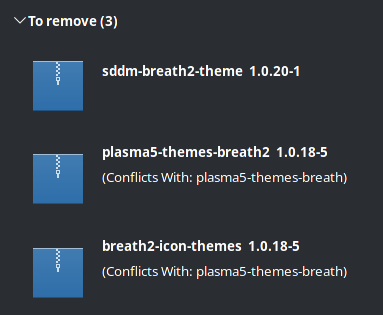
So I paused resuming the update and launched KDE Settings to adjust all my theme settings under Appearance to ensure nothing I had was using anything “Breath Theme” related… moving everything to “Breeze”.
After rebooting post update, I was shown an error at login… reminding me I had forgotten to check the SDDM settings! (My brain still hasn’t accepted “Splash” is different from “Login” 
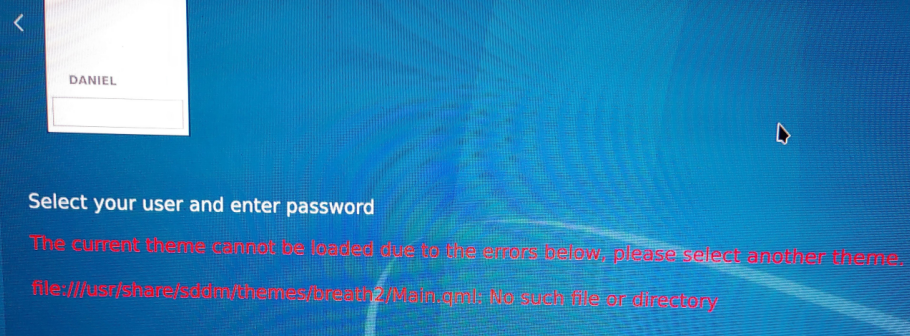
Post login, I set my Startup and Shutdown => Login Screen (SDDM) (in KDE Settings)… see how one was no longer set/highlighted?
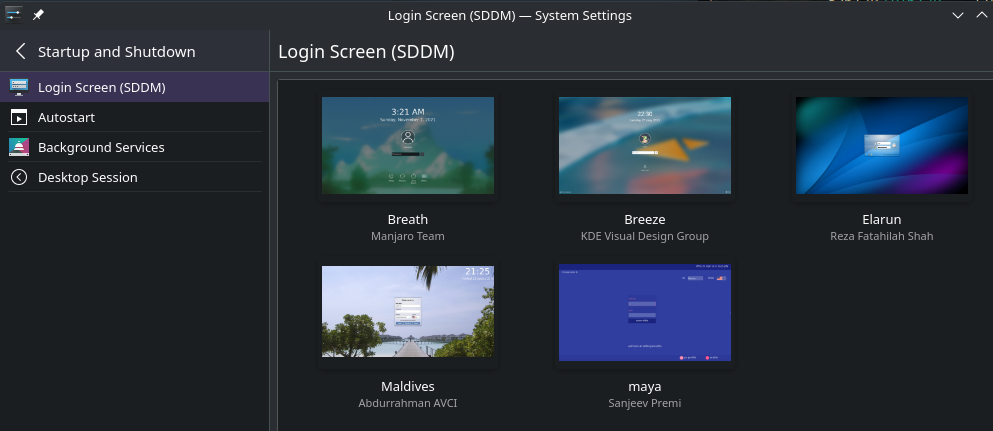
So, if you want a theme-based error free upgrade… move any theme elements you have set off “Breath/Breath2/Breath2 2021”, and then move them back to the new “Breath” theme post update; if desired.
Note: If you had made any Konsole Profiles (also shared by Yakuake) using “Breath2/Breath2 2021”… you will need to update those profiles post update as well.