Hi there,
I’m trying it on a X96S device, which is Amlogic S905Y2. I have both 2GB RAM and 4GB RAM models.
Flashed SD Card, changed uEnv.ini’s dtb_name=/dtbs/amlogic/meson-g12a-sei510.dtb
It booted up fine, able to get in desktop, pretty fast actually, but USB port does not work for some reason.
I can not use Keyboard, Mouse to control.
So I’m pretty much stuck here.
Anyone have seen this before?
When I boot back to Android, USB port works, so I know it works fine.
@gausus you have tried it with X96S device before, did you have the same issue?
First, please try to find a different .dtb file that boots up your box and has working USB. If there is none there is still a small chance to make the device work by analysing the .dtb file from Android. Although this is a complicated process because Android .dtb can look quite different than linux .dtb.
Thank you @TheMojoMan@sora
I’ve tried these: they seem to based on S905Y2
meson-g12a-radxa-zero.dtb
meson-g12a-sei510.dtb
meson-g12a-u200.dtb
meson-g12a-x96-max.dtb
They all booted, but still no USB
Tried a few more like meson-g12b-gtking-pro.dtb, it won’t boot.
I can also try Android I have root and get DTB, but I’ve never done this before.
Tried to use Xplore look at /dev/dtb it’s 0 bytes, so maybe I’m missing something.
However, this .dtb/.dts is also not usable in Manjaro. You would need to figure out how USB is described in the extracted .dts and than try to change one of the .dtb’s that are booting Manjaro (which use different/newer syntax). It’s not impossible but needs a lot of expertise …
Just an update on Manjaro-Arm-Gnome on Beelink GT King Pro.
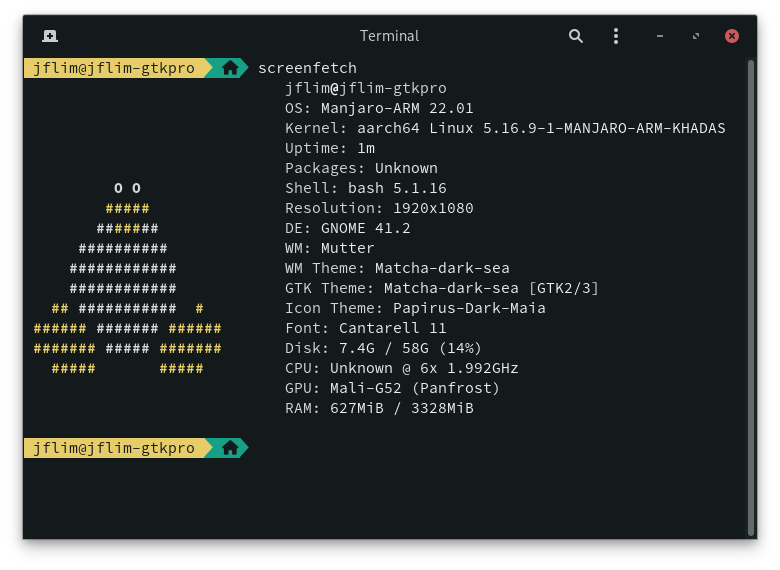
I was facing stability issue on BeelinK GT King Pro with mainline linux-5.15.y and 5.16.y recently (stability was good before that). Always had issue with linux-vim kernel since it switched to tobetter branch.
This new Manjaor-Arm image works on USB Flash but somehow did not boot up on SD Card (Samsung Evo Plus Class 10 U3).
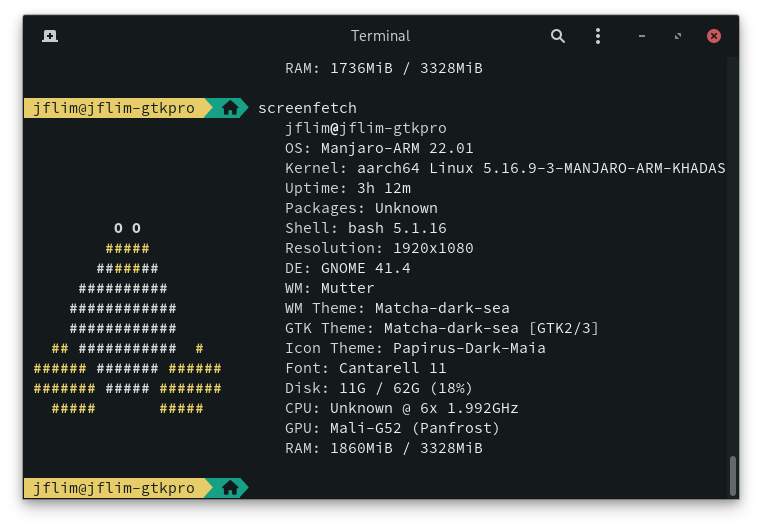
So far works smoothly and no more kernel panic issue to date. FYI, this is still a development image as such is on Unstable Branch. It can boot on any of the GT King Pro USB 3.0 or OTG Ports and with HDD attached on any ports. Thank you @spikerguy
There are two drawbacks I noticed. First is the reported available RAM is 3.25GB instead of 3.69GB when using chainloader u-boot.ext image. And second it sometimes does not “Shutdown” cleanly meaning when you “Power Off” from the “Menu” the device still have the Power LED ON and it does NOT Reboot either (just like on Manjaro mainline linux kernel).
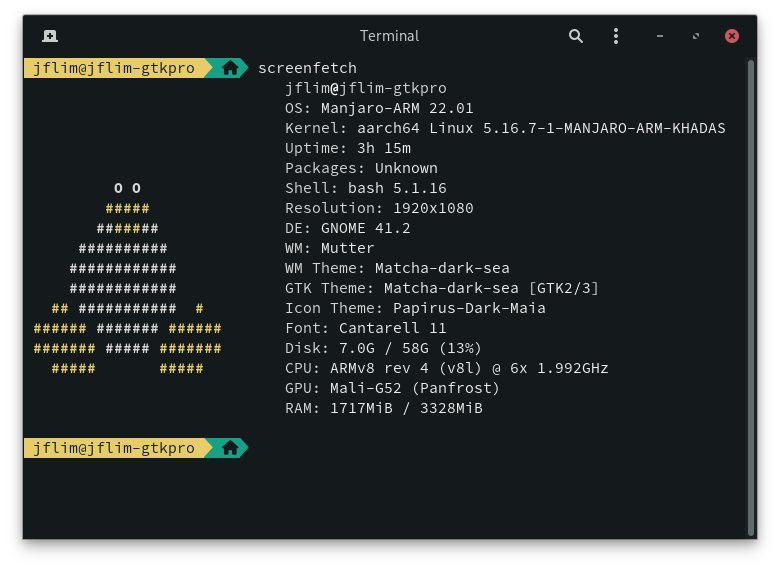
Just updated to latest Unstable updates and is now on linux-khadas-5.16.7-1.
I don’t seem to be able to find /etc/chromium.d/default-flags to try to set Chromium “default-flags”.
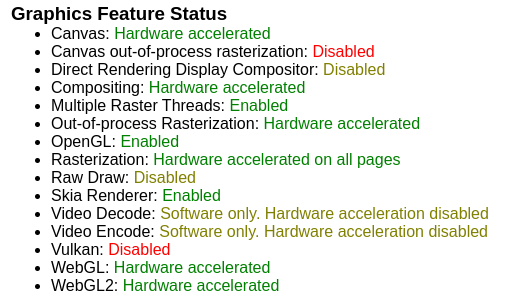
In Chromium 98 the default is Hardware Composition is OFF. Enabling “Override software rendering list” or “–ignore-gpu-blocklist” does NOT turn Enable HW Composition.
Only with command line “–in-process-gpu” enable HW Composition.
In Manjaro-Arm the Chromium “default-flags” settings don’t seem to exist? How to rectify this? Just manually create /etc/chromium.d/default-flags?
HK1/Vontar s905x3 tv box. [HK1_S905X4_4BIT_V01 / 2019-11-05] (on pcb)
have no luck booting with vim2/vim3 releases, but gtking-pro-images or
vim3l-images seems working pretty well with meson-sm1-x96maxplus-vim1000m-sound.dtb (but no wifi, didn’t test bt)
unfortunately, it boots only from usb3 flash, sd gives error on serial:
Thank you @TheMojoMan
I followed the instruction and was able to get the dts file.
I uploaded, but cannot included links in my post yet.
How can I include links?
If someone can share some more direction that would be great!
Error is caused by wrong interrupt which means the dts is not suited for your device.
Also someone can try adding reserved memory used by some vendor uboots.
Something similar to This
I had similar issue with KDE Plasma Wayland back in August 2021 time frame on GT King Pro. So it seems like this issue of KDE Plasma Wayland still persist.