Oh hehe so sudo mv Home/downloads/gimp-black.css to usr/share/gimp/3.0/themes/Default
It should be placed in your home directory — as I said already, unpack it in in ~/.themes. Then, in Plasma’s System Settings, choose that theme for gtk applications. And then in gimp, select the theme from the list, or if it’s not there, tell it to use the system theme instead.
Don’t do that! You’ll mess up your permissions. 
/usr must never be written to by hand unless you know what you’re doing, and I’m afraid you do not.
I created .themes & put the .css I made in. That doesn’t seem right, I don’t see gimp-black listed. Breeze seems to be easier to see though  Nope, Breeze isn’t blacker, how do I install a GTK theme from the store?
It won’t be called “Gimp Black”, will it? In your gtk settings… 
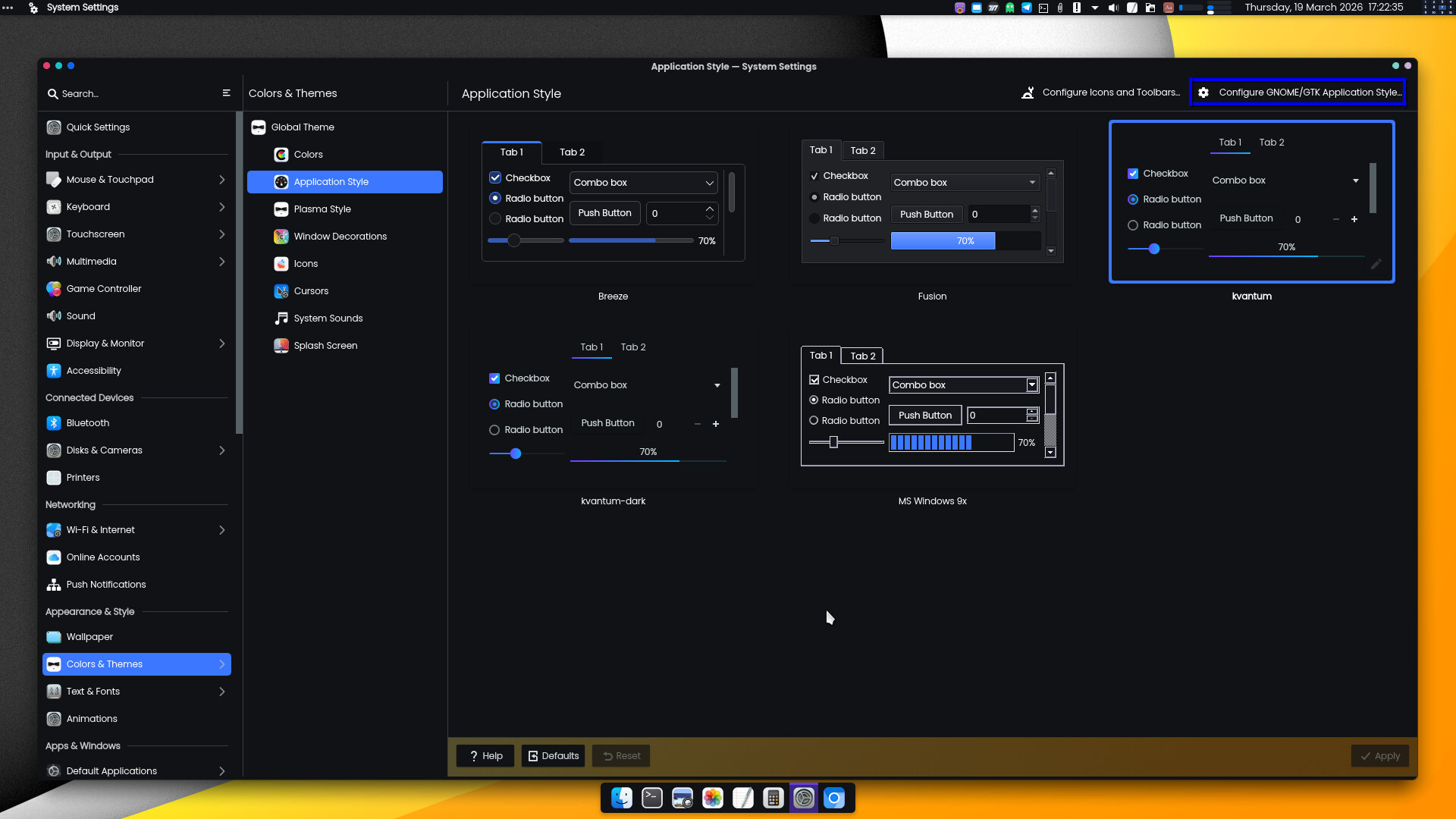
… you must select the name of the new theme. Then in gimp, you select the system theme.
Got it.
1 Like